View all images
 +4 More
 +4 More
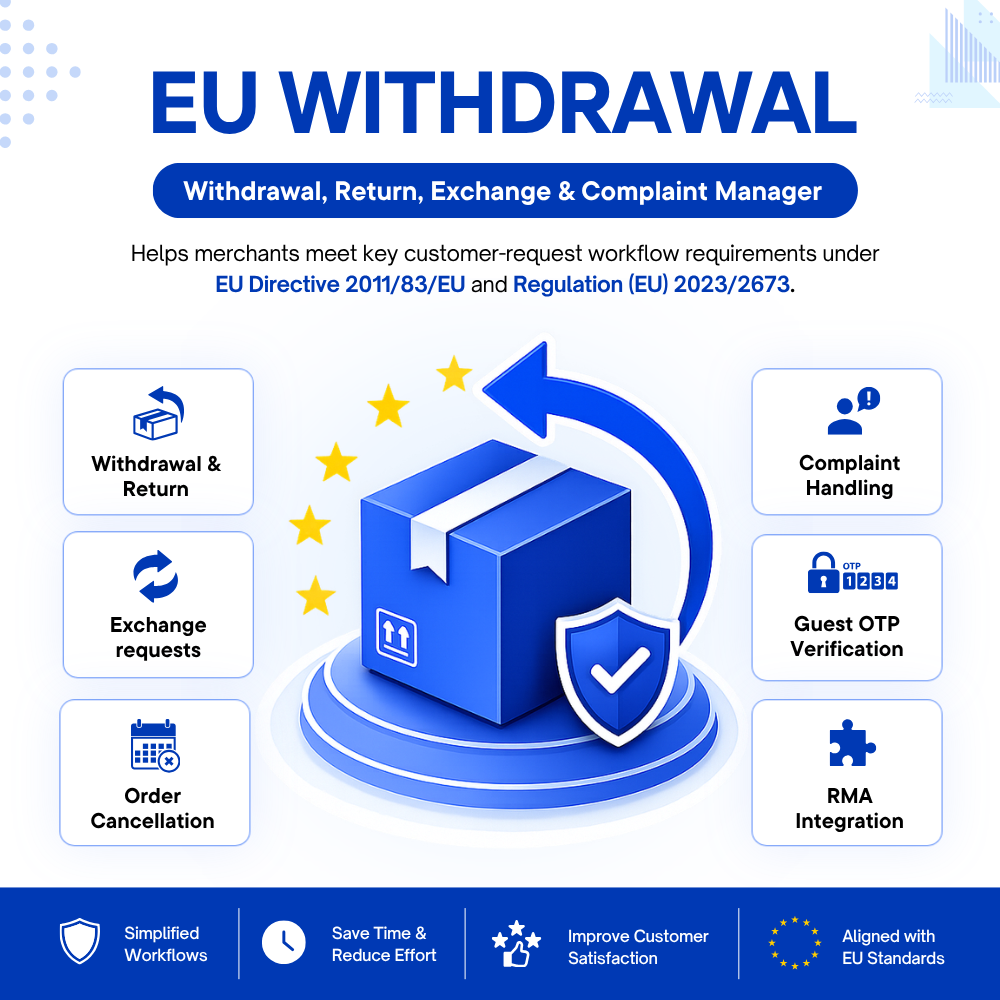
Support compliance with Directive 2011/83/EU, as amended by Directive (EU) 2023/2673. Manage EU withdrawal, returns, exchanges, complaints and cancellations with a PrestaShop withdrawal module. Display clear withdrawal links right on your website.
Not sure what your PrestaShop store needs to do to comply with the new EU withdrawal requirements?
Worried about whether your store will be ready for Directive (EU) 2023/2673 by 19 June 2026?
Struggling to provide customers with a clear and easy way to exercise their right of withdrawal online?
Still spending time handling withdrawal requests manually through emails, contact forms or multiple steps?
From 19 June 2026, Directive 2011/83/EU, as amended by Directive (EU) 2023/2673, requires online interfaces used for distance contracts to provide an easy-to-find withdrawal function. Merchants therefore need a clear and accessible digital process that enables consumers to exercise this right online.
Without a structured withdrawal process, businesses may face greater compliance risks, inconsistent request handling and incomplete records. Customers may also feel less confident purchasing when their withdrawal rights are difficult to find or use.
EU Withdrawal Button, Return, Exchange & Cancellation is a PrestaShop withdrawal module that helps merchants provide clear withdrawal access in easy-to-find locations on their website and manage return, exchange, complaint and cancellation requests in one workflow. It supports EU consumer rights, creates a more transparent post-purchase process and strengthens customer trust.
With this PrestaShop withdrawal module, you get the practical tools needed to implement the main online withdrawal requirements introduced by Directive (EU) 2023/2673, while keeping the process clear for customers and manageable for your team.
With the module, you can:
These functions help your store implement the practical withdrawal process required for online sales while giving customers a clearer and more reliable way to exercise their rights.
Directive 2011/83/EU, as amended by Directive (EU) 2023/2673, requires online merchants to provide consumers with a clear and accessible way to exercise their right of withdrawal online.
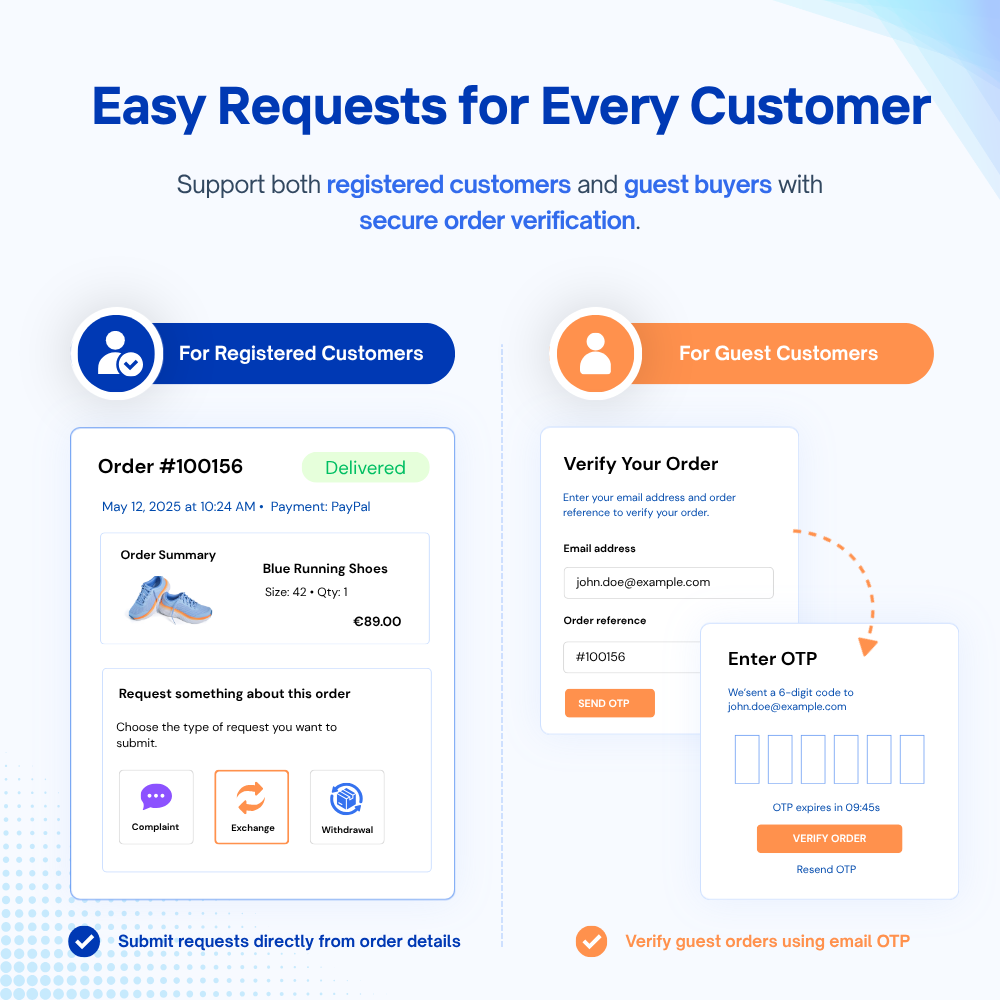
This PrestaShop withdrawal module creates a simple path for both registered and guest customers:
Beyond the default locations, merchants can use the custom hook or shortcode to place the withdrawal link in other suitable positions, including product pages, CMS pages, emails, etc.
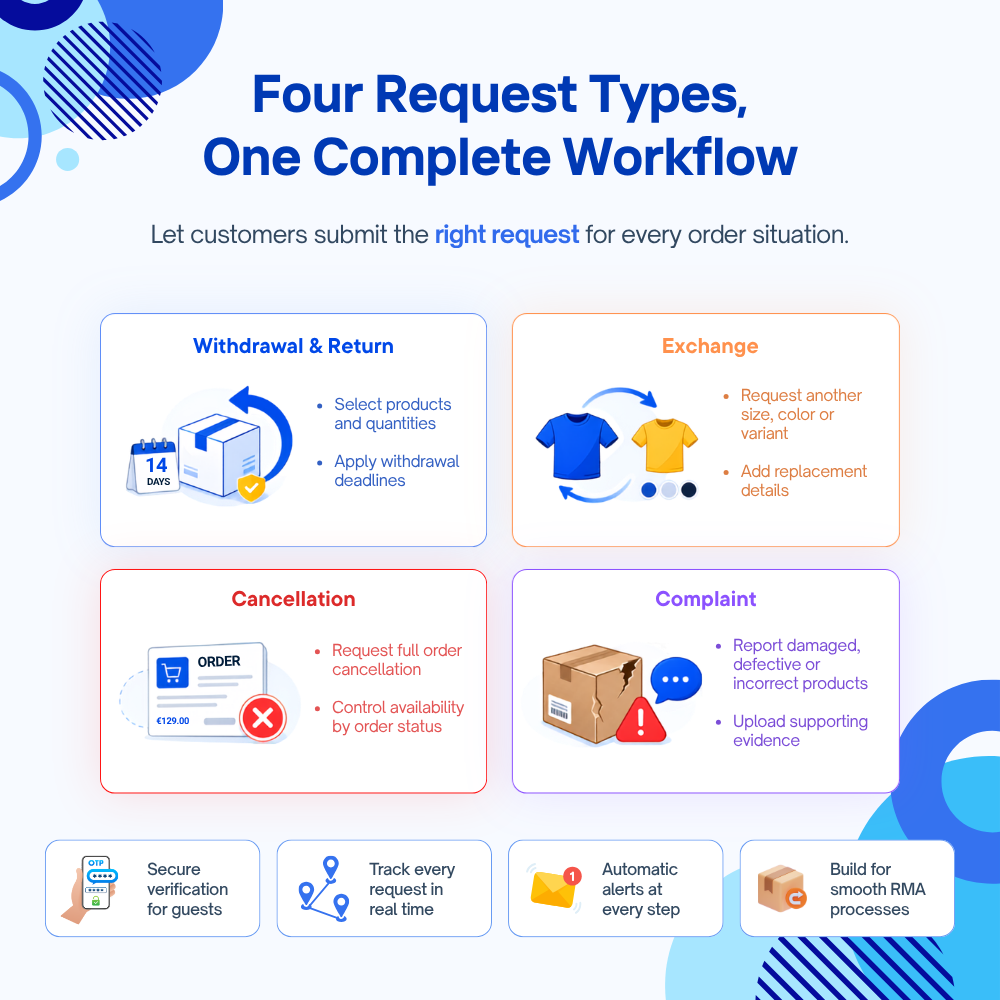
The same structured access also supports return, product exchange, complaint and order cancellation requests, giving customers one clear post-purchase process instead of several disconnected contact methods.
A reliable withdrawal process must identify the correct customer and order while preventing unauthorized or accidental submissions.
Logged-in customers can submit requests only for their own orders. Guest buyers verify access using their email address, order reference and a six-digit OTP, which expires after 10 minutes and limits failed attempts.
Before submission, customers review the request details and confirm their decision, including the configured legal declaration. The module also validates order ownership, eligible products, quantities and shop context on the server.
Together, these checks create a secure two-step process and help reduce invalid withdrawal and after-sales requests.
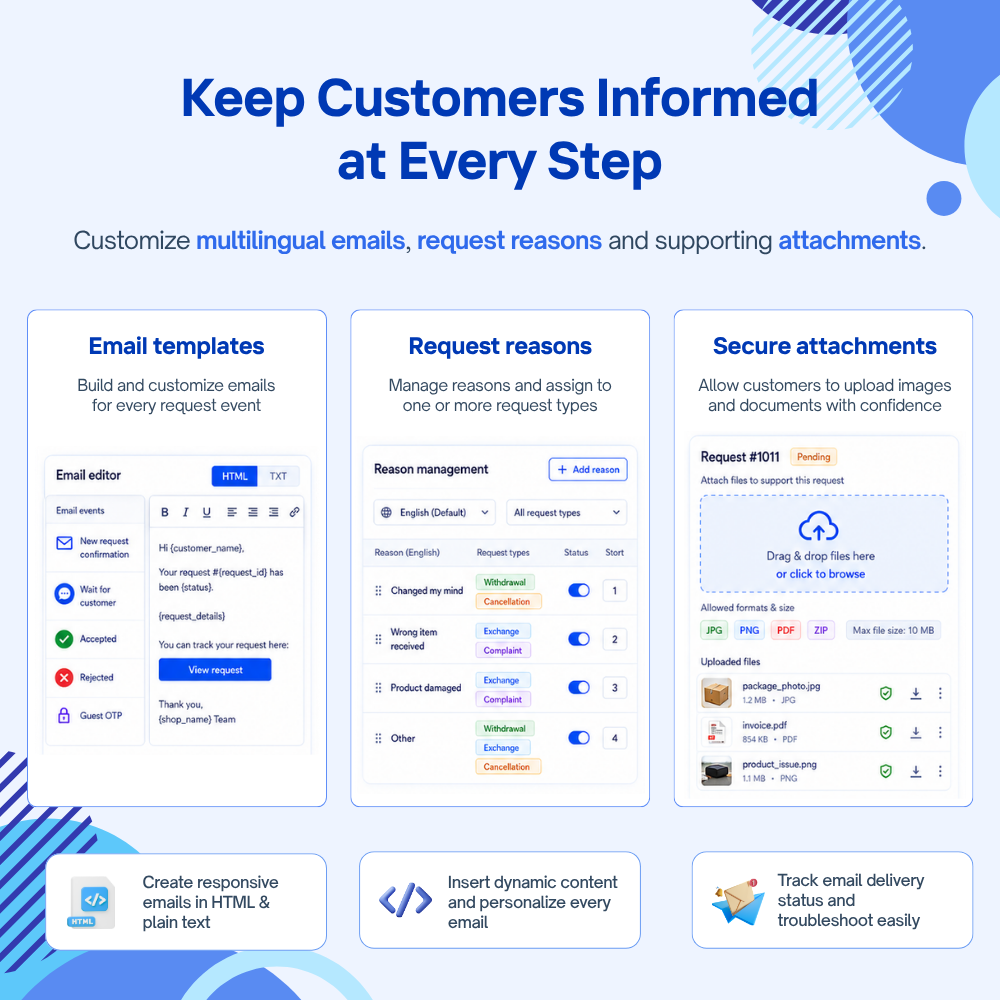
After a request is submitted, the module automatically sends a confirmation email to the customer and notifies the configured administrators. This helps merchants acknowledge receipt promptly and gives customers clear proof that their request has been received.
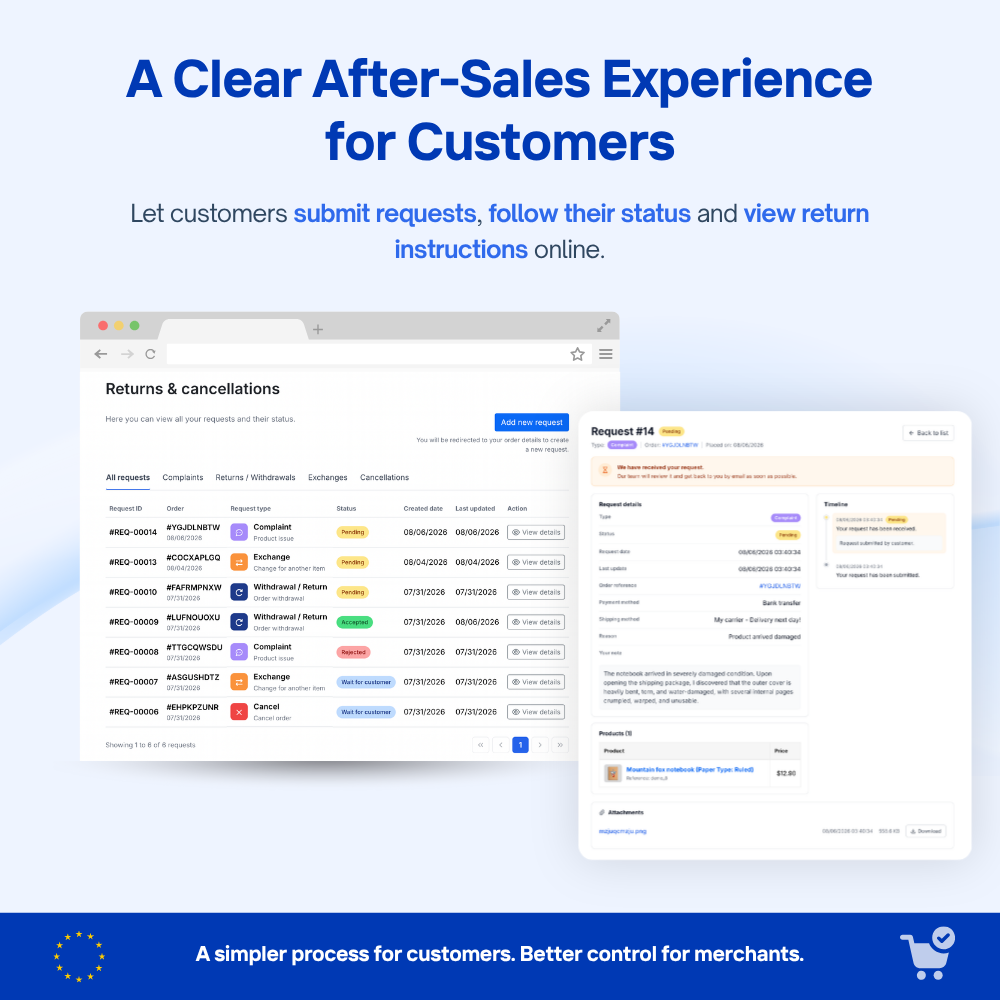
Each request keeps the related order, selected products, submitted information, current status and processing history. Registered customers can follow progress through My Account, while guest buyers use a secure tracking link.
Merchants can also review the email delivery log, including recipients, results and errors. This creates a more transparent and traceable process for withdrawal, return, exchange, complaint and cancellation requests.
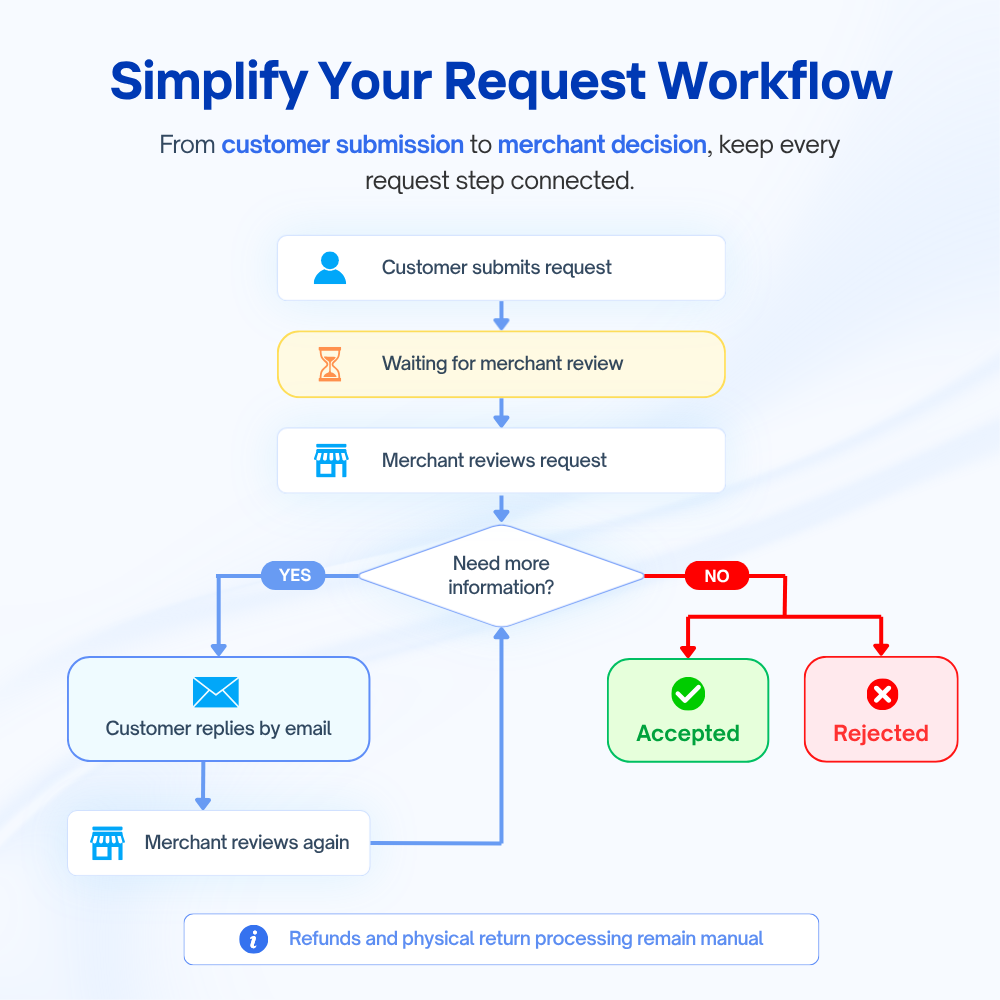
Note: The module sends and logs request-related notification emails. Any replies or further communication between the merchant and customer are handled through email and are not synchronized or stored as a conversation in the module.
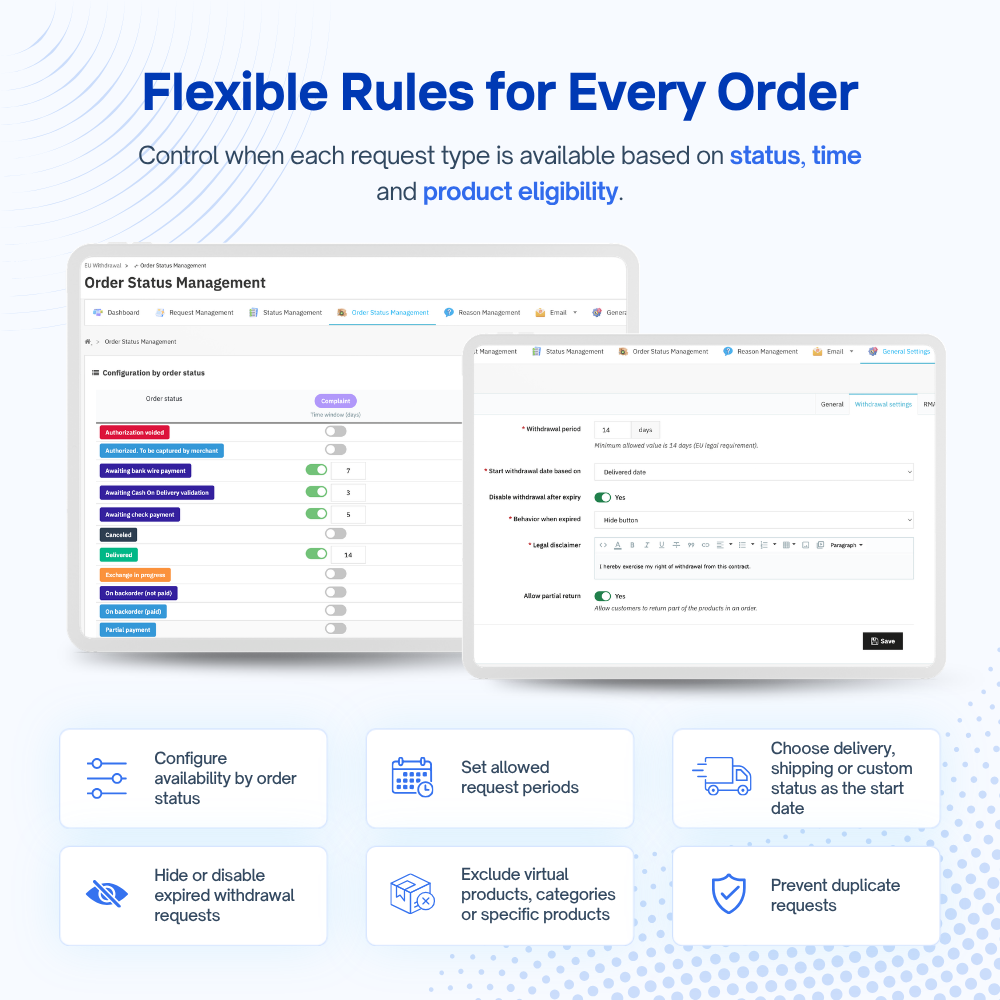
This PrestaShop return module turns your withdrawal policy into a controlled process, helping staff apply the same conditions to every eligible order.
Together, these controls help merchants apply a clearer return policy, reduce inconsistent decisions and keep each request easier to review and document.
Beyond EU withdrawal and return, the module also gives customers a structured way to submit product exchange, complaint and order cancellation requests when they need to cancel a contract or order.
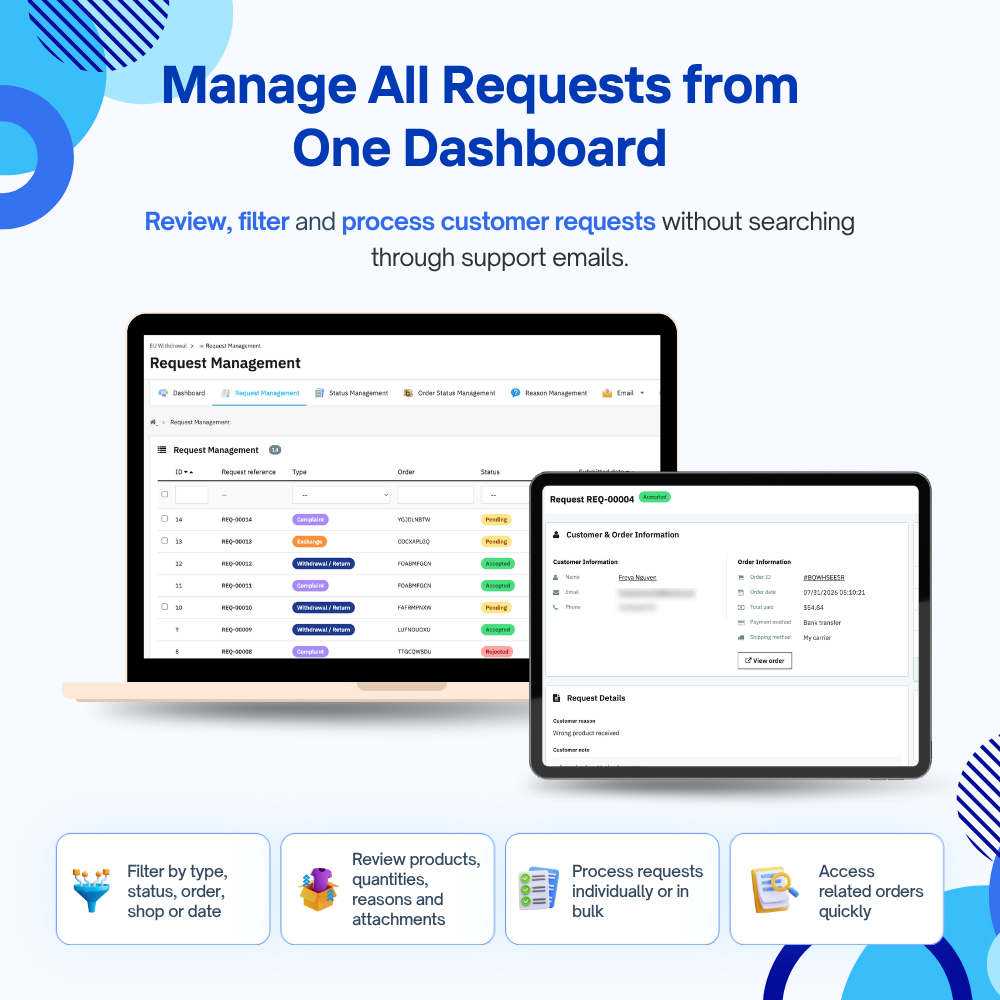
Merchants can review and process these requests through the same centralized workflow, with clear statuses, customer comments, internal notes, email notifications and complete processing history.
This makes the module more than a standard withdrawal tool. It also works as a PrestaShop return manager for handling common post-purchase requests in one place.
Important note: The module manages requests, statuses, notifications, order status mapping and optional RMA creation. Refunds, physical returns, product replacements, payment cancellation and complaint resolution must still be handled manually by the merchant.
This PrestaShop withdrawal module is suitable for websites that sell to EU consumers and need a clear way to manage withdrawal and other post-purchase requests.
It is especially recommended for PrestaShop websites that:
Q: Does this module help my store fully comply with EU withdrawal requirements?
A: It implements the key online withdrawal functions required by Directive 2011/83/EU, as amended by Directive (EU) 2023/2673. Correct configuration, store policies and follow-up actions remain the website owner’s responsibility.
Q: Can customers cancel a contract or order before shipping, while exchanges or complaints are available only after delivery?
A: Yes. You can decide which order statuses allow complaint, exchange and cancellation requests, and set how long each option remains available after the order enters that status. Withdrawal requests use a separate configurable withdrawal period.
Q: Can I prevent customers from returning digital, customized or other non-returnable products?
A: Yes. You can exclude virtual products from withdrawal and return requests, as well as exclude selected categories or individual products. This allows you to apply your own return policy to products that should not be eligible.
Q: Can guest buyers submit exchanges, complaints and cancellations, or only return requests?
A: Guest buyers can submit any request type currently available for their order. They first verify the order using their email address, order reference and a six-digit OTP, without creating a customer account.
Q: What happens if a customer already has an active request for the same order?
A: You can enable duplicate-request prevention. When enabled, the module blocks another request while the order already has a Pending or Wait for customer request, regardless of the request type.
Q: Can I create additional request types or custom statuses?
A: The module uses four fixed request types—withdrawal/return, exchange, complaint and cancellation—and four fixed statuses: Pending, Wait for customer, Accepted and Rejected. You can create and manage custom multilingual reasons, but not additional request types or statuses. Accepted or Rejected requests cannot be reopened.
Q: Can I communicate directly with customers inside the module if I need more information about a request?
A: No. You can move the request to Wait for customer and send a customer-facing comment, but any further communication must be handled manually outside the module, such as by email or phone.
Q: What exactly happens when I accept a return, exchange, complaint or cancellation request?
A: The module records the decision, sends the relevant email and can update the PrestaShop order status. It can also create an optional RMA for an accepted return. Refunds, payment cancellation, physical returns, replacement shipments and complaint resolution must still be handled manually by the merchant.
Q: Do I have to use PrestaShop RMA to manage return requests?
A: No. RMA creation is optional. You can manage and track return requests without it. To create an RMA automatically after accepting a return, PrestaShop’s native merchandise return feature must be enabled.
Q: Can customers upload several images or documents with one request?
A: Complaint and exchange forms allow one attachment per request. Customers can ZIP multiple files into one archive before uploading. Withdrawal and cancellation forms do not support attachments.
Paso 1: Descargue e instale PrestaHero Connect: https://prestahero.com/es/145-prestahero-connect.html
Paso 2: Vuelva a cargar su back office, luego navegue a "PrestaHero > Módulos de PrestaHero" y haga clic en "Conectar a PrestaHero" para conectar su sitio web con PrestaHero de forma segura con sus credenciales de PrestaHero.
Paso 3: Busque el módulo que compró (o módulos gratuitos) y haga clic en "Instalar" o "Actualizar" para instalar los módulos o actualizar sus módulos cada vez que se lance una nueva versión.
¡Ahora está listo para disfrutar de nuestro módulo!
*Nota:
Version 1.0.1
Version 1.0.0
Release version
 Cómo actualizar sus módulos PrestaShop usando PrestaHero Connect
  Gran actualización: ¡todos los temas de PrestaHero!
  Los módulos de PrestaHero están listos para PrestaShop 9.1.x y Hummingbird 2.0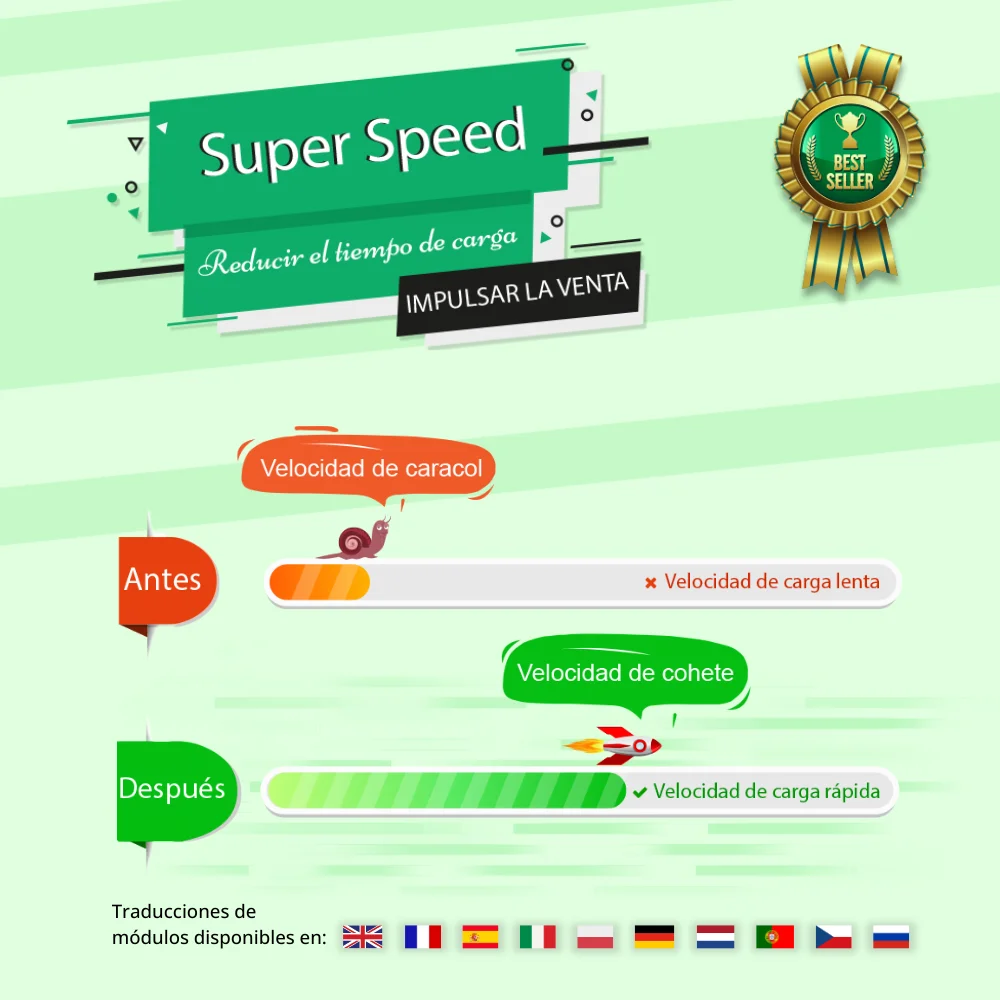

Acelera y optimiza tu tienda para mejorar UX y SEO. Maximiza la velocidad de página, Google PageSpeed y GTmetrix con caché de página, optimización de database e imágenes (WebP/TinyPNG), code minification y compresión GZIP.
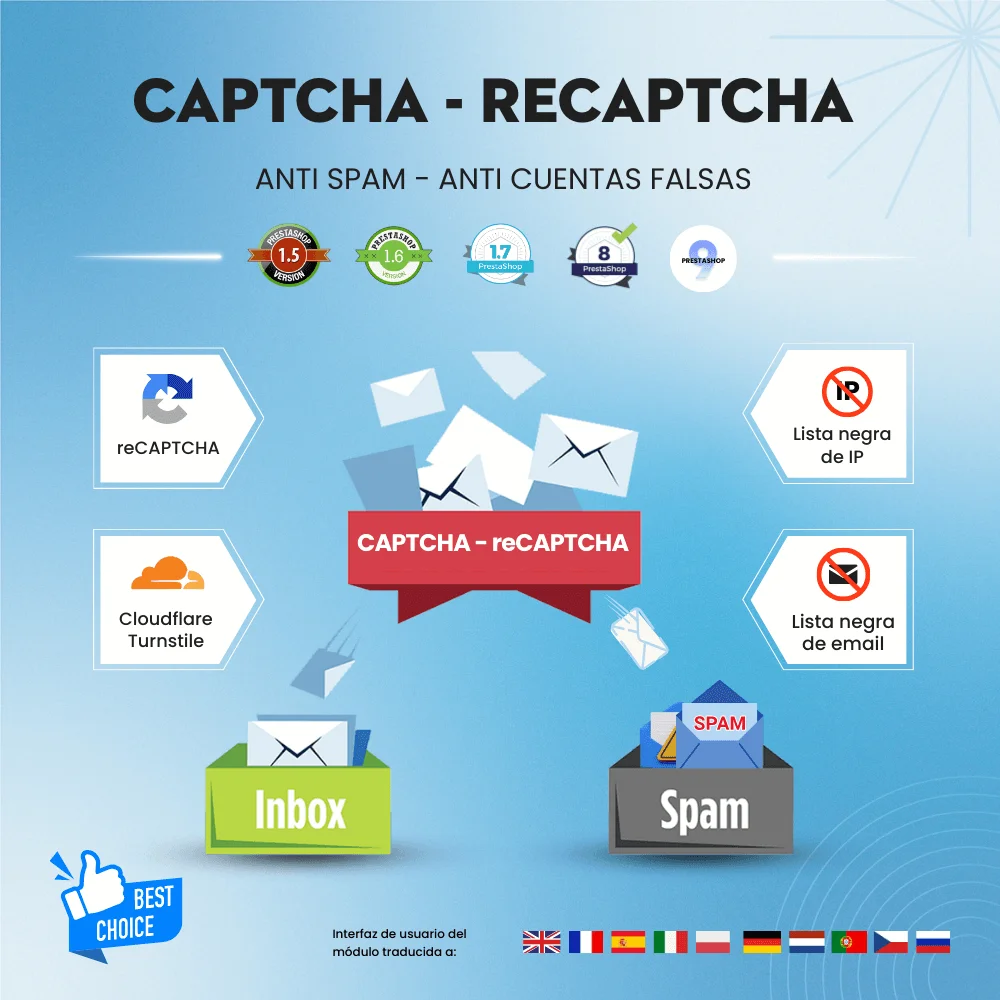

Elimine los correos electrónicos no deseados y las cuentas de cliente falsas con Google CAPTCHA - reCAPTCHA, Cloudflare Turnstile, lista negra de IP y correo electrónico. Módulo de captcha de PrestaShop para el formulario de contacto, formulario de inicio de sesión, etc.


Módulo generador de contenido AI y traducción de PrestaShop gratuito basado en Google Translate API, DeepL, ChatGPT, Bing/Azure, Libre, Lecto y Yandex. Traduce toda la tienda a más de 110 idiomas y genera contenido con ChatGPT (2 en 1 módulo)


Edición rápida/masiva, listado de productos personalizables, filtro instantáneo de productos... Product Manager es un módulo de edición masiva de productos PrestaShop que te ofrece las herramientas de gestión de productos más efectivas.

Editar/borrar/duplicar pedidos, exportar pedidos a CSV/Excel/XML, y página de listado de pedidos personalizable. Order Manager es una herramienta integral de gestión de pedidos de PrestaShop para administrar pedidos de manera fácil y efectiva.


Convierte todas las imágenes a Google WebP para una mayor velocidad y optimización SEO. También soporta carga diferida (Lazy Load), TinyPNG, reSmush, limpieza de imágenes y más!
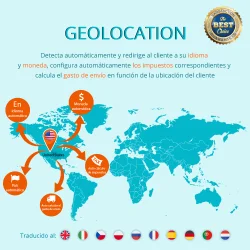

Experimenta una geo-dirección fluida con nuestro módulo PrestaShop Geolocalización. Detecta la ubicación del cliente, cambia automáticamente idioma, moneda, impuestos y los costos de envío. ¡La solución GeoIP último para tu tienda PrestaShop!
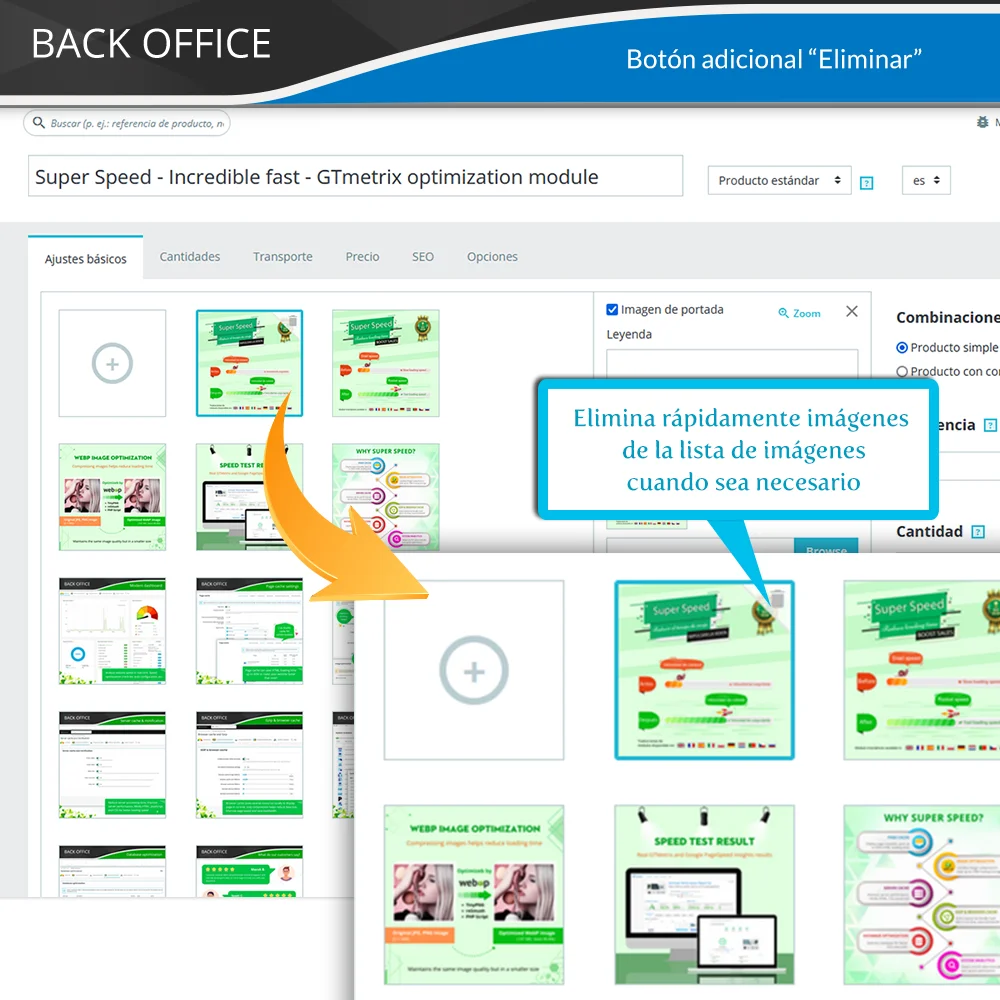

Muestre fácilmente las imágenes de los productos en varios idiomas, configure imágenes de portada, administre las imágenes sin esfuerzo. Aumente ventas en diversos mercados con este módulo de traducción de imágenes de productos de PrestaShop.