
How to Send Login Password to Customers After Registering with Social Network Accounts
In today's e-commerce landscape, offering seamless login options is essential for enhancing customer experience. With SOCIAL LOGIN, customers can effortlessly register or log in using their social network accounts. To ensure a smooth experience, you can configure your PrestaShop store to automatically send login details, including the password, to customers via email.
Follow this guide to activate and customize this feature for your store.
Step 1: Enable the "Send password to customer" option
- Go to your SOCIAL LOGIN module’s configuration page.
- Navigate to the Settings menu.
- Look for the "Send password to customer" option and toggle it on.
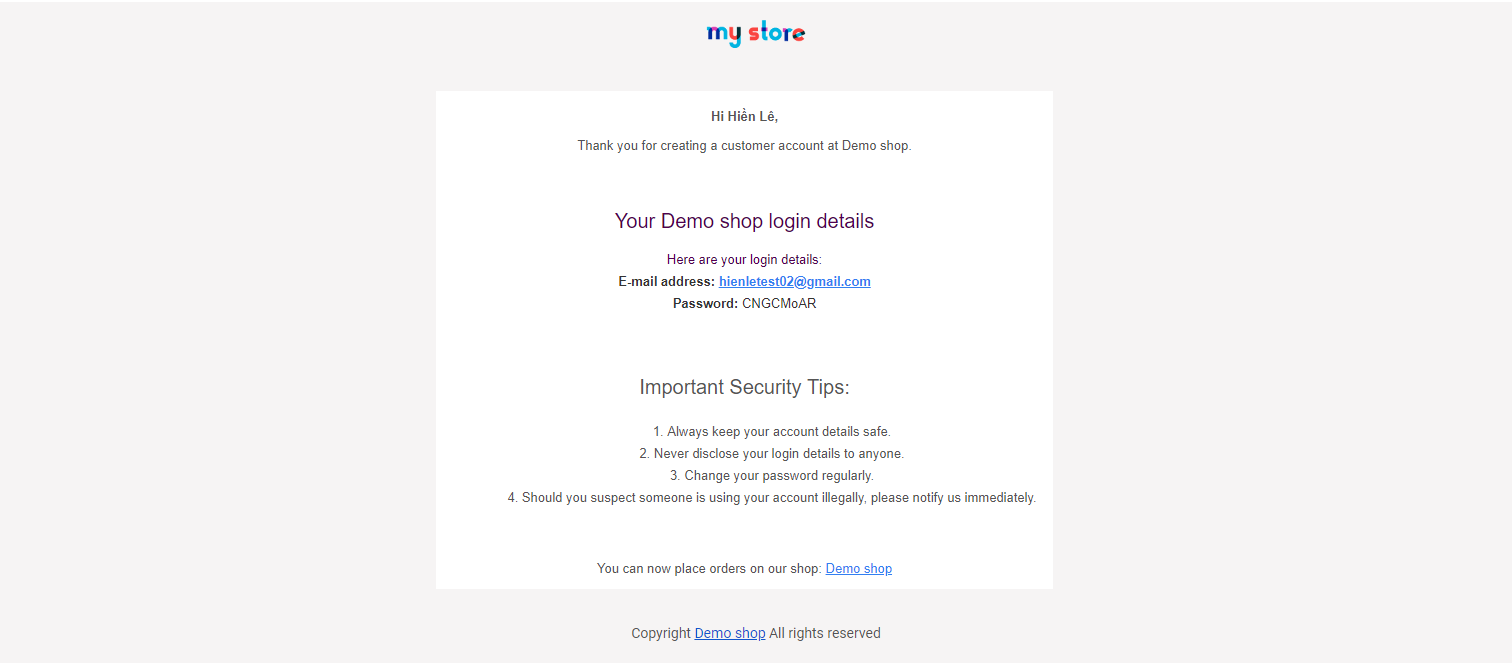
When this option is enabled, customers who register or log in with their social network account will receive an email notification containing:
- Their email address.
- Their password is in plain text, as shown in the image below:
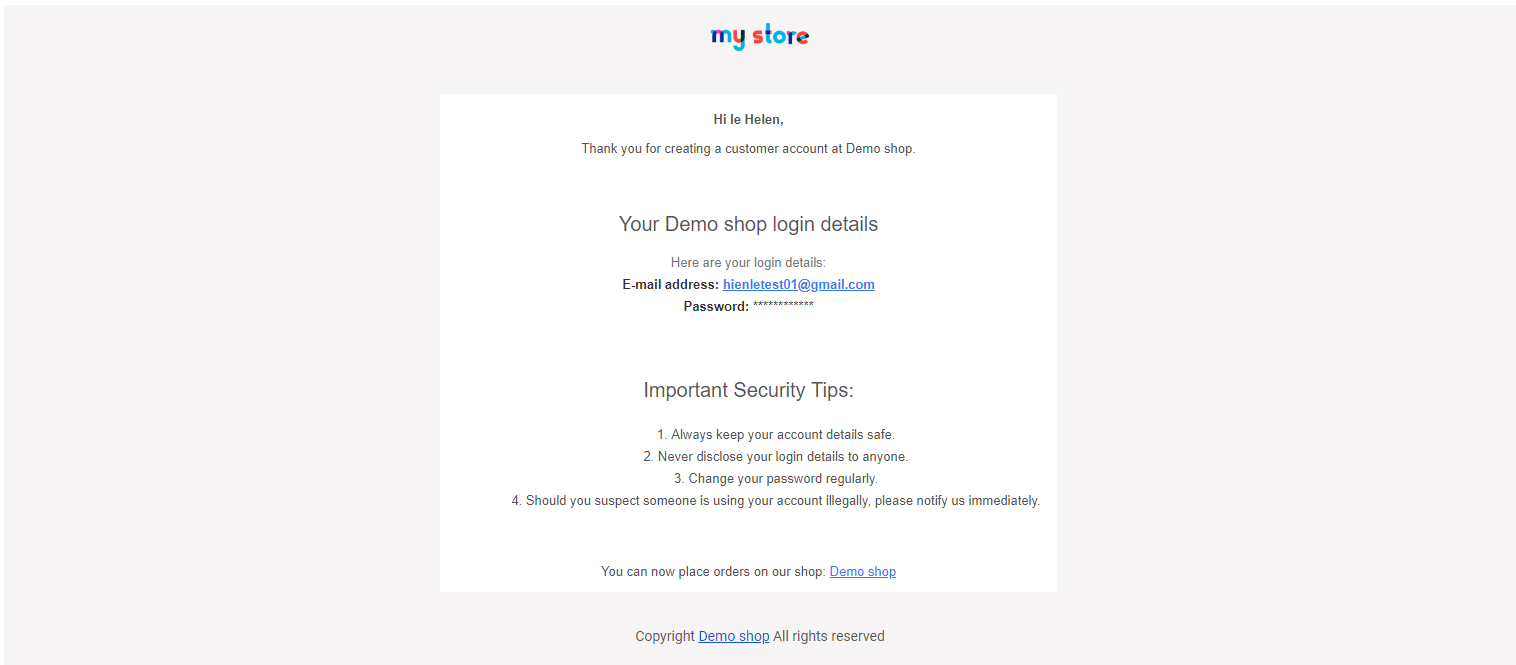
If you choose to disable this option, customers will still receive a notification email, but the password field will remain hidden.
Step 2: Customize the email content
To personalize the email sent to customers, you can edit the email template:
- Access your PrestaShop file directory.
- Navigate to /mails/account_showpassword.
- Modify the template content to match your branding and tone.
Make sure to save the changes and test the email to ensure it displays correctly before going live.
Why enable this feature?
- Enhanced customer experience: Providing login details immediately makes it easier for customers to access their accounts.
- Reduce support requests: Avoid confusion and reduce the need for customers to request password resets.
- Streamlined process: Automatically generating and sending login credentials saves time for both customers and store administrators.
By enabling the "Send password to customer" feature, you offer your customers a seamless and transparent registration process, boosting their satisfaction and trust in your brand.