
Store pickup and Local delivery
Enable customers to buy online and pick up in-store easily with our Store pickup and Local delivery module. Schedule local store delivery, select pick up location. Easy to install, simple, and efficient.

Enable customers to buy online and pick up in-store easily with our Store pickup and Local delivery module. Schedule local store delivery, select pick up location. Easy to install, simple, and efficient.
Enable customers to buy online and pick up in-store easily with our Store pickup and Local delivery module. Schedule local store delivery, select pick up location. Easy to install, simple, and efficient.
Buy online, pick up in-store (BOPIS, or BOPS) is emerging as a profitable omnichannel fulfillment strategy that maintains the in-store experience: customers may save money on delivery fees and pick up their purchase from a local location whenever it is convenient for them.
Simply add our Store pickup and Local delivery module to your PrestaShop online store to offer this service to your clients. Increase sales opportunities, lower shipping costs, and increase customer loyalty – this PrestaShop click and collect module has a lot of advantages that you should not skip!
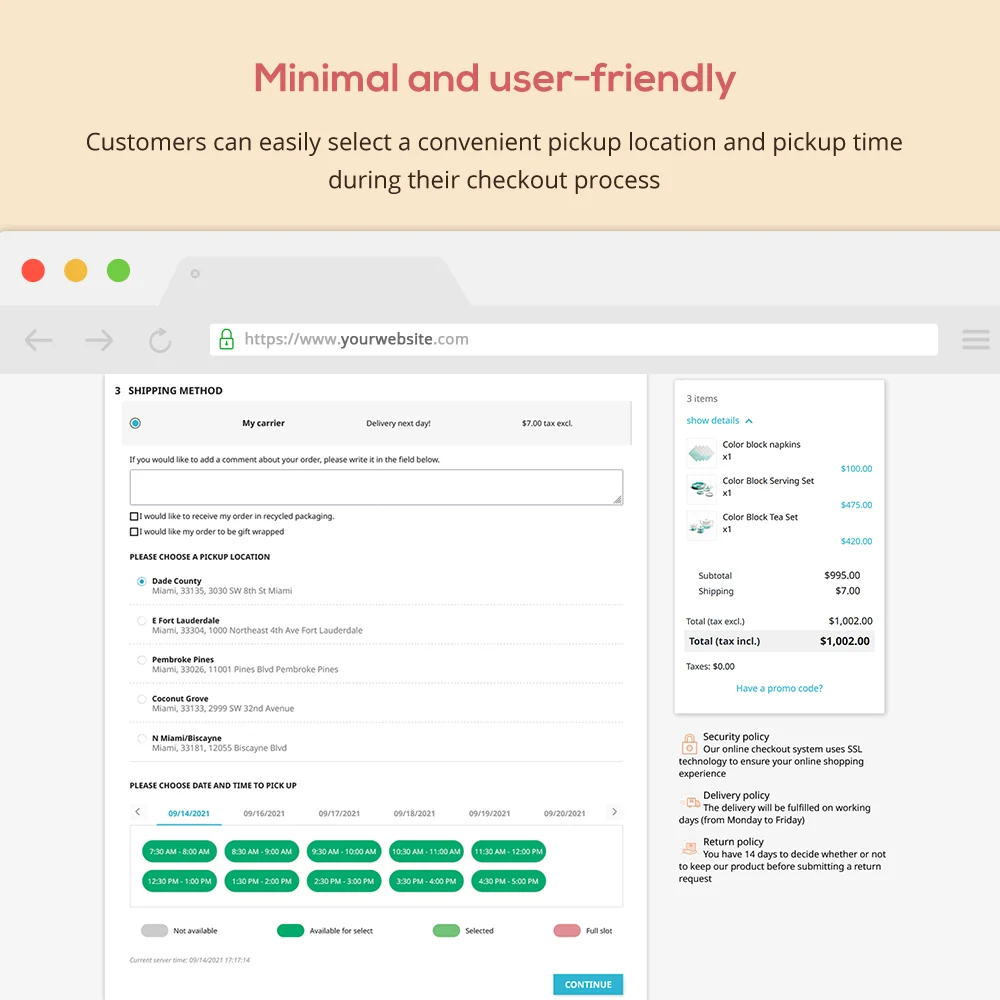
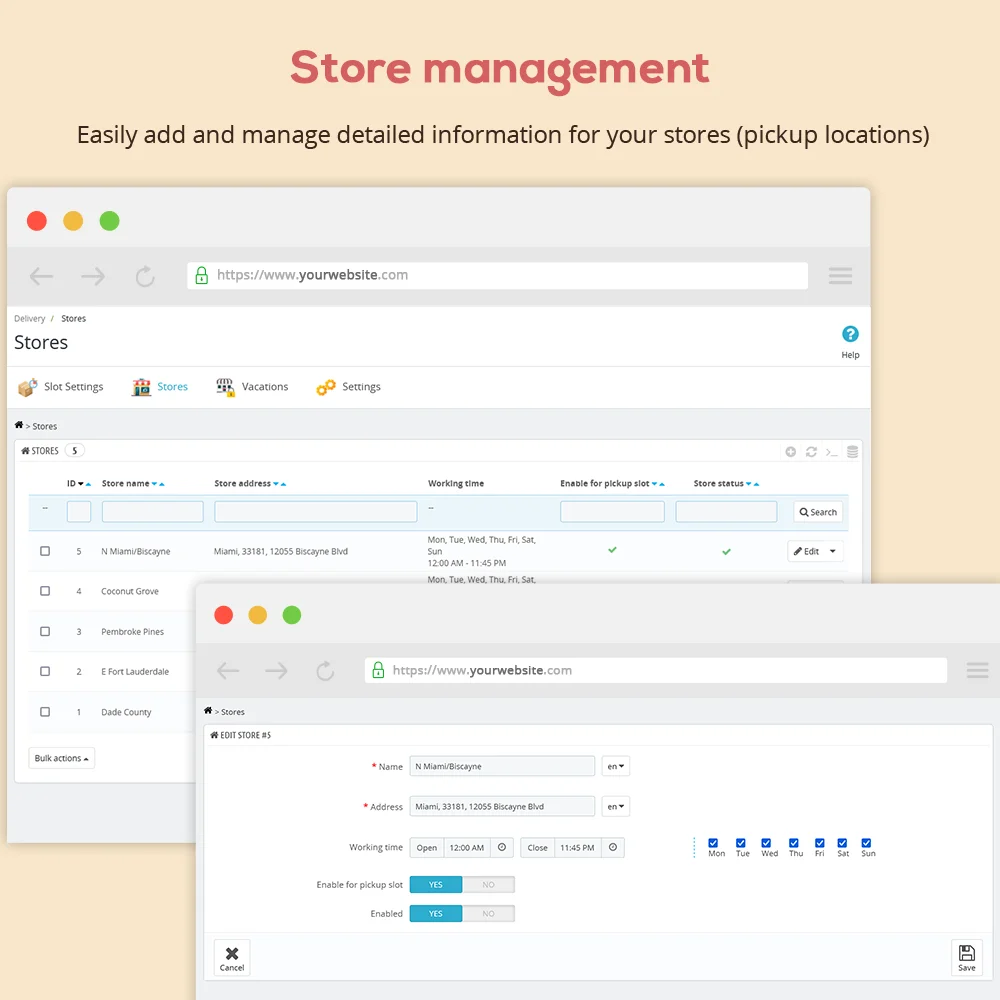
Thanks to this PrestaShop pick up in-store module, customers will see a list of available pickup locations for their orders and can choose convenient locations that let them receive orders where they want.
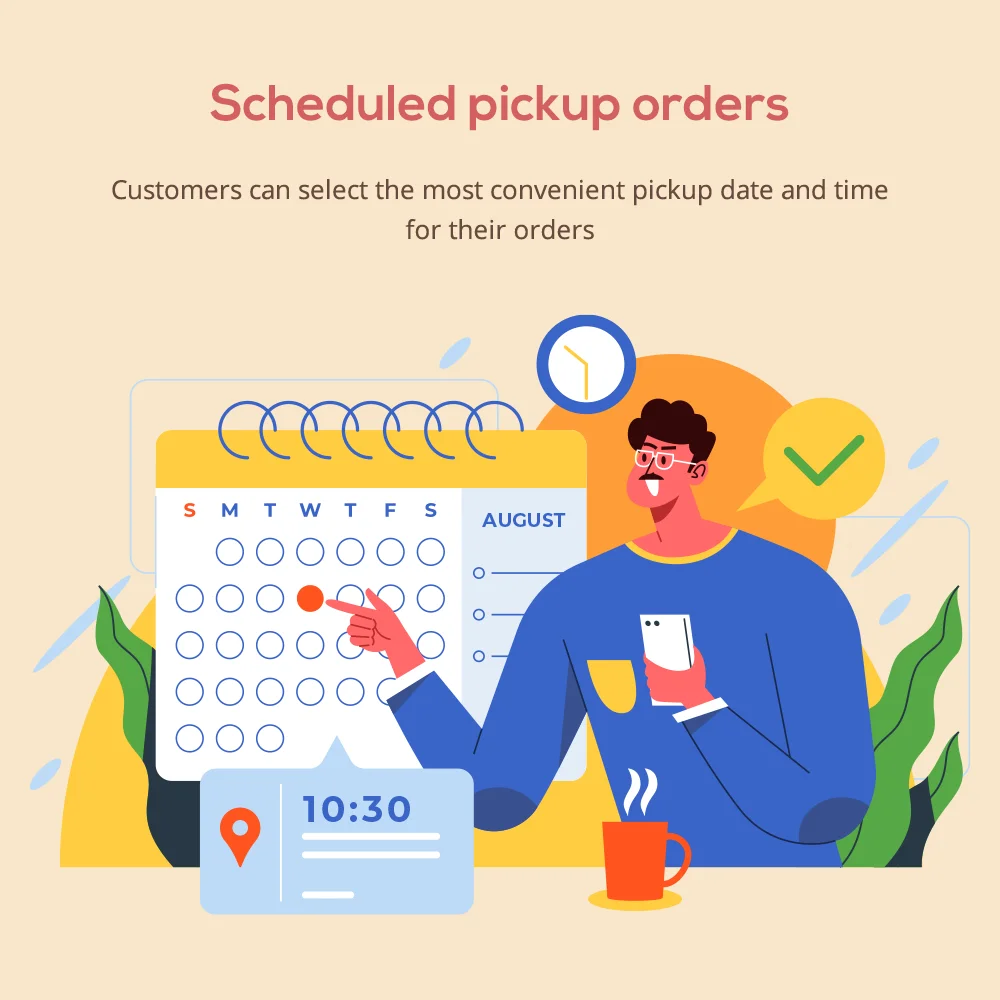
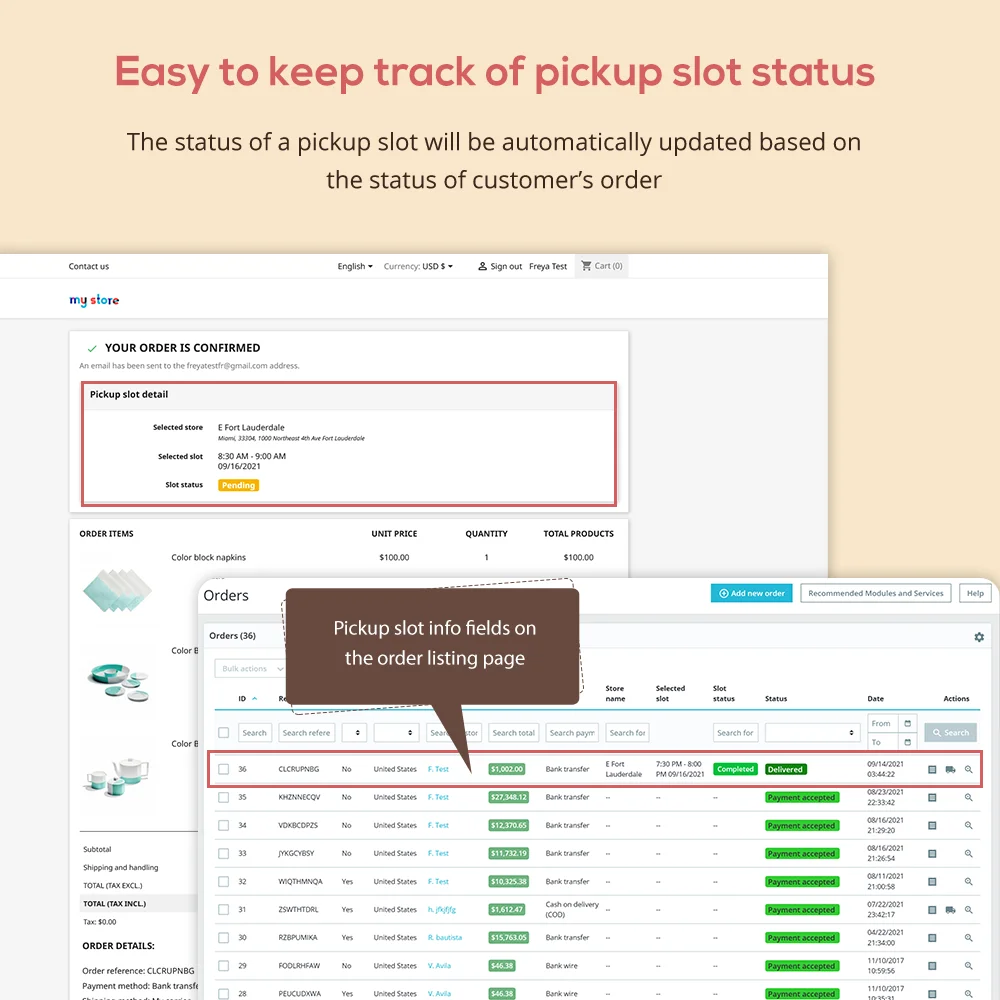
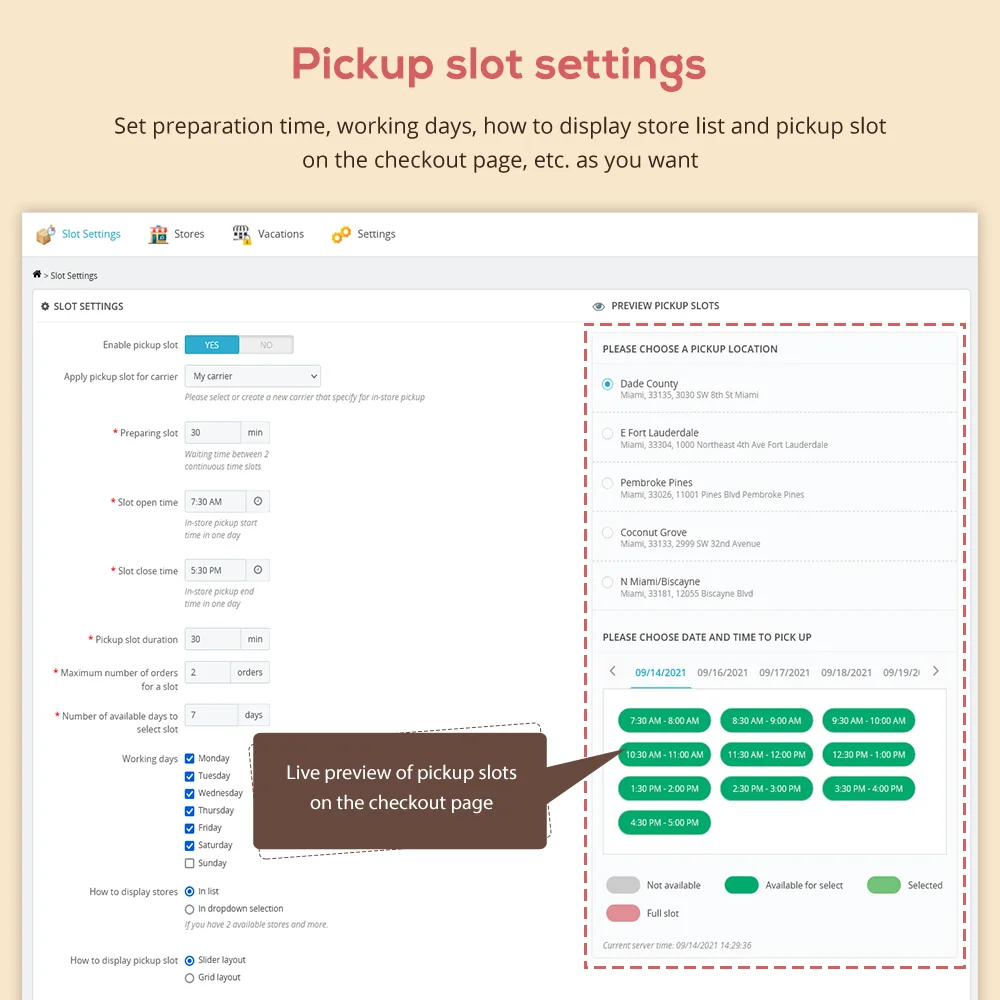
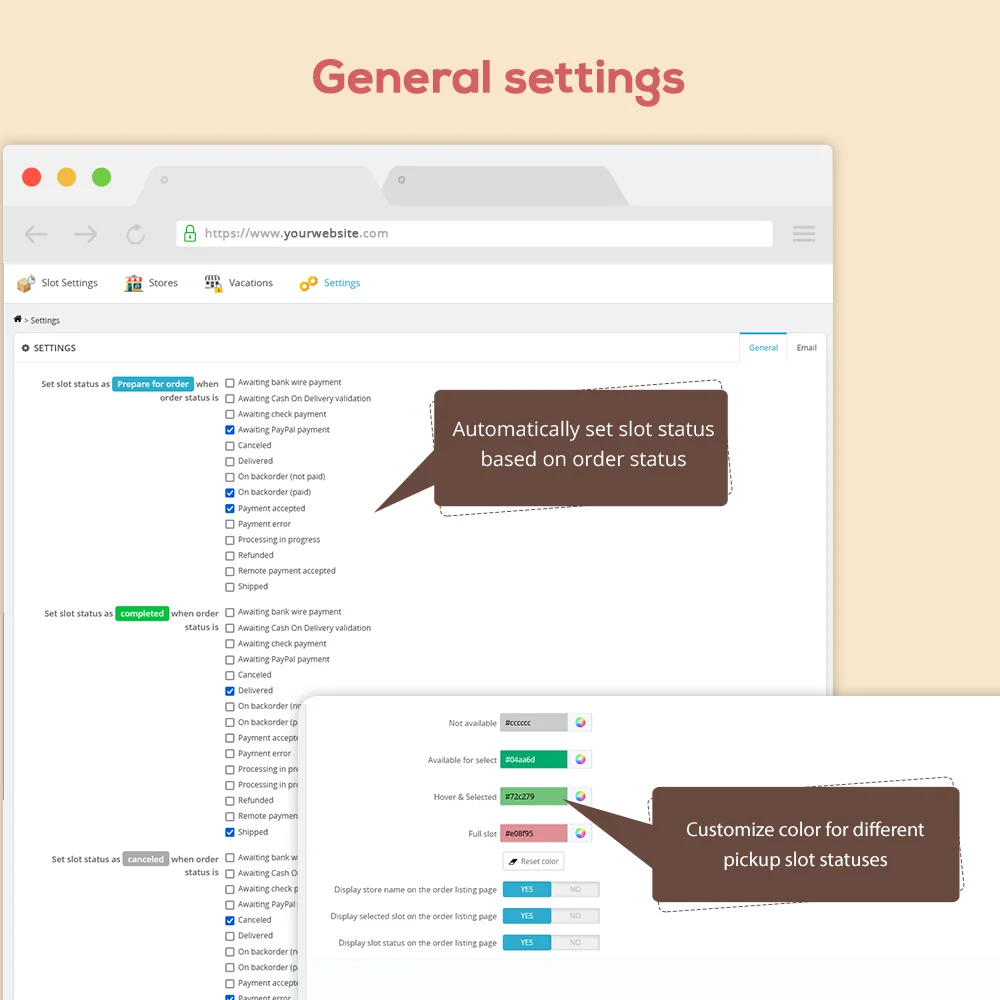
You may need to know when a customer is coming to pick up an order or when your store accepts pickups at times. The “Pickup slots” feature allows you to set up working hours globally or per location, as well as prep time for a pickup, the maximum number of days a pickup can be scheduled, and more.
Let’s arrange versatile pick-up and delivery times so your clients know when they can expect their items!
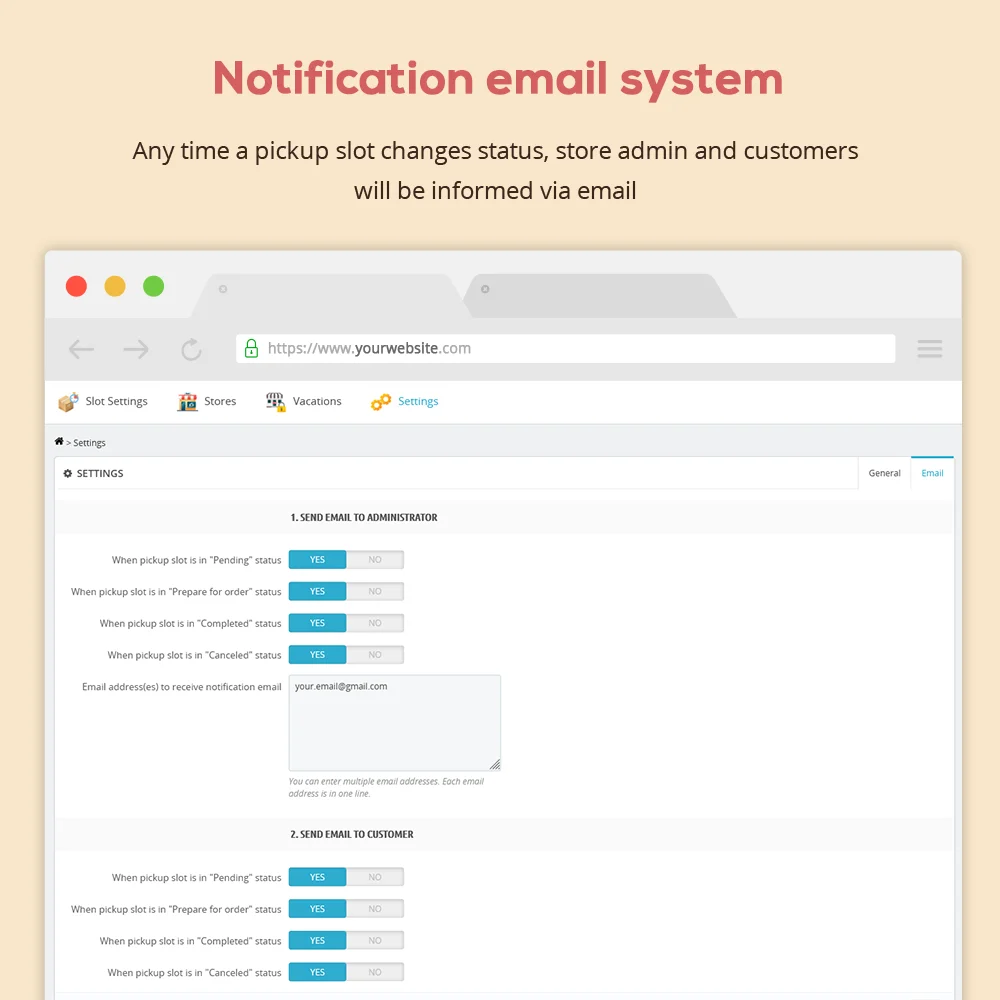
With this PrestaShop store pickup module, you can set up the conditions to send notification emails both to store administrators and customers. Any time a pickup slot changes status, store admin and customers will be informed via email.
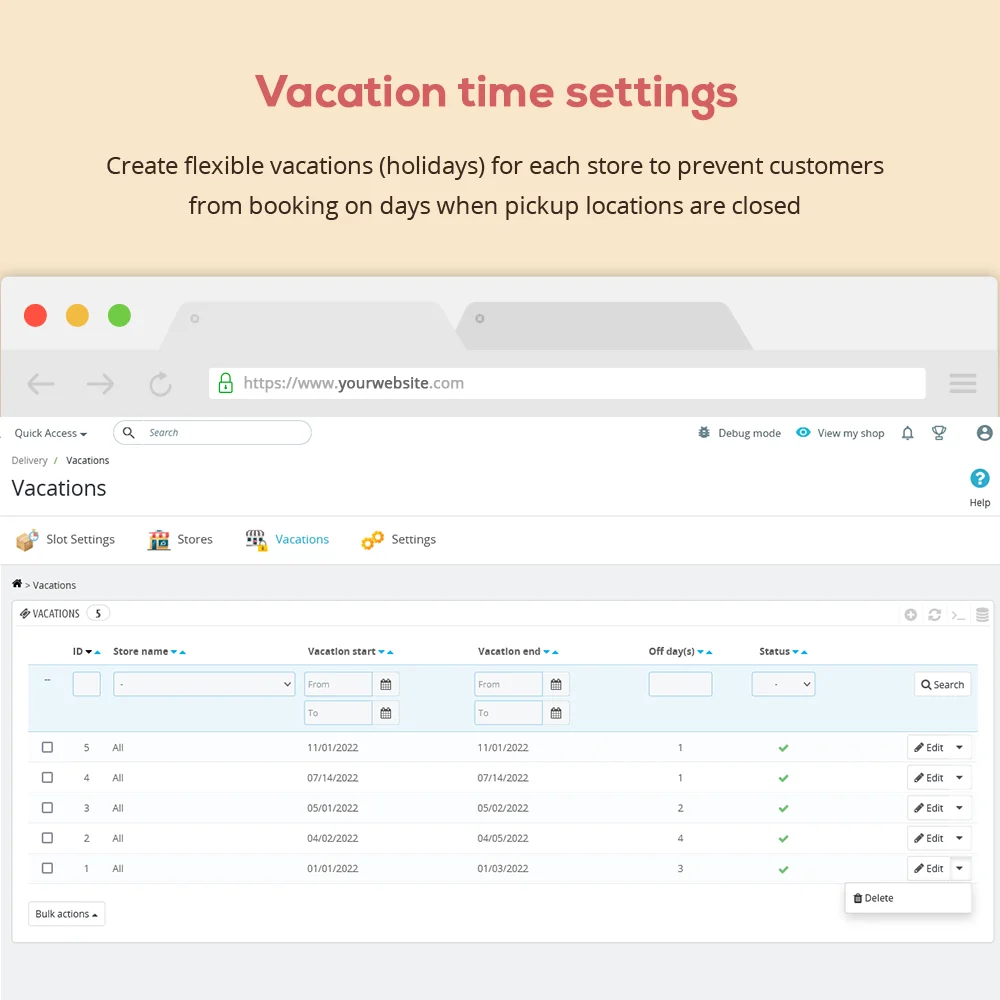
Add flexible vacations (holidays) for each store (pickup location) to prevent customers from scheduling on days when your stores are closed.
Create flexible vacations (holidays) for each store to prevent customers from booking on days when pickup locations are closed.
Step 1: Download and install PrestaHero Connect: https://prestahero.com/en/145-prestahero-connect.html
Step 2: Reload your back office, then navigate to "PrestaHero > PrestaHero modules" and click on "Connect to PrestaHero" to connect your website with PrestaHero securely with your PrestaHero credentials.
Step 3: Find the module you purchased (or free) modules and click "Install" or "Upgrade" to install the modules or upgrade your modules any time a new version is released.
*Note:
Version 1.4.1
Version 1.3.0
Version 1.2.9
Version 1.2.8
Version 1.2.7
Version 1.2.6
Version 1.2.5
Version 1.2.4
Version 1.2.3
Version 1.2.2
Version 1.2.1
Version 1.2.0
Version 1.1.7
Version 1.1.6
Version 1.1.5
Version 1.1.4
 How “Buy Online, Pick Up In-Store” gives sellers and customers an edge
 E-Commerce shipping and logistics strategy.
 How to upgrade PrestaShop modules using PrestaHero Connect
 Big Update - All PrestaHero's themes!
 PrestaHero Modules Are Ready for PrestaShop 9.1.x and Hummingbird 2.0
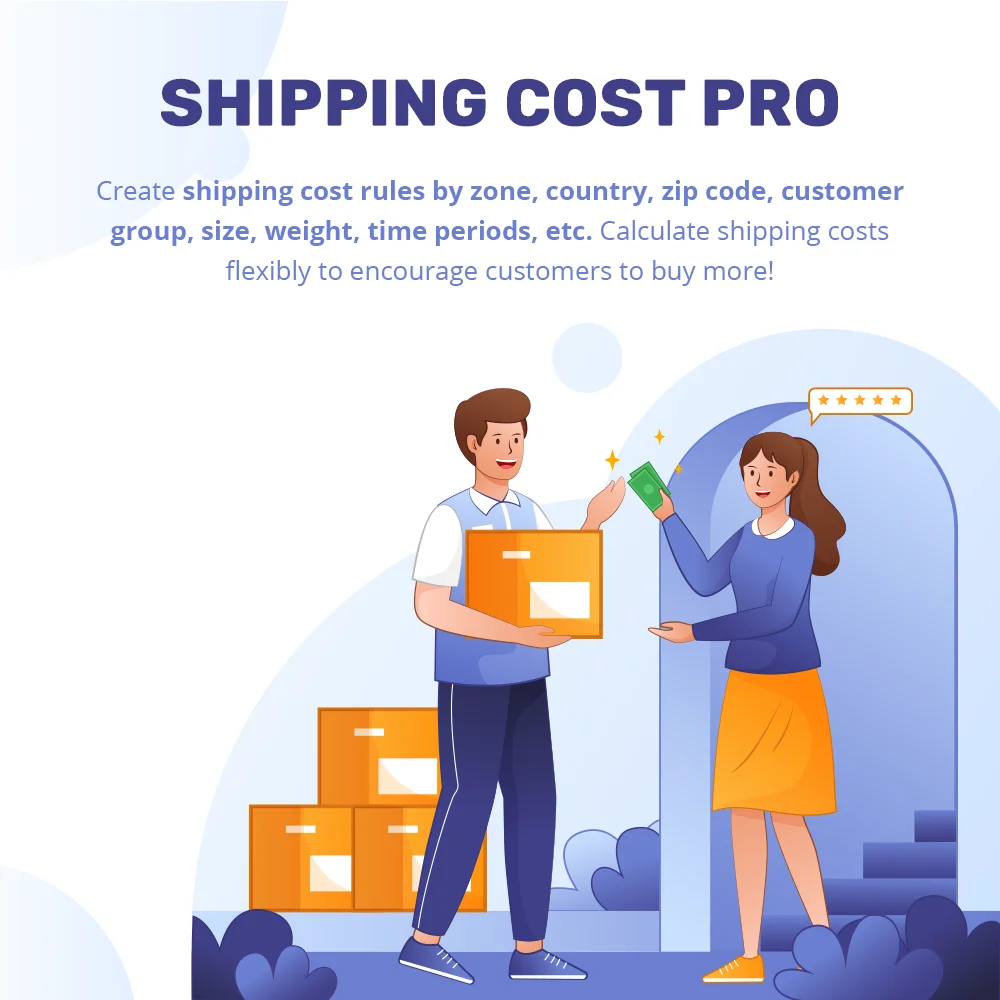

Boost sales with Shipping Cost Pro - our PrestaShop advanced shipping cost module. Create custom shipping rules by zone, zip code, category, customer group, and more. Calculate enticing shipping fees, offer free shipping, and increase conversions!
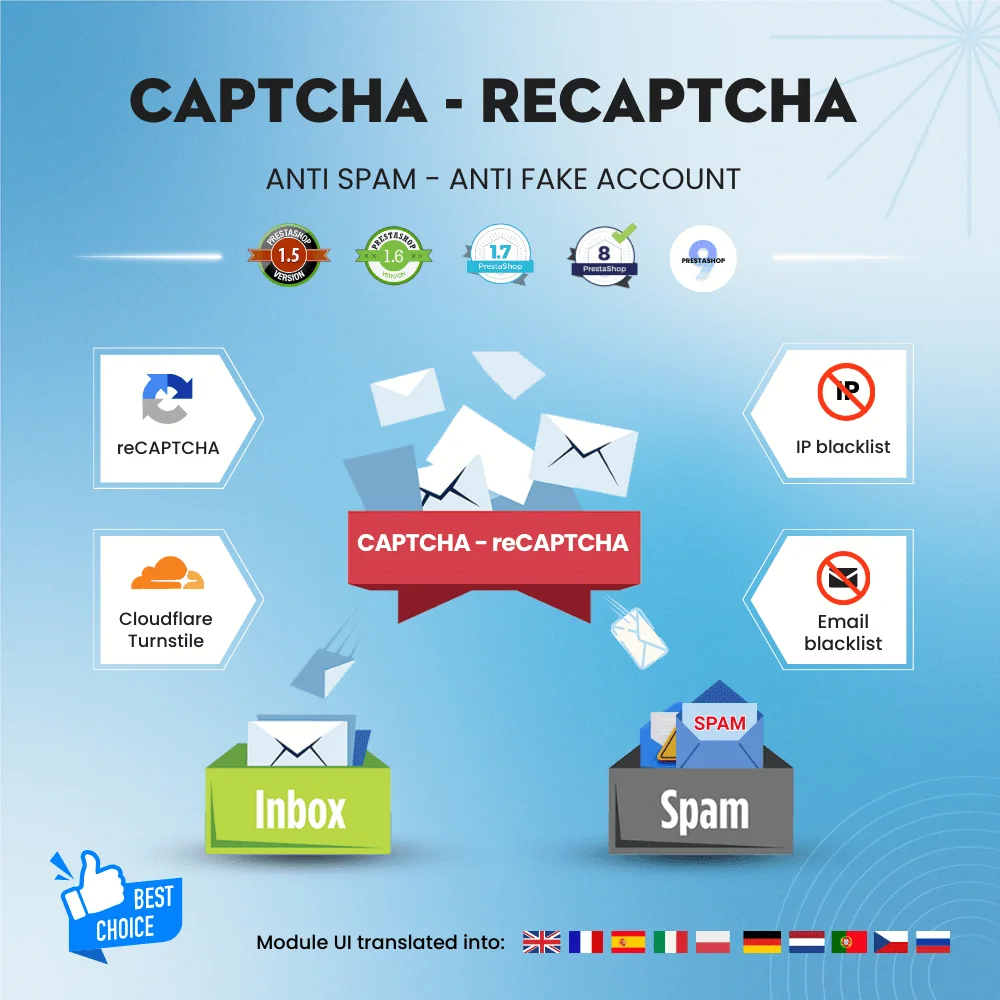

Get rid of spam emails and fake customer accounts with Google CAPTCHA - reCAPTCHA, Cloudflare Turnstile, IP blacklist, and email blacklist. The best PrestaShop captcha module for contact form, login and registration form, newsletter subscription, and all other forms.

The most trusted professional PrestaShop blog module. Can be integrated with ChatGPT for generating content! Up-to-date with SEO practices, a WordPress alternative, All-in-one blog module for your store!
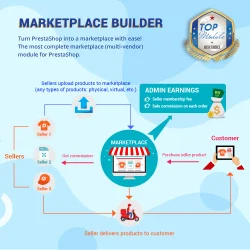

Transform PrestaShop into a multi vendor marketplace with easy setup steps. This module enables sellers to list their products on your site and pay you a percentage fee per sale or a monthly membership fee


Build loyalty, attract new customers and grow sales with 3 marketing programs in 1 module—loyalty, referral and affiliate. Reward customers with points or cash when they purchase products, refer friends or promote products and generate sales.

Easily migrate your data (data transfer) from PrestaShop 8, 1.7, 1.6, 1.5 to PrestaShop 9 with our ultimate PrestaShop migration module - the smart way to upgrade your store. Seamlessly migrate your data, enhance features & stay updated.

Turn your Instagram feed into a shoppable gallery! Integrate Instagram into PrestaShop in 1 CLICK using the new Instagram API. Showcase your Instagram photos/videos to attract visitors and turn them into customers.
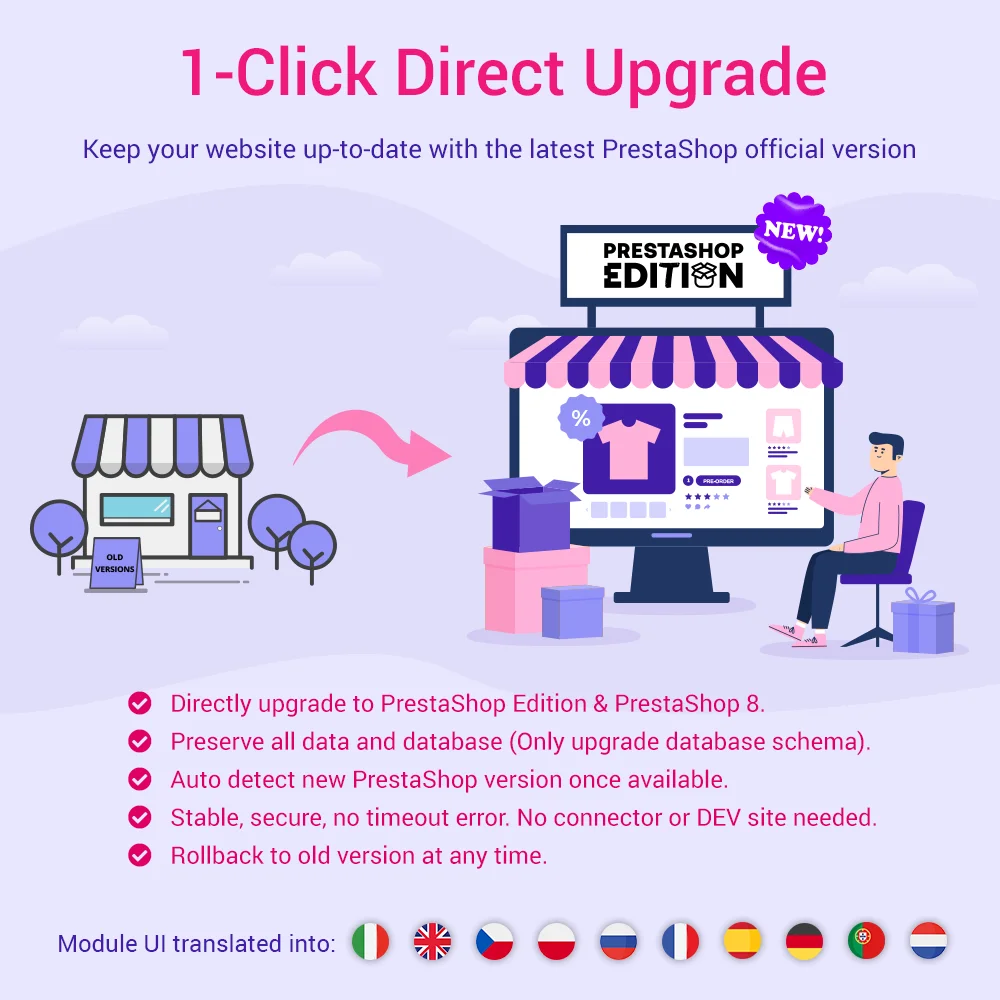

Effortlessly upgrade from any PrestaShop version (9.x, 8.x, 1.7.x, or earlier) to the latest PrestaShop 9 with just one click. Dedicated Upgrade Service is also included; we help you upgrade your store!