View all images

 +3 More
 +3 More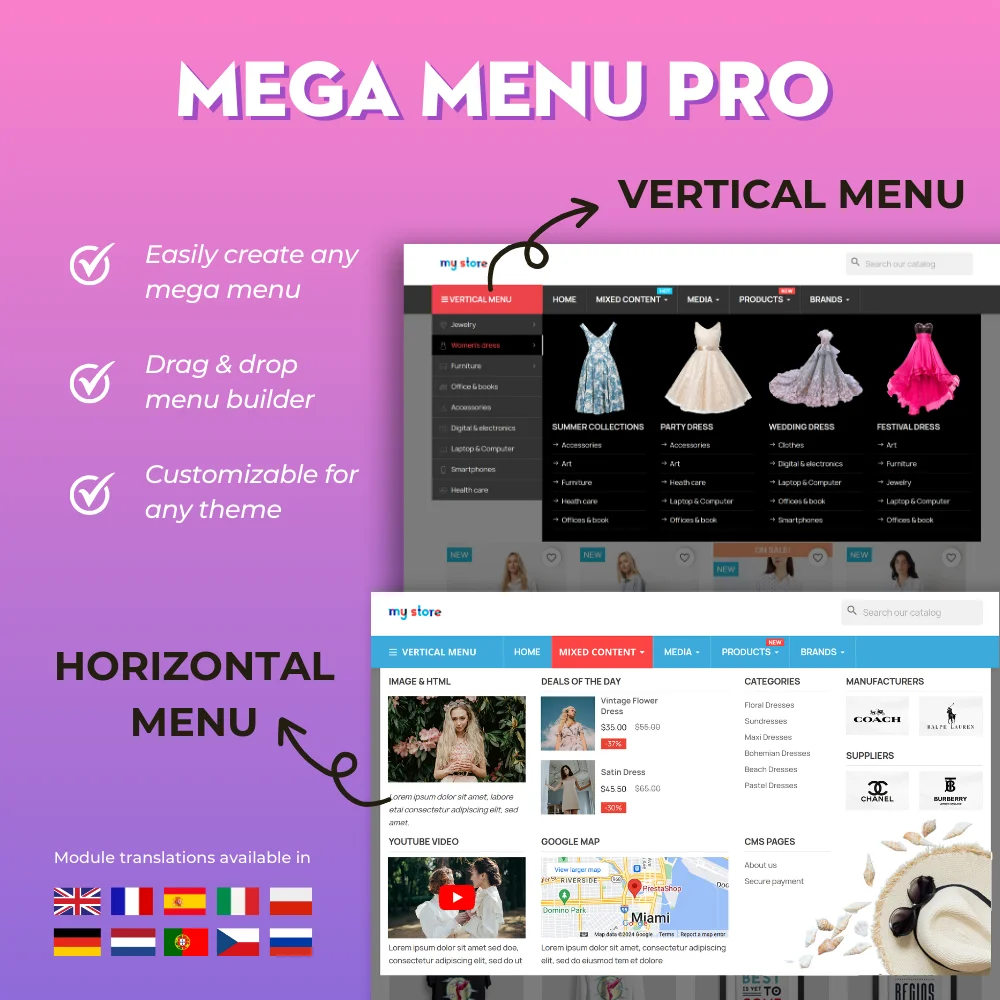

The most powerful Advanced top PrestaShop mega menu module 2026, awesome design, super easy-to-use, display perfectly on mobile devices, visual drag/drop backend, support both vertical & horizontal responsive menu. The best navigation module ever!
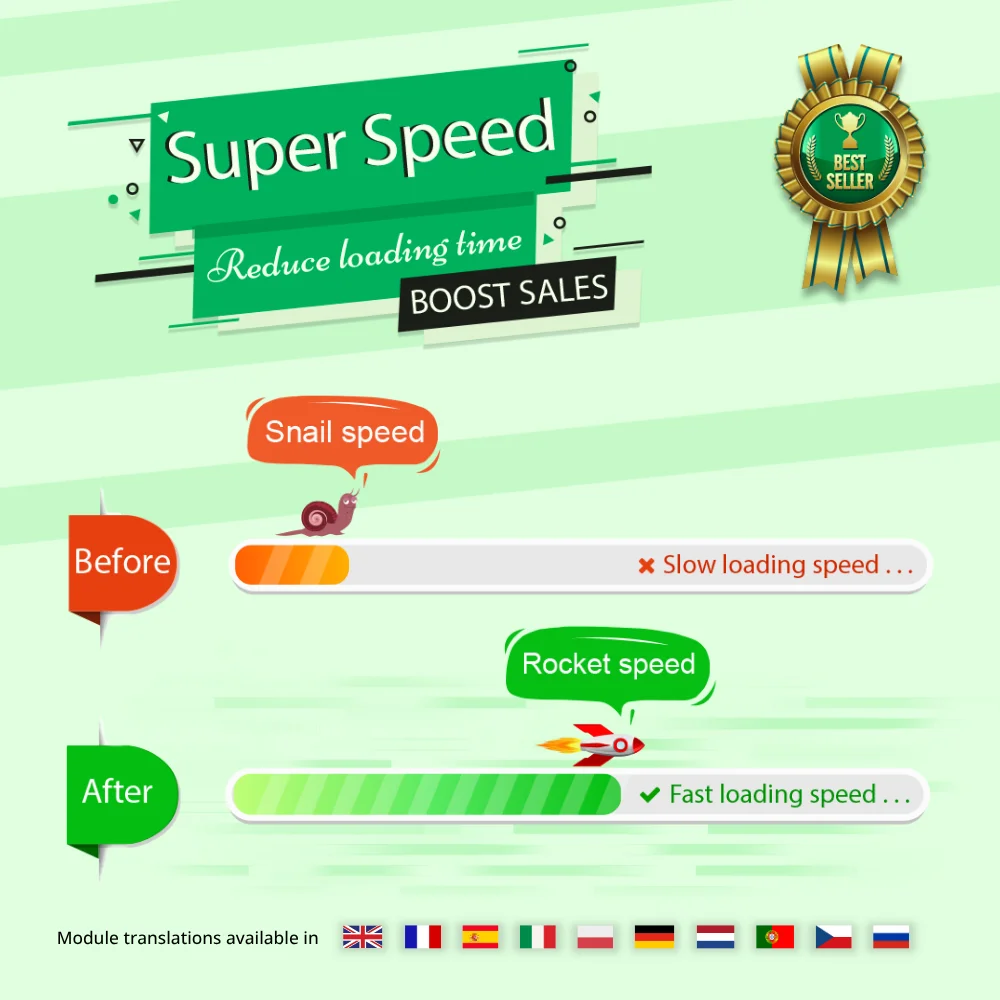

Speed up and optimize your store to enhance user experience & boost SEO. Maximize page speed, Google PageSpeed & GTmetrix scores with page cache, database & image optimization (Webp/TinyPNG), HTML/CSS/JavaScript minification, GZIP compression, etc.


Hit Google top result with best SEO practices in 2026! SEO Analytics, Pretty URL, Sitemap, Auto Image ALT, meta title, meta description, Google Snippet, RSS & social network optimization. Also integrated with ChatGPT for generating SEO content.


The most trusted professional PrestaShop blog module. Can be integrated with ChatGPT for generating content! Up-to-date with SEO practices, a WordPress alternative, All-in-one blog module for your store!


One Page Checkout & Social Login simplifies PrestaShop default checkout process; helps customers checkout faster, easier, and more secure. Support Google Pay, PayPal, Stripe, Amazon Pay, PrestaShop Checkout, COD, bank wire, etc.


Build loyalty, attract new customers and grow sales with 3 marketing programs in 1 module—loyalty, referral and affiliate. Reward customers with points or cash when they purchase products, refer friends or promote products and generate sales.
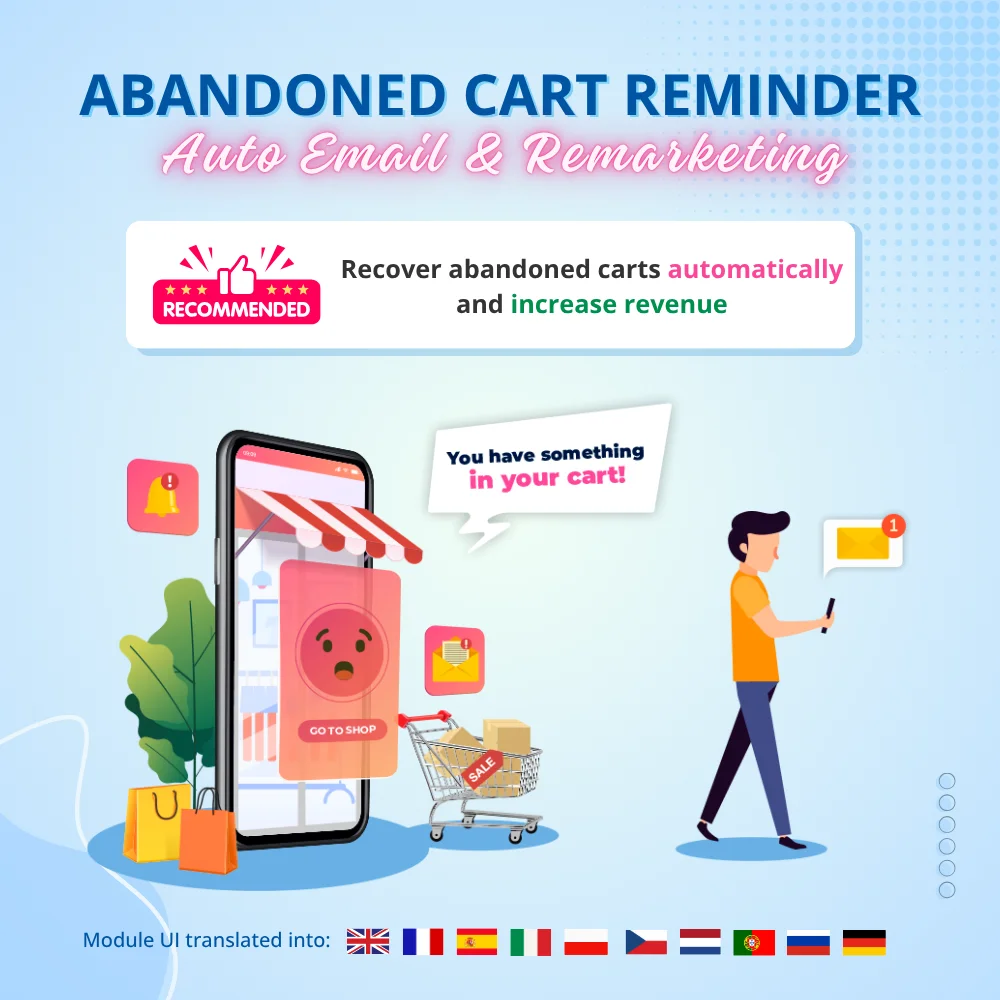

Boost sales and revenue by recovering abandoned carts with this PrestaShop abandoned cart reminder. Send reminders via email, popup, highlight bar and web push, with discounts to convert. Also send auto emails after subscribe, sign-up or purchase.


The best visual drag & drop contact form with CAPTCHA. Create any kind of form: contact form, order form, etc. This is a feature-rich and secure PrestaShop contact form module.
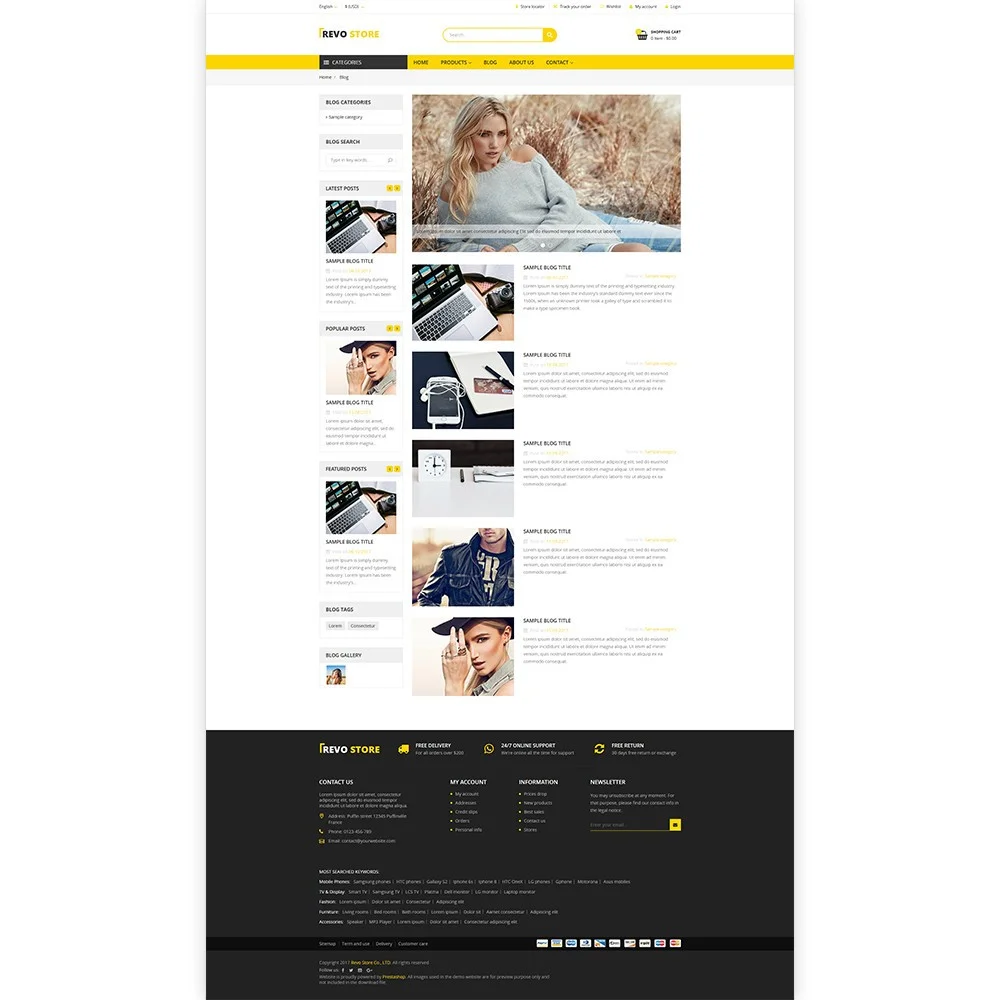
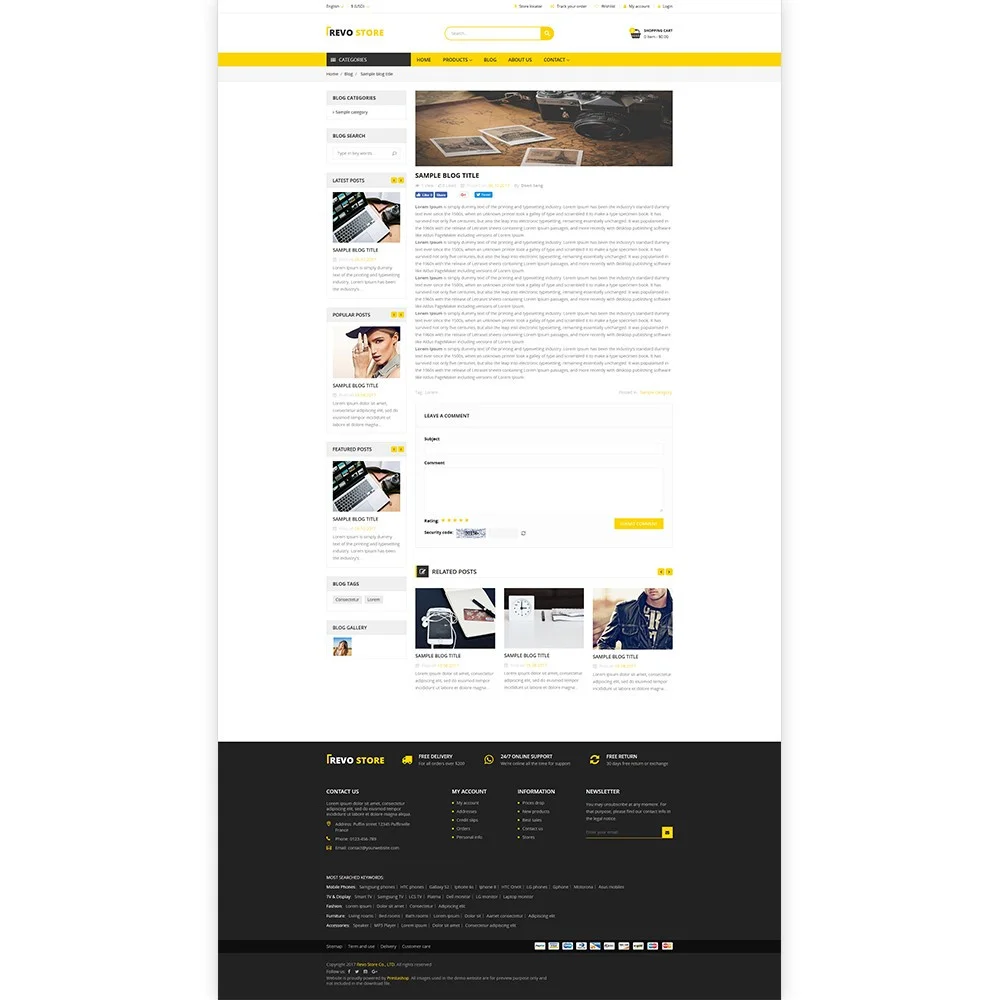
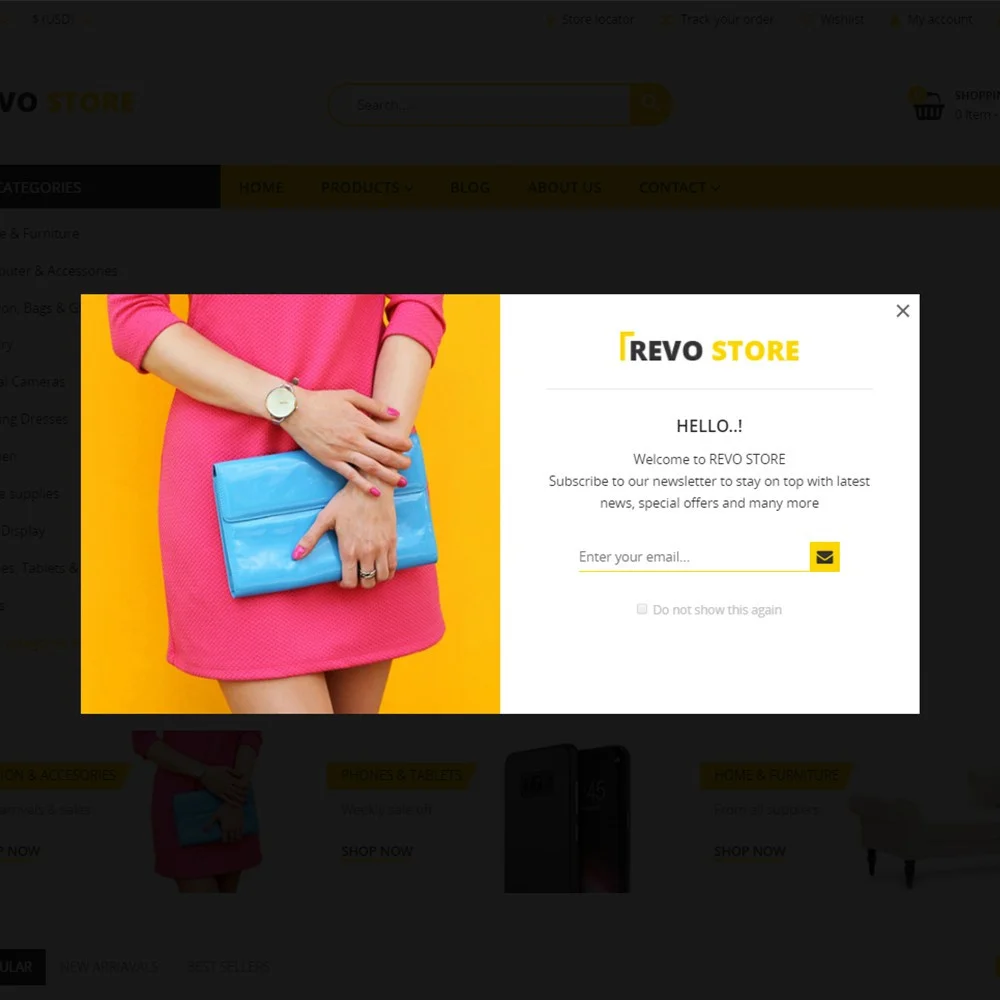
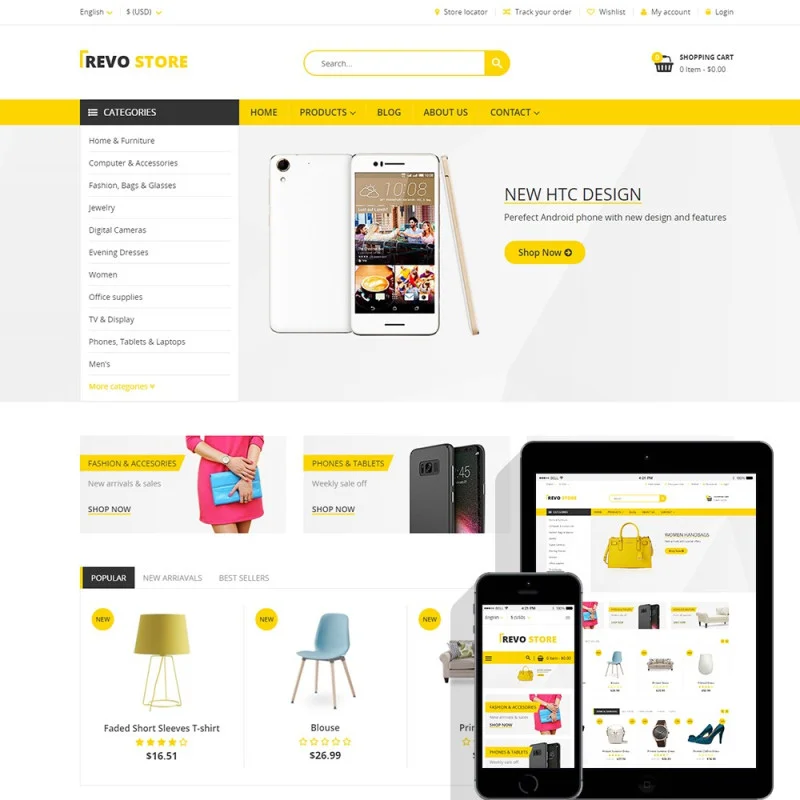
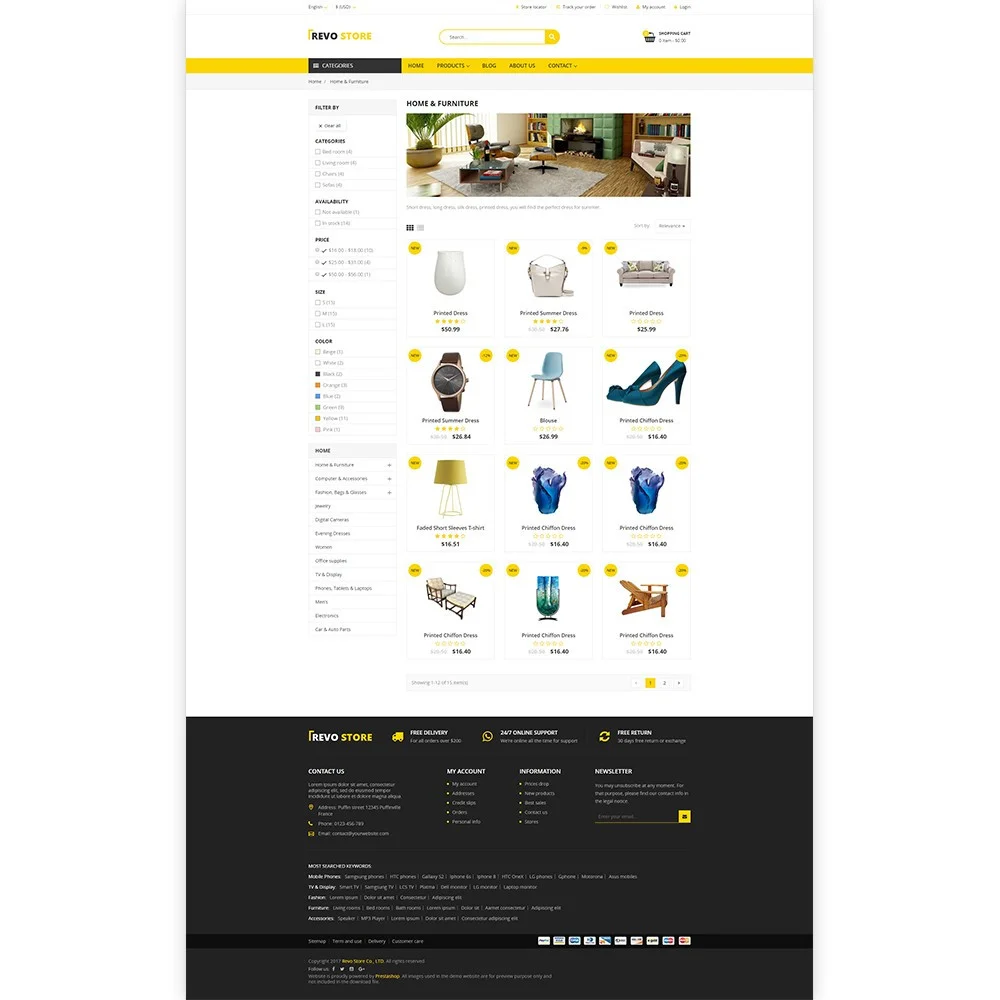
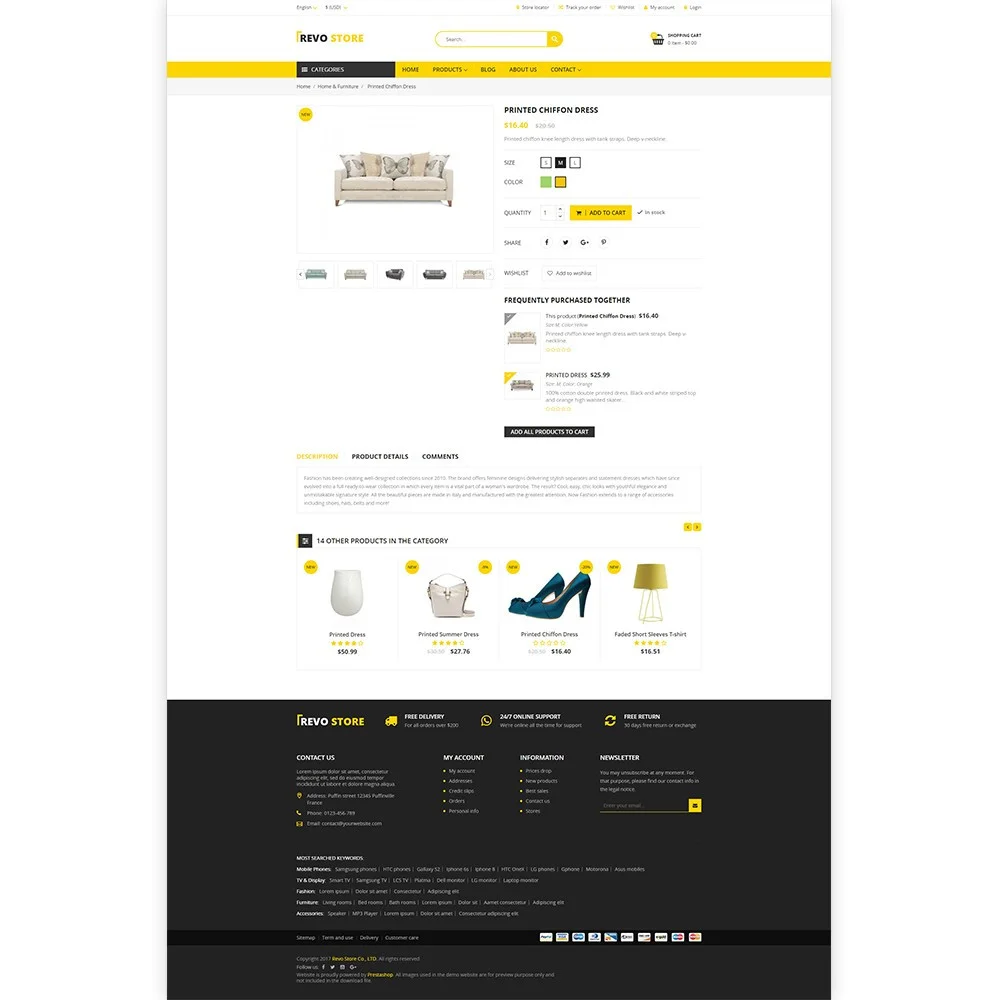
Revo Store is an engaging responsive PrestaShop creative multi-concept theme. Deliberately designed to accommodate the ample requirements of an extremely vast set of different website archetypes. This theme achieves this amazing multipurpose functionality be incorporating shortcodes and modules that streamline your workflow.
Revo comes with an incredibly resourceful collection of features seamlessly incorporated into a streamlined. It also has an attractive design that permeates the many fully pre-configured page templates and custom-made visual elements. They are ready for you to add your precious content and high-resolution images. Tons of customized, impressive and modern grid options are included out of the box.
And many more...
A professional theme helps create a strong first impression and attract customer attention. However, a successful online store also needs the right tools to improve performance, SEO, customer experience, and conversions. The following essential PrestaShop modules work well with this theme to help support your business growth.
Super Speed: Improve website loading speed for a faster browsing experience and better SEO performance. Faster pages can help customers stay longer, explore more products, and improve conversion potential
SEO Audit: Analyze your store’s SEO setup and identify issues that may affect search visibility. This helps you discover optimization opportunities and improve your chances of ranking higher on Google.
One Page Checkout: Simplify the checkout experience by displaying all purchase steps on a single page. A smoother checkout process helps reduce cart abandonment and encourages faster order completion.
Abandoned Cart Reminder: Reconnect with visitors who leave your website without completing their purchase through automated reminders. This helps recover potentially lost sales and create more conversion opportunities.
Product Reviews: Build product trust with authentic customer feedback, ratings, and review content. Strong social proof can influence purchasing decisions and improve confidence for future customers.
Version 1.1.6
Version 1.1.5
Version 1.1.4
Version 1.1.3
Version 1.1.2
Version 1.1.1
Version 1.1.0
Version 1.0.9
Version 1.0.8
Version 1.0.7
Version 1.0.6
Version 1.0.5
Version 1.0.4
Version 1.0.3
Step 1: Log in to your back office, then navigate to Design > Theme & Logo
Step 2: Click on "Add new theme" button, then select your theme installation file (.zip file) and upload it.
Step 3: Choose the theme you uploaded and click “Use this theme”.
Step 4: Upload logo: Navigate to “Theme & Logo / Theme”, select and upload your website logo.
 How to install PrestaHero’s themes?
  How to transfer PretaHero's module license?
  How to download free PrestaHero's modules and themes?
  All PrestaShop Themes on PrestaHero Are Now Compatible with PrestaShop 9.1.x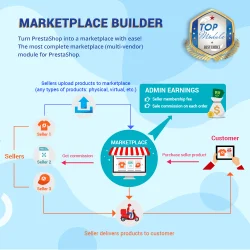

Transform PrestaShop into a multi vendor marketplace with easy setup steps. This module enables sellers to list their products on your site and pay you a percentage fee per sale or a monthly membership fee
Hit Google top result with best SEO practices in 2026! SEO Analytics, Pretty URL, Sitemap, Auto Image ALT, meta title, meta description, Google Snippet, RSS & social network optimization. Also integrated with ChatGPT for generating SEO content.
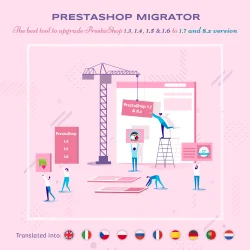

Easily migrate your data (data transfer) from PrestaShop 8, 1.7, 1.6, 1.5 to PrestaShop 9 with our ultimate PrestaShop migration module - the smart way to upgrade your store. Seamlessly migrate your data, enhance features & stay updated.
Build loyalty, attract new customers and grow sales with 3 marketing programs in 1 module—loyalty, referral and affiliate. Reward customers with points or cash when they purchase products, refer friends or promote products and generate sales.
The best visual drag & drop contact form with CAPTCHA. Create any kind of form: contact form, order form, etc. This is a feature-rich and secure PrestaShop contact form module.


Turn your Instagram feed into a shoppable gallery! Integrate Instagram into PrestaShop in 1 CLICK using the new Instagram API. Showcase your Instagram photos/videos to attract visitors and turn them into customers.
Boost sales and revenue by recovering abandoned carts with this PrestaShop abandoned cart reminder. Send reminders via email, popup, highlight bar and web push, with discounts to convert. Also send auto emails after subscribe, sign-up or purchase.
The most powerful Advanced top PrestaShop mega menu module 2026, awesome design, super easy-to-use, display perfectly on mobile devices, visual drag/drop backend, support both vertical & horizontal responsive menu. The best navigation module ever!