
View all images
 +8 More
 +8 More
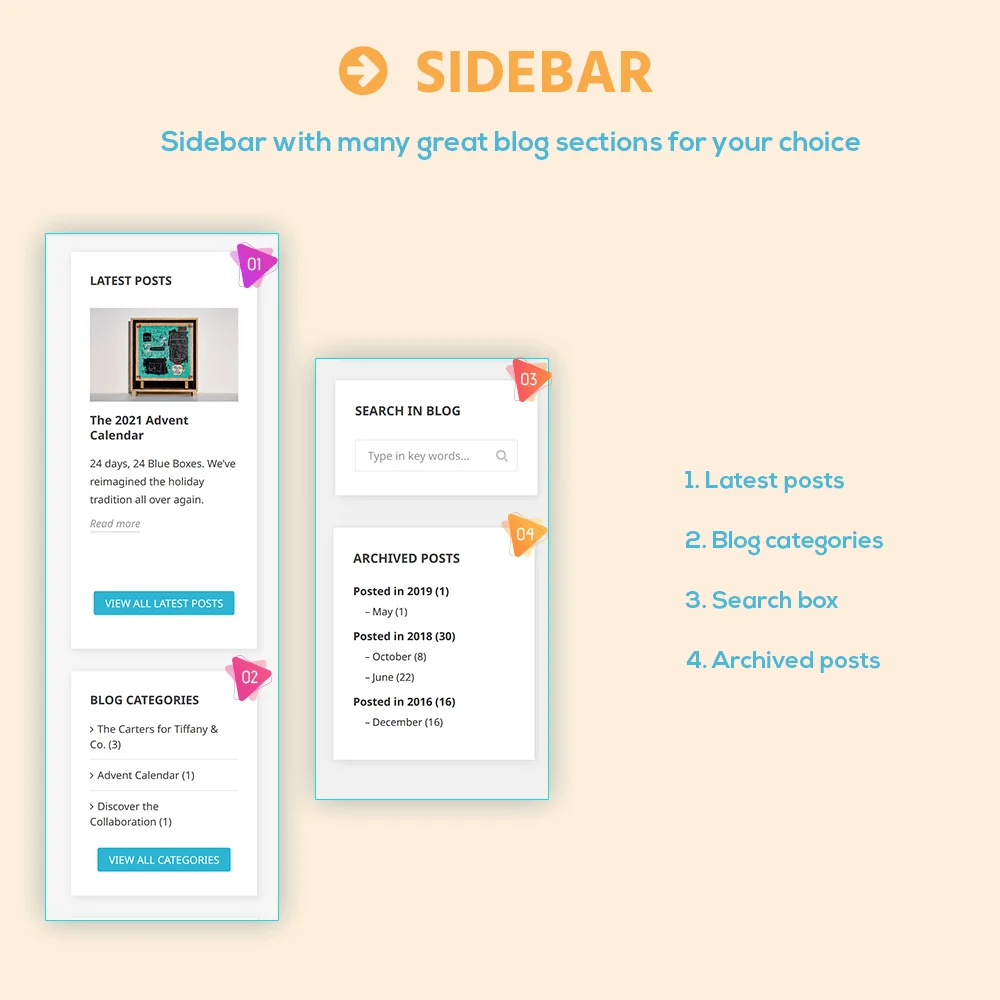
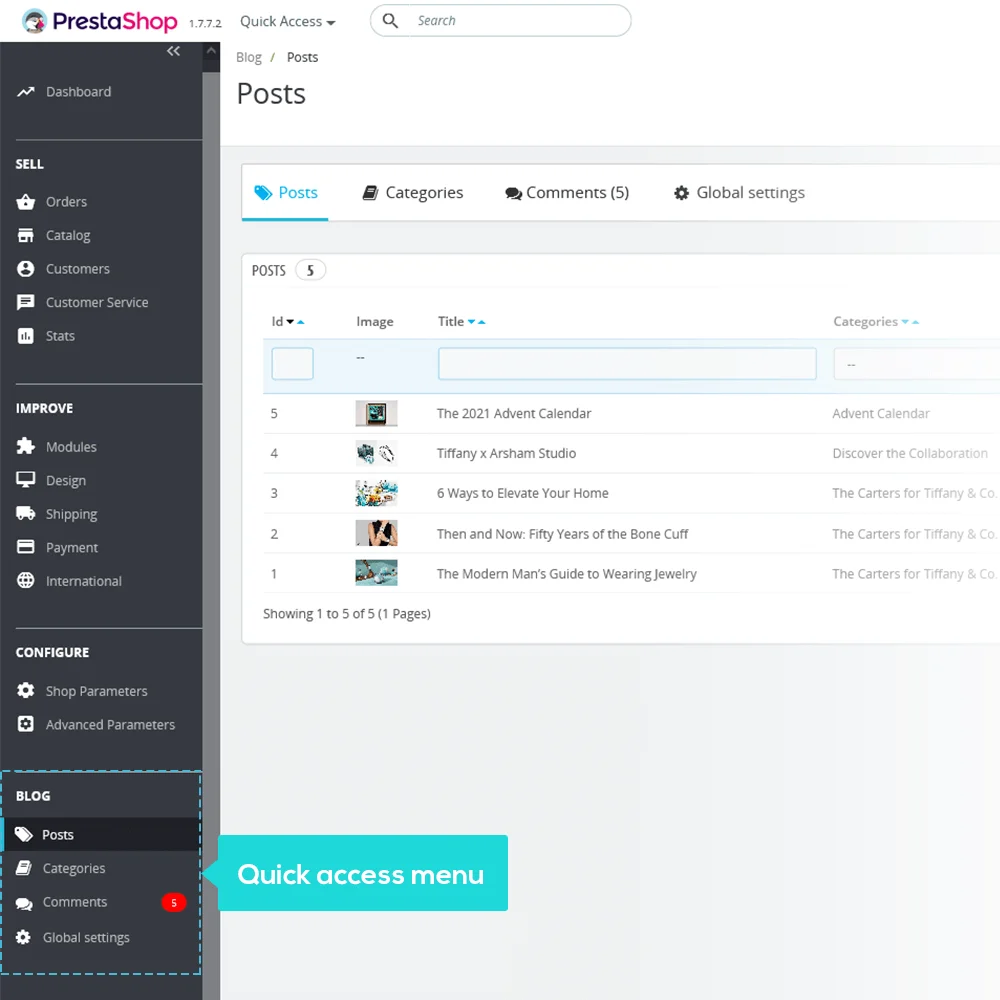
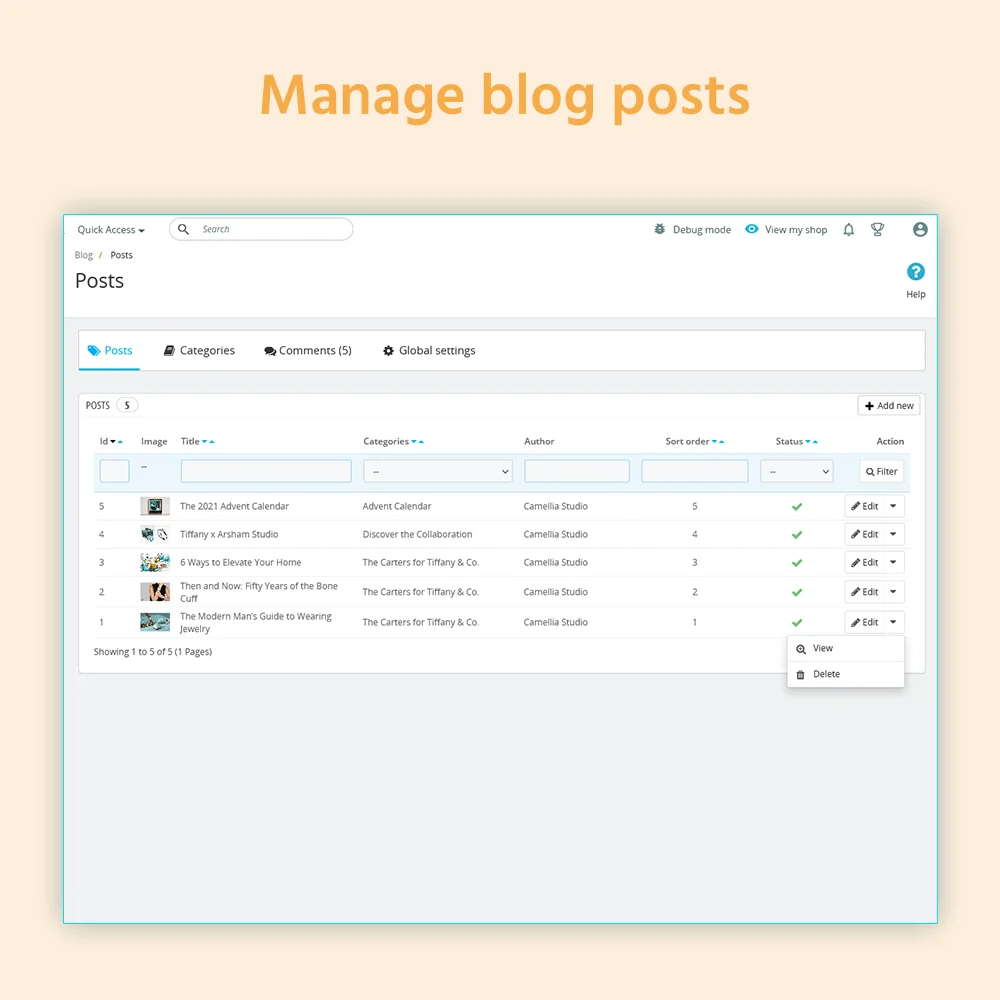
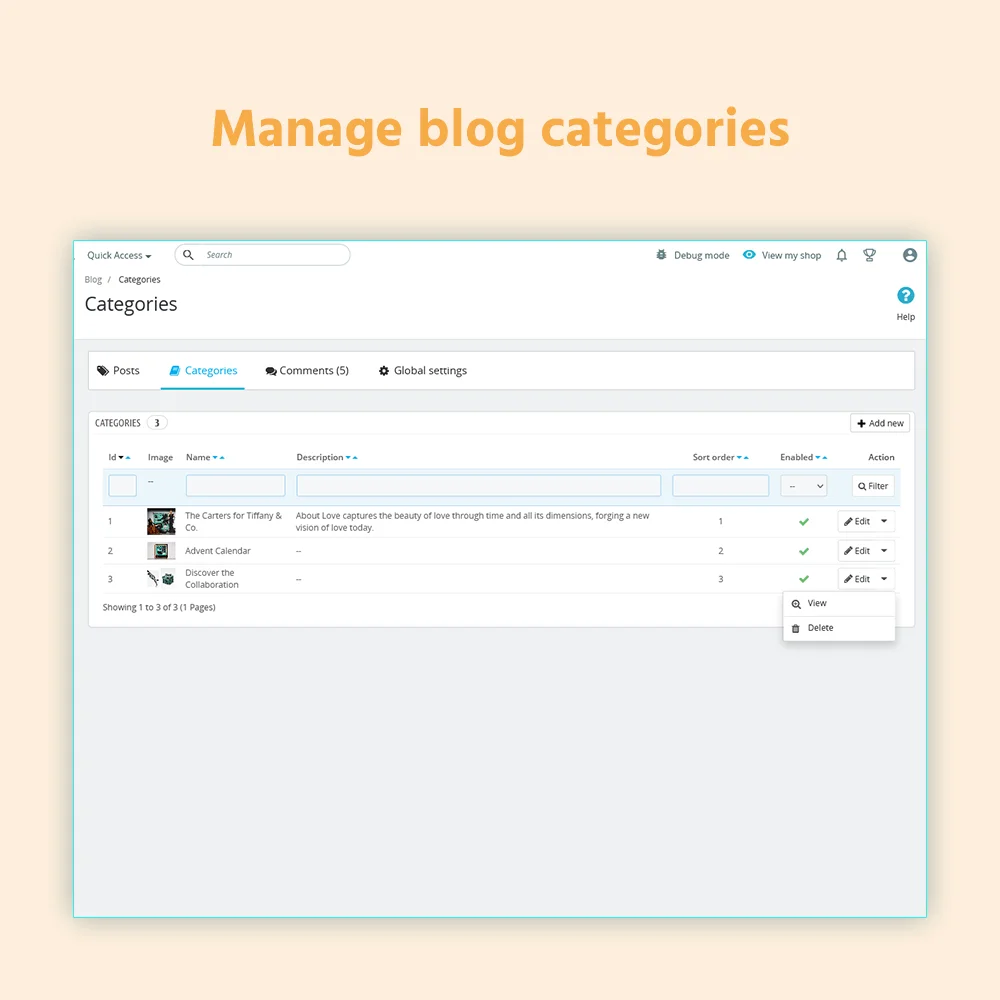
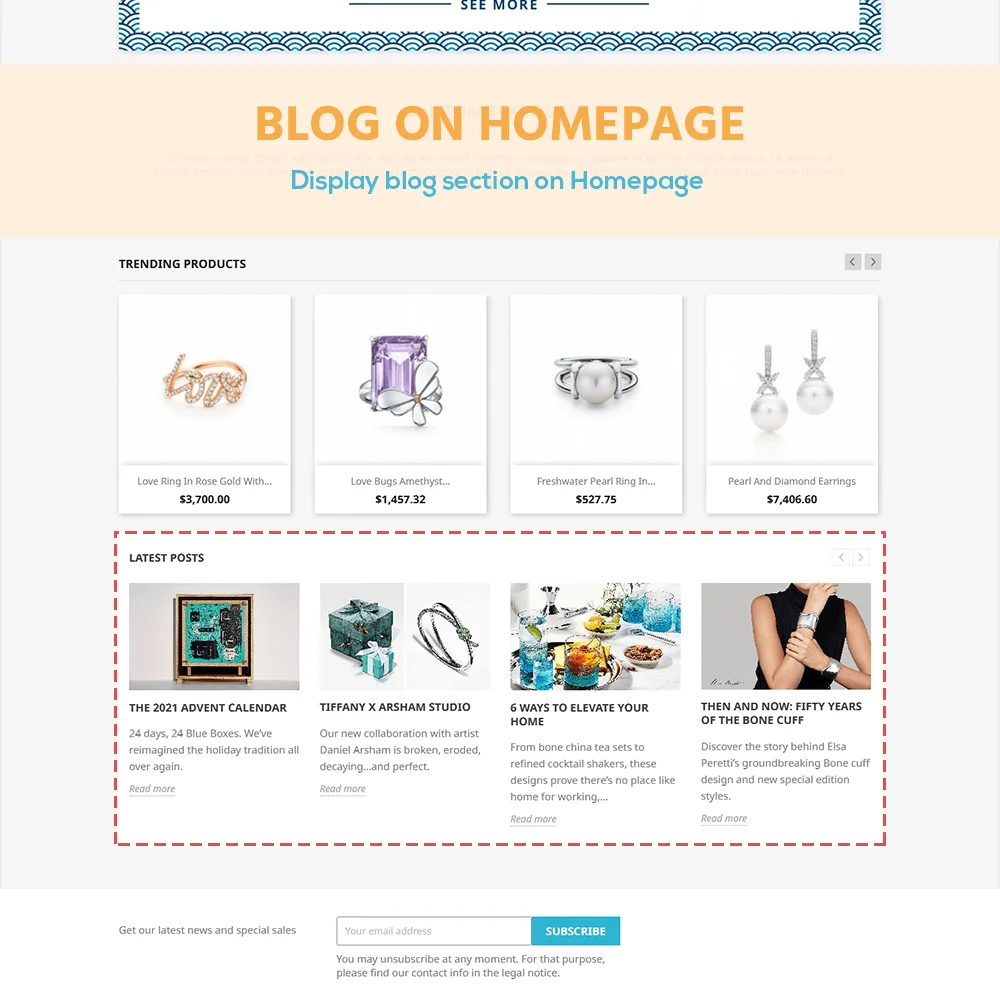
Simple Blog is a free PrestaShop blog module that helps you easily add and manage blog posts on your PrestaShop website.


Hit Google top result with best SEO practices in 2026! SEO Analytics, Pretty URL, Sitemap, Auto Image ALT, meta title, meta description, Google Snippet, RSS & social network optimization. Also integrated with ChatGPT for generating SEO content.
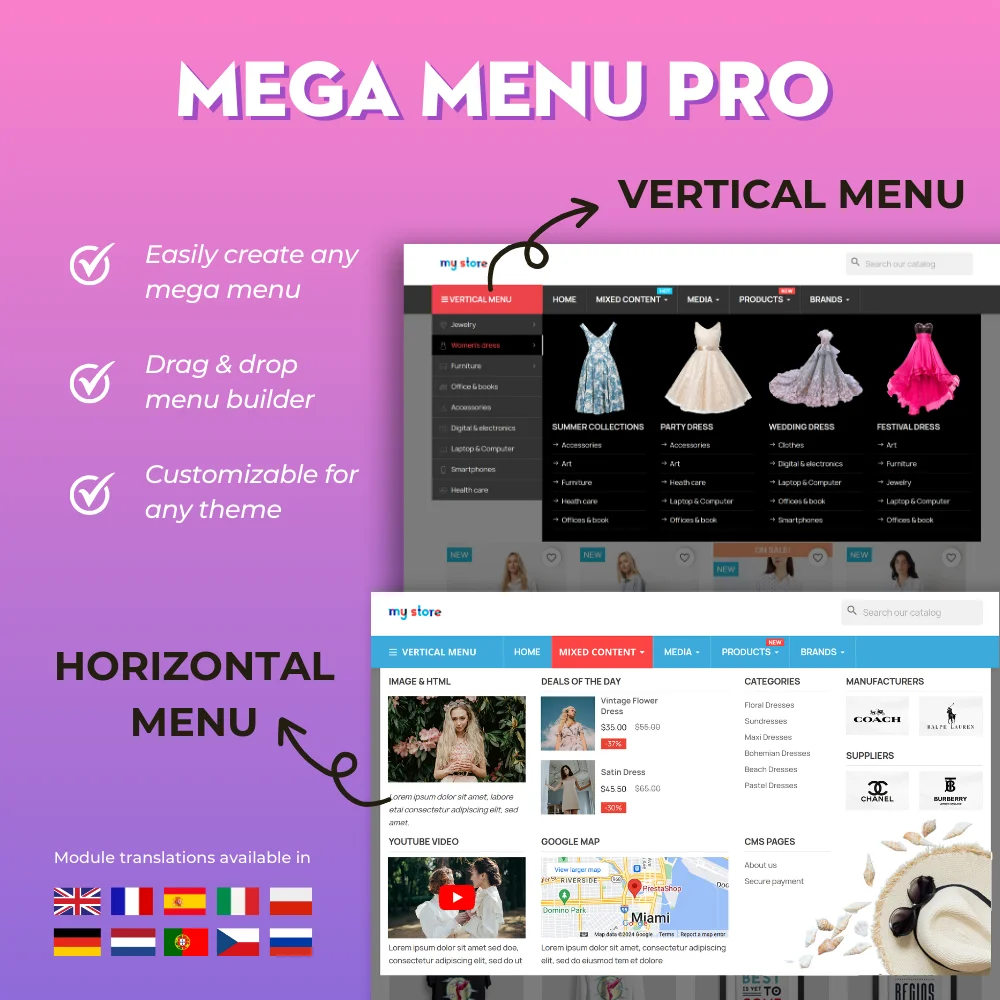

The most powerful Advanced top PrestaShop mega menu module 2026, awesome design, super easy-to-use, display perfectly on mobile devices, visual drag/drop backend, support both vertical & horizontal responsive menu. The best navigation module ever!
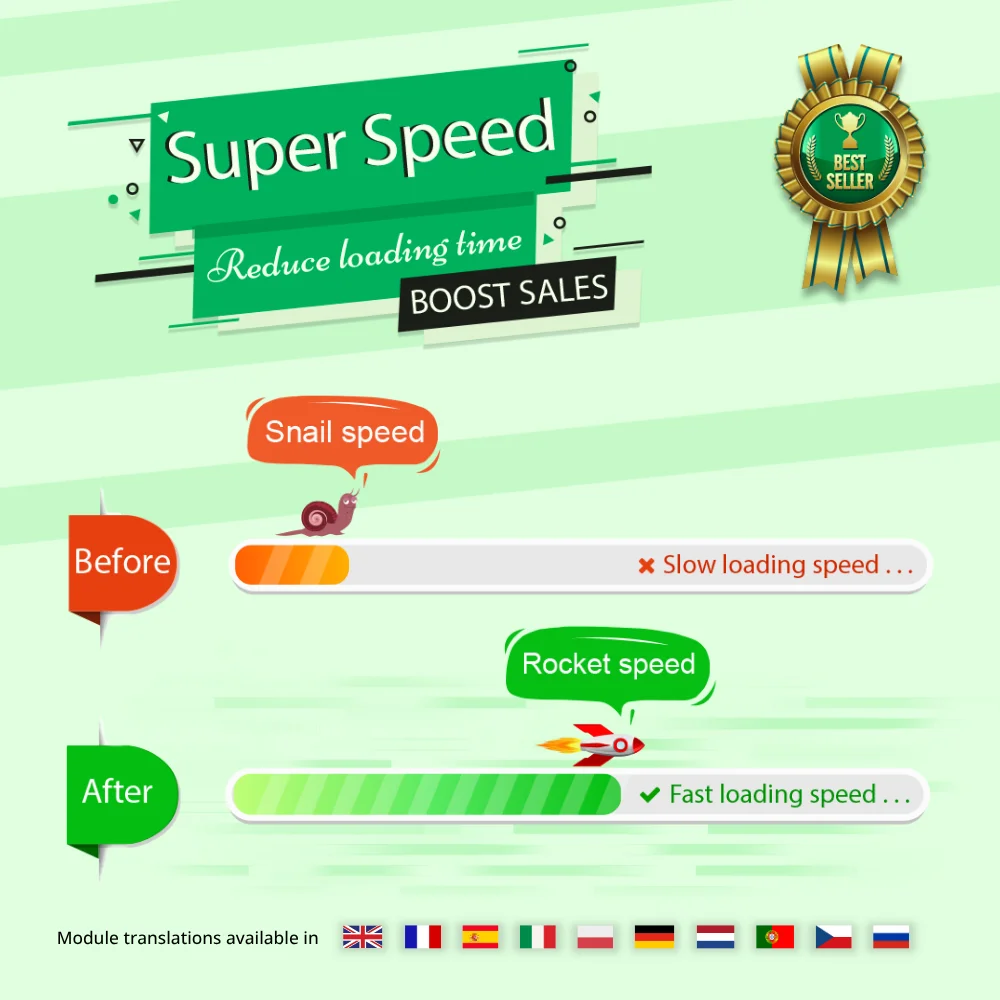

Speed up and optimize your store to enhance user experience & boost SEO. Maximize page speed, Google PageSpeed & GTmetrix scores with page cache, database & image optimization (Webp/TinyPNG), HTML/CSS/JavaScript minification, GZIP compression, etc.

The most trusted professional PrestaShop blog module. Can be integrated with ChatGPT for generating content! Up-to-date with SEO practices, a WordPress alternative, All-in-one blog module for your store!


One Page Checkout & Social Login simplifies PrestaShop default checkout process; helps customers checkout faster, easier, and more secure. Support Google Pay, PayPal, Stripe, Amazon Pay, PrestaShop Checkout, COD, bank wire, etc.
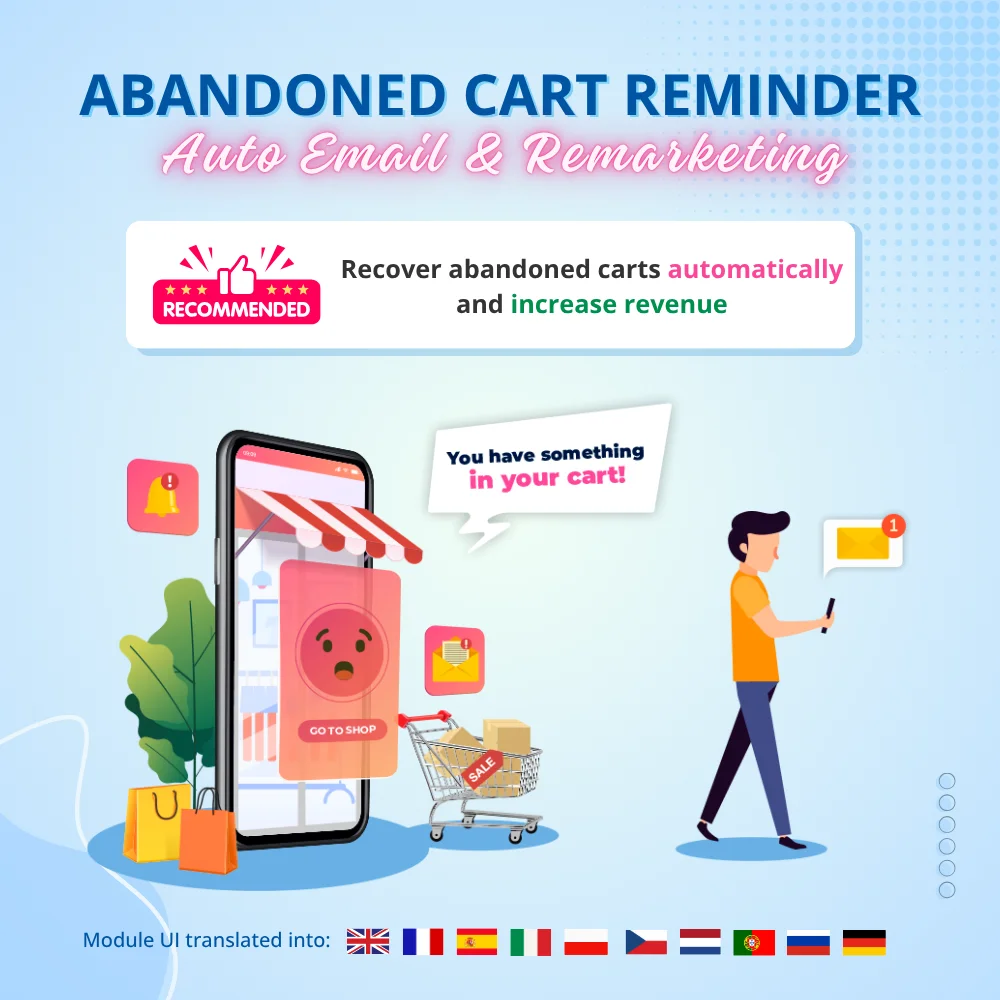

Boost sales and revenue by recovering abandoned carts with this PrestaShop abandoned cart reminder. Send reminders via email, popup, highlight bar and web push, with discounts to convert. Also send auto emails after subscribe, sign-up or purchase.


Build loyalty, attract new customers and grow sales with 3 marketing programs in 1 module—loyalty, referral and affiliate. Reward customers with points or cash when they purchase products, refer friends or promote products and generate sales.


The best visual drag & drop contact form with CAPTCHA. Create any kind of form: contact form, order form, etc. This is a feature-rich and secure PrestaShop contact form module.
Currently, for an online sales website, a blog is not simply a place to share information but also a very useful way to increase website traffic by posting blogs about product uses, sharing tips, tutorials, etc. It can be considered as both a place to update and share the store's information with customers, as well as a tool to enrich the website.
However, there is a limitation that PrestaShop default does not have a blog feature. If you go to Google search, you will find a lot of suggestions such as "best PrestaShop blog module", "PrestaShop 1.7 blog module”... That means a lot of shop owners are also searching for a solution like us. So, how to add a blog in PrestaShop?
Yep, the answer is we need a blog module for PrestaShop to help us solve this problem! Today, we bring you “Simple Blog” – our PrestaShop Blog module as a free solution to help you create and manage your website blog easily!
Having a blog on your website is an essential element for any e-commerce store. A well-maintained blog helps continuously add valuable articles, strengthens your website’s SEO performance (especially when combined with a dedicated PrestaHero SEO module), attracts more organic visitors, and keeps them engaged by exploring useful content on your site.
Simple Blog is designed as a lightweight and free solution to cover essential blogging needs for PrestaShop stores. If your store is growing and you need more advanced blog management, richer content features, deeper SEO control, and professional-level customization, you may consider using our Premium BLOG module, which is built for scalable and long-term content strategies.
Simple Blog (Free) vs BLOG (Premium)
| Feature group | Simple Blog (Free) | Blog (Premium) |
|---|---|---|
| Core blogging | ✅ | ✅ |
| Content & layouts | Basic | Advanced |
| SEO & URLs | Basic meta | Advanced SEO & structured data |
| Engagement & interaction | Comments | Comments, likes, ratings, polls |
| Content discovery & integration | — | Tags, search, related content |
| Management & scalability | Limited | Advanced, scalable |
| AI & automation | — | ChatGPT integration |
| Multi-language / Multi-store | ✅ | ✅ |
| Technical support | ❌ Not included | ✅ Included |
Step 1: Download and install PrestaHero Connect: https://prestahero.com/en/145-prestahero-connect.html
Step 2: Reload your back office, then navigate to "PrestaHero > PrestaHero modules" and click on "Connect to PrestaHero" to connect your website with PrestaHero securely with your PrestaHero credentials.
Step 3: Find the module you purchased (or free) modules and click "Install" or "Upgrade" to install the modules or upgrade your modules any time a new version is released.
*Note:
Version 1.1.8
Version 1.1.7
Version 1.1.6
Version 1.1.5
Version 1.1.4
Version 1.1.3
Version 1.1.2
Version 1.1.1
Version 1.1.0
Version 1.0.9
Version 1.0.8
Version 1.0.7
Version 1.0.6
Version 1.0.1
 How to upgrade PrestaShop modules using PrestaHero Connect
  Big Update - All PrestaHero's themes!
  PrestaHero Modules Are Ready for PrestaShop 9.1.x and Hummingbird 2.0
 The most trusted professional PrestaShop blog module. Can be integrated with ChatGPT for generating content! Up-to-date with SEO practices, a WordPress alternative, All-in-one blog module for your store!
The most powerful Advanced top PrestaShop mega menu module 2026, awesome design, super easy-to-use, display perfectly on mobile devices, visual drag/drop backend, support both vertical & horizontal responsive menu. The best navigation module ever!
The best visual drag & drop contact form with CAPTCHA. Create any kind of form: contact form, order form, etc. This is a feature-rich and secure PrestaShop contact form module.
Speed up and optimize your store to enhance user experience & boost SEO. Maximize page speed, Google PageSpeed & GTmetrix scores with page cache, database & image optimization (Webp/TinyPNG), HTML/CSS/JavaScript minification, GZIP compression, etc.
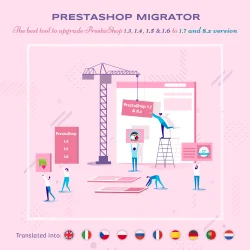

Easily migrate your data (data transfer) from PrestaShop 8, 1.7, 1.6, 1.5 to PrestaShop 9 with our ultimate PrestaShop migration module - the smart way to upgrade your store. Seamlessly migrate your data, enhance features & stay updated.
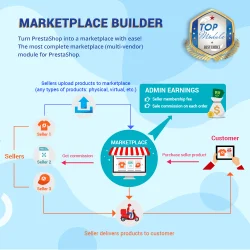

Transform PrestaShop into a multi vendor marketplace with easy setup steps. This module enables sellers to list their products on your site and pay you a percentage fee per sale or a monthly membership fee
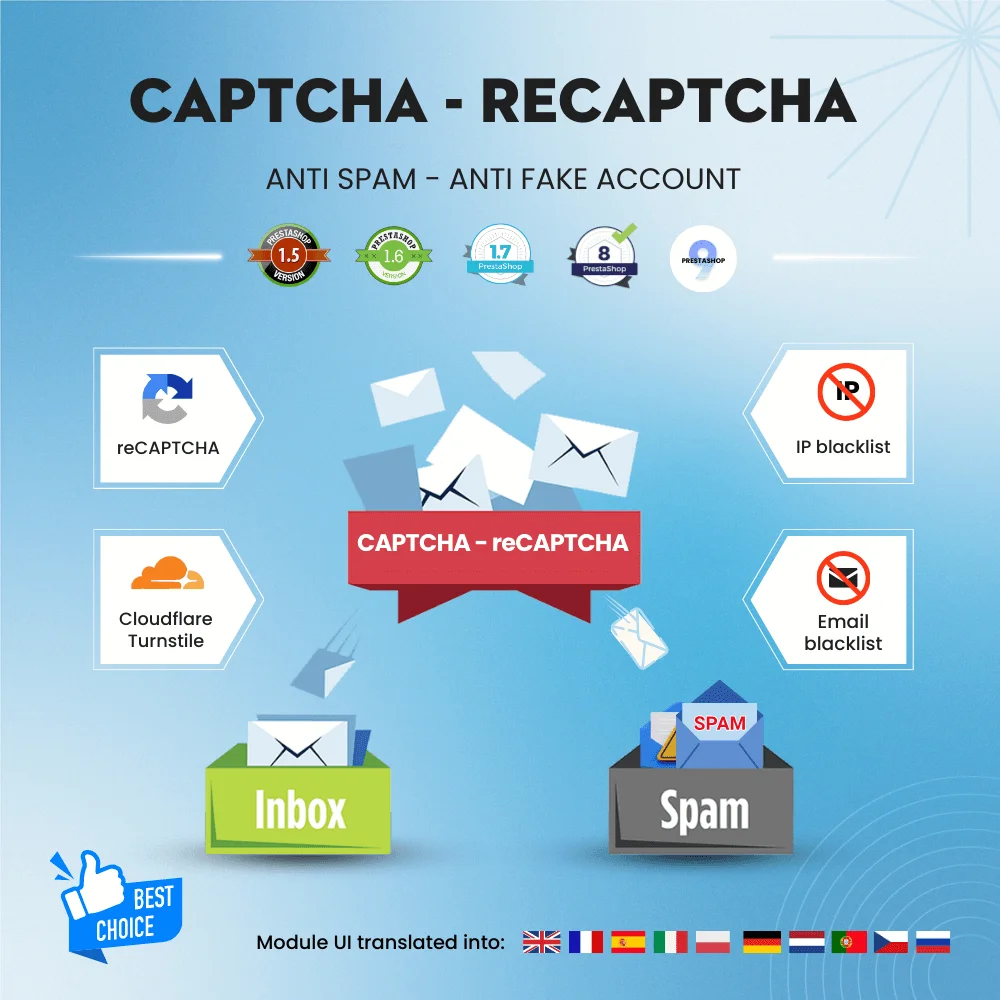

Get rid of spam emails and fake customer accounts with Google CAPTCHA - reCAPTCHA, Cloudflare Turnstile, IP blacklist, and email blacklist. The best PrestaShop captcha module for contact form, login and registration form, newsletter subscription, and all other forms.


Turn your Instagram feed into a shoppable gallery! Integrate Instagram into PrestaShop in 1 CLICK using the new Instagram API. Showcase your Instagram photos/videos to attract visitors and turn them into customers.