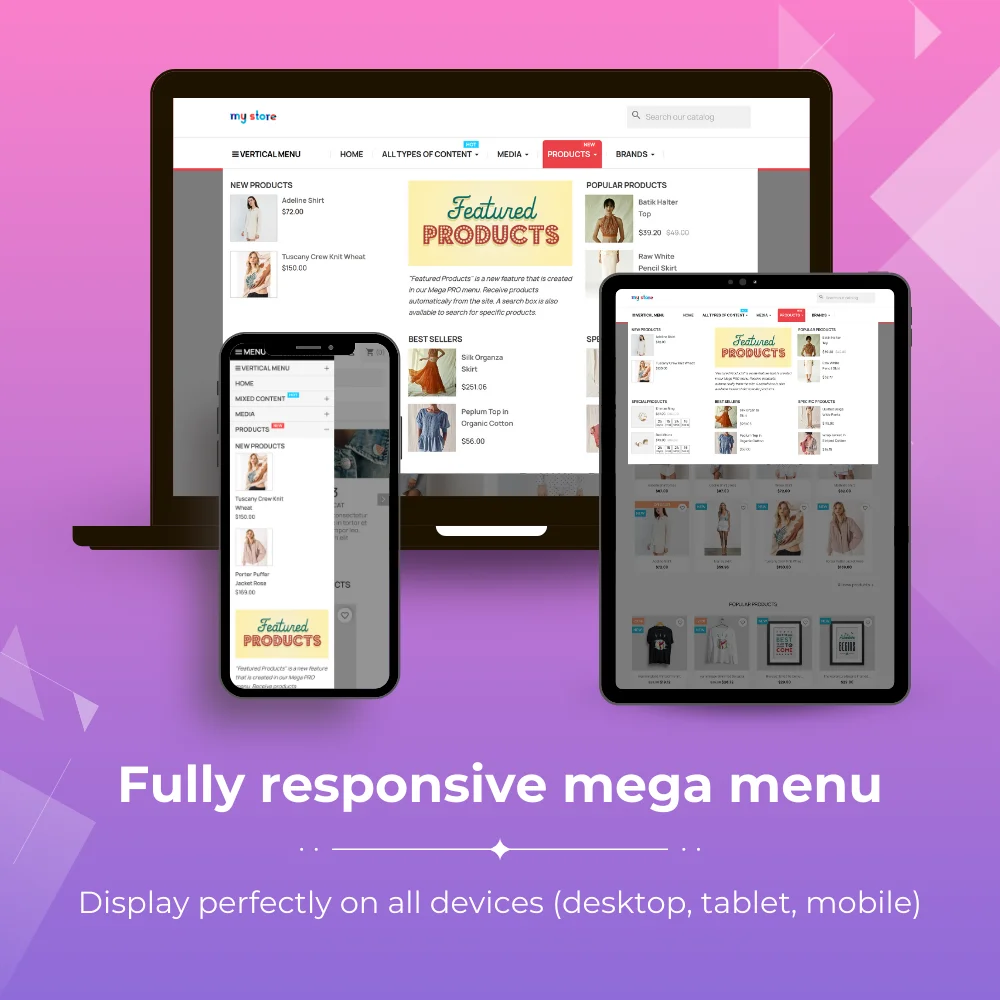
The most powerful Advanced top PrestaShop mega menu module 2026, awesome design, super easy-to-use, display perfectly on mobile devices, visual drag/drop backend, support both vertical & horizontal responsive menu. The best navigation module ever!
The most powerful Advanced top PrestaShop mega menu module 2026, awesome design, super easy-to-use, display perfectly on mobile devices, visual drag/drop backend, support both vertical & horizontal responsive menu. The best navigation module ever!
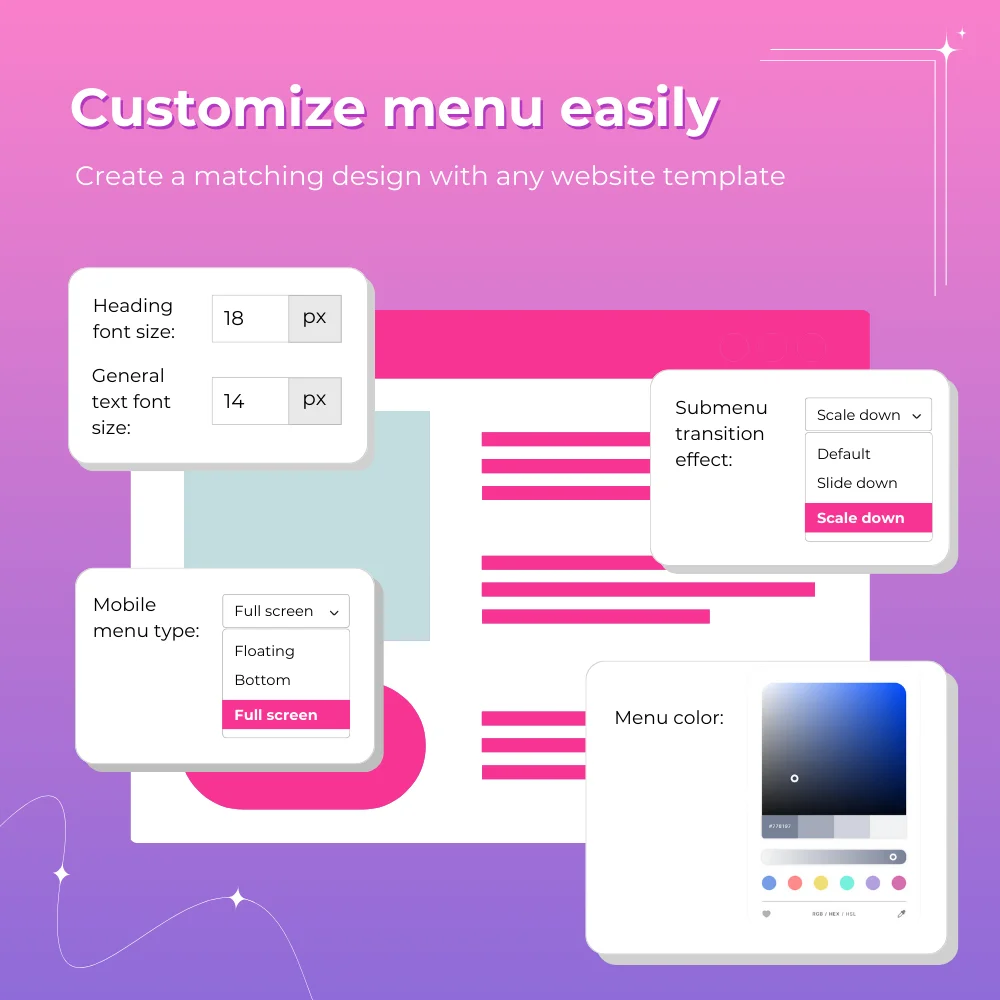
We have optimized Mega Menu PRO to become a useful PrestaShop design and navigation tool with the best design options inclusive of prebuilt templates, submenu animations, and custom color options for you to create an eye-catching mega menu for your website.
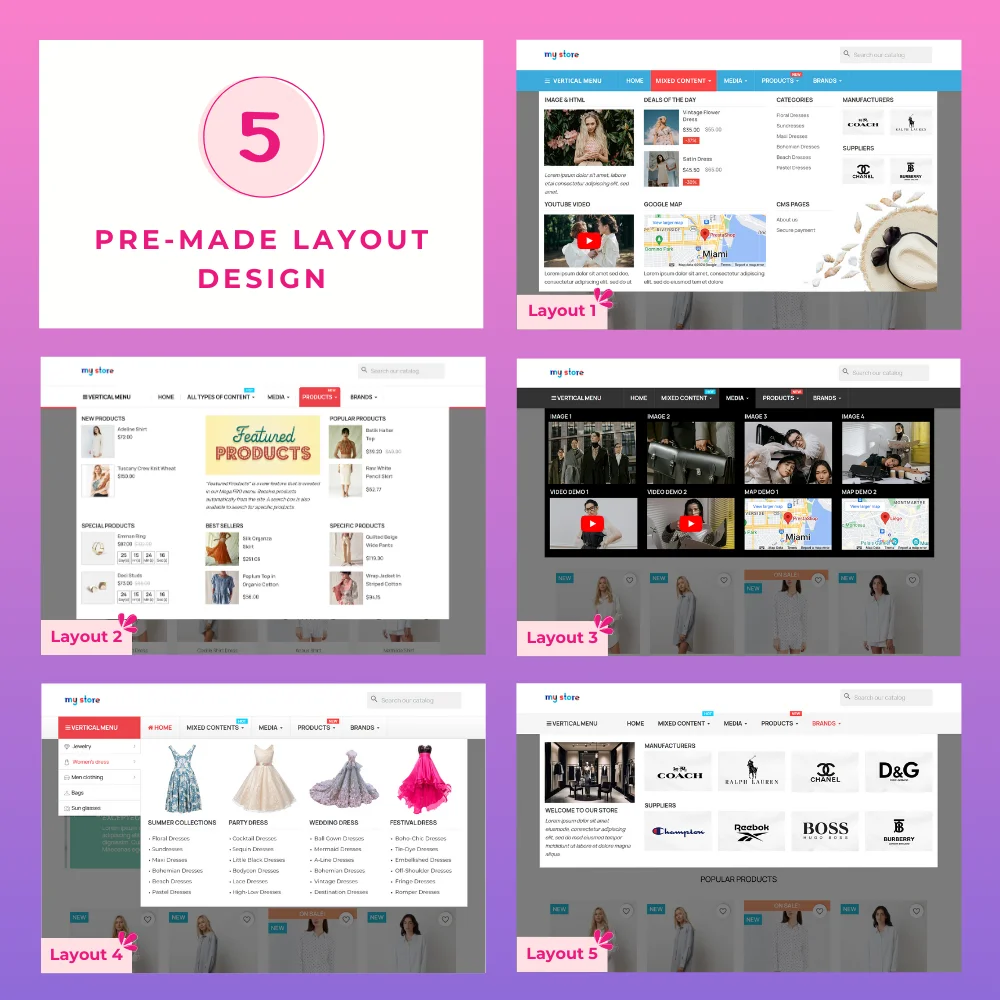
Over 5 unique pre-built templates are available in Mega Menu PRO module according to your preference.
Beautiful sub-menu appearance effects for the front end such as “slide down”, “fade in”, “zoom in”, etc.
Unlimited color options, including pre-made color sets. You can choose your own colors by using the color picker feature.
2. Support both vertical and horizontal menu
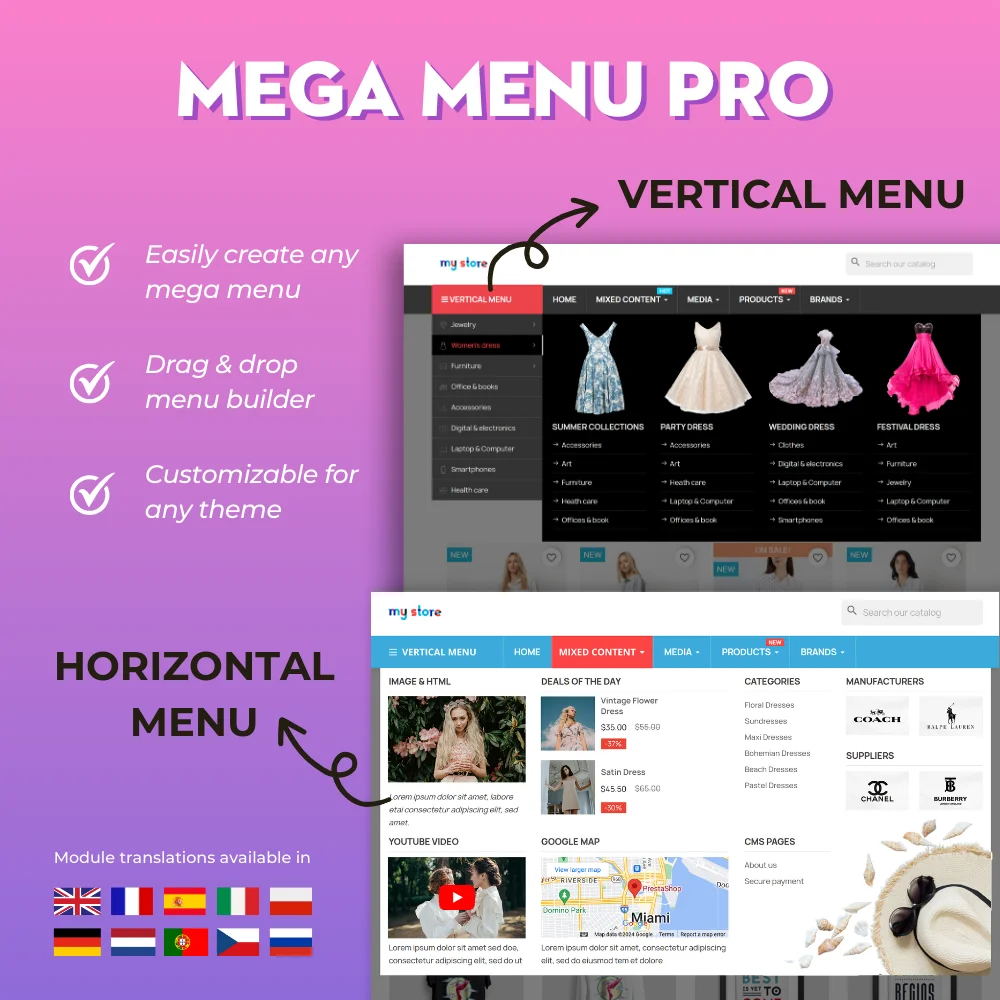
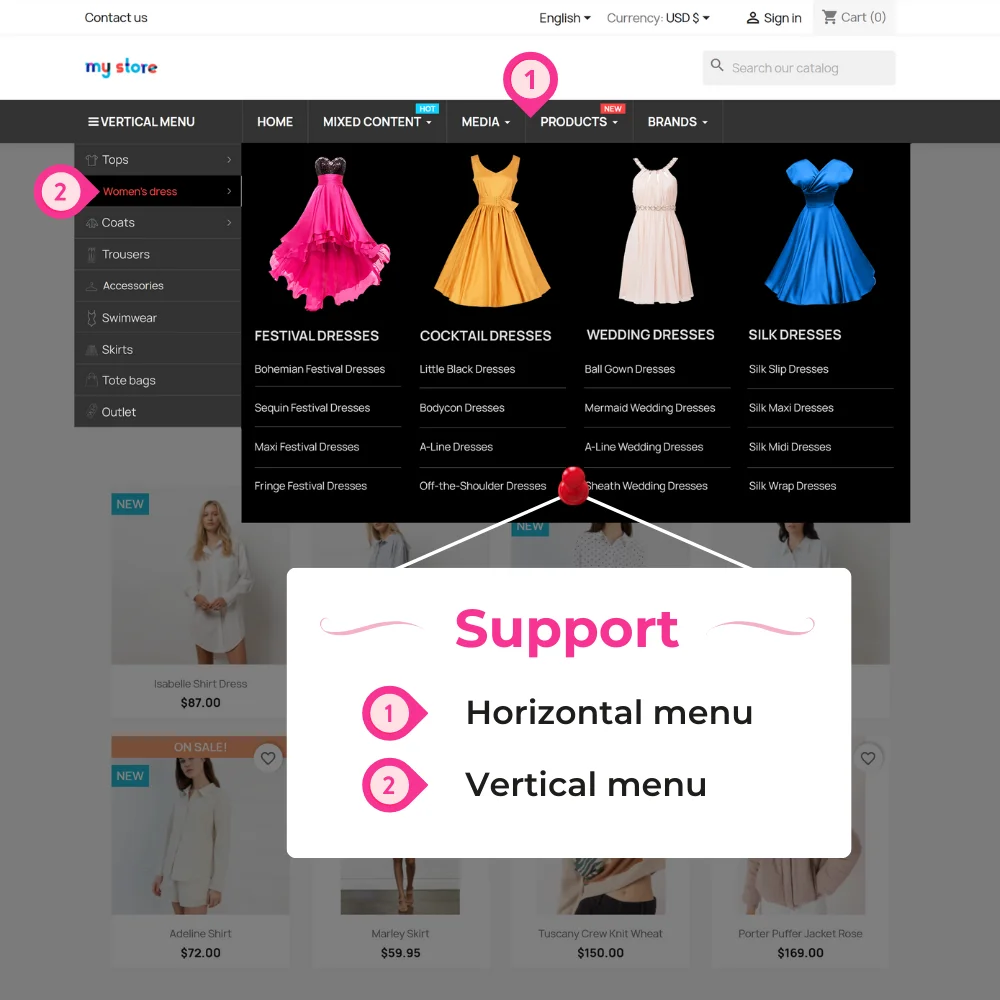
Mega Menu PRO allows you to create any type of top menu for your website. With this PrestaShop vertical & horizontal menu module, you can create a vertical menu, a horizontal menu, or combine both kinds of menu into one menu.
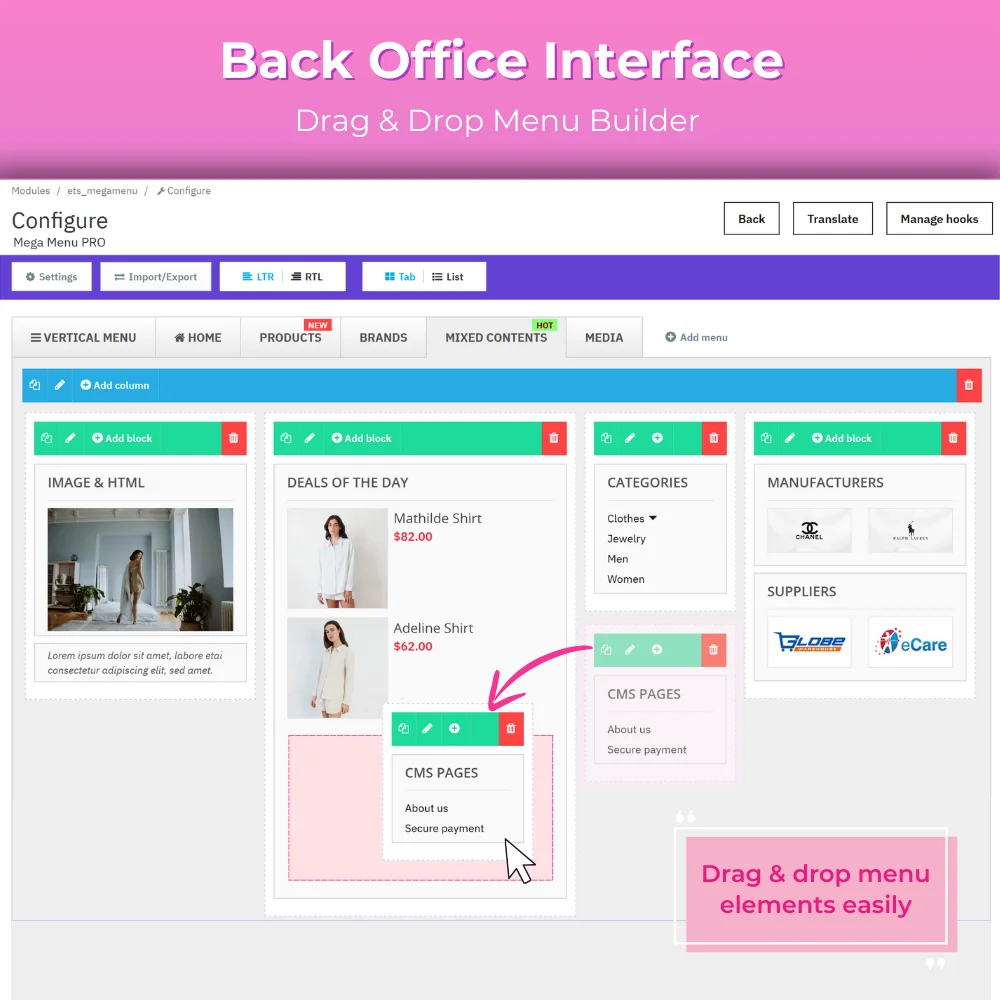
3. Complete visual drag and drop backend
To avoid reloading the website each time a change is applied in the backend, Mega Menu PRO has been built with 100% jQuery Ajax technology.
The jQuery Ajax Technology allows you to view changes you make in the backend, real-time on screen with no page reloading.
Simply drag and drop elements to create whichever mega menu you like, using this module as an idea creation tool.
4. Clean and professional mobile menu
Unlike many free PrestaShop mega menu modules, Mega Menu PRO - Advanced top menu for PrestaShop, supports smooth mobile viewing and browsing with its 3 awesome mobile menu types:
Side Menu – Floats from left to right or right to left
Bottom Menu – Appears below the main menu bar
Full Screen – Takes up the whole screen with a button to close the menu
5. Easily manageable backend
Managing this module does not require any advanced computer knowledge and can be done by anyone with basic computer knowledge due to the simplicity of its backend.
Mega Menu PRO - PrestaShop vertical & horizontal menu is smartly organized with 3 element types: menu, column, and block and it’s implemented based on bootstrap with 12 columns.
Adding, deleting, editing, and duplicating items can be done easily.
Easy drag and drop of items from sections are facilitated.
6. Easily customizable
We have equipped Mega Menu PRO with different customization methods to give your website mega menus a unique touch according to your requirements.
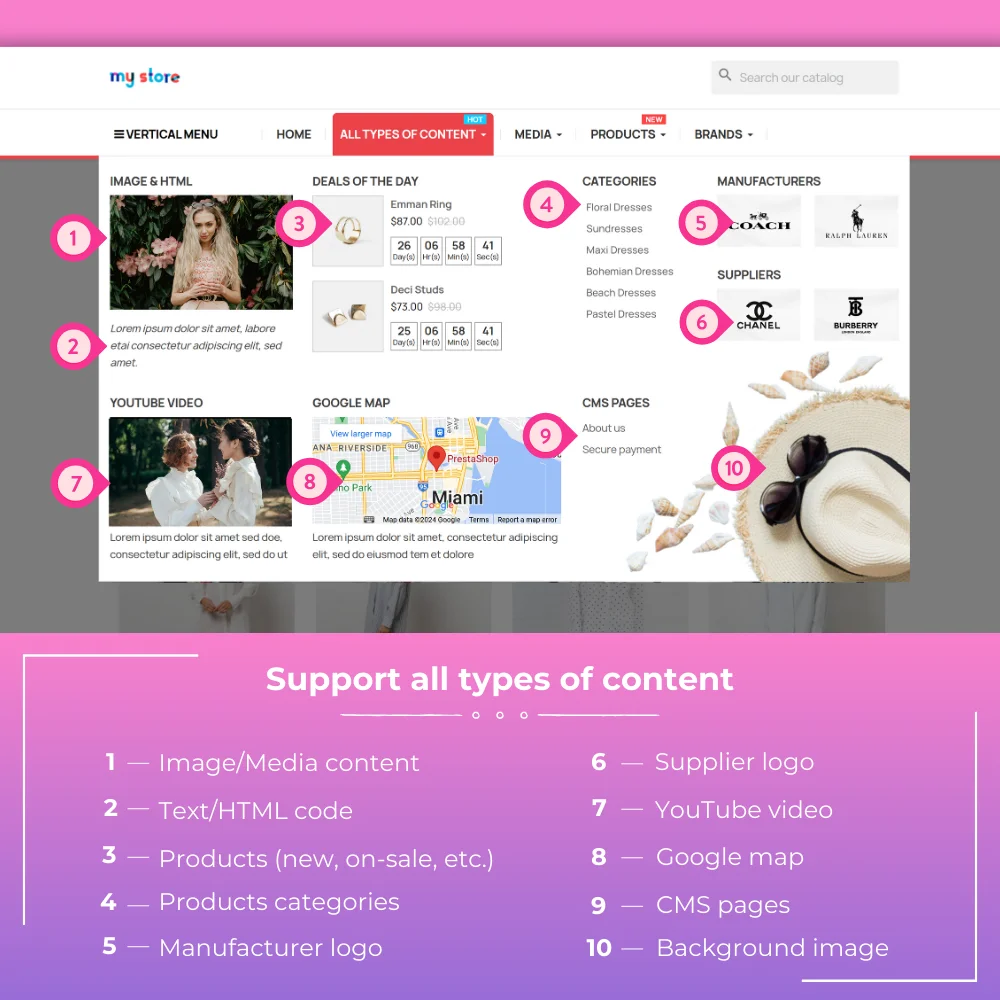
Multi-content types: you can use different content types inside your top menu (text, images, categories selection, manufacturer selection, custom HTML, videos, maps, products...)
Automatically select and display featured products: you can add new/popular/special/best sellers products block in any column. In addition, you can also choose specific items by their ID to display in the top menu.
Extra features: display shopping cart, search box, user info links, or custom HTML text in the top menu.
Google fonts: select your preferred font from 500+ Google fonts provided by Mega Menu PRO.
Custom CSS: Add your own CSS via the backend with color shortcodes for the mega menu.
Custom Class: Add custom CSS classes to any element.
7. Import/Export
Import/export your entire mega menu content in one click. This is an advanced, unique feature in our module that is not available in any other free PrestaShop mega menu module, which helps you to easily backup or transfer menu content when required.
8. Multi-language and RTL support
Mega Menu PRO is built to work perfectly with and support multiple languages including RTL languages (Arabic, Hebrew…)
9. Loading speed
Mega Menu PRO has its own smart cache which makes the entire menu content to be loaded instantly even when your menu has a complex structure with many menu items.
10. Many more other awesome features
This PrestaShop mega menu module has many more awesome features, including tab/list modes, custom hook, sticky menu, bubble colorful alert text, reset default, etc.
View more
Features
1. Design
5+ mega menu templates
8+ pre-made color skins
Custom color selection with color picker
500+ Google fonts to select in 1 click
Custom CSS with color shortcodes
Custom CSS class support for any element
2. Management
Complete backend is visual drag/drop with 100% jQuery and Ajax
Easily add, edit, update, and duplicate any elements
Move elements from section to section by drag and drop
Step 2: Reload your back office, then navigate to "PrestaHero > PrestaHero modules" and click on "Connect to PrestaHero" to connect your website with PrestaHero securely with your PrestaHero credentials.
Step 3: Find the module you purchased (or free) modules and click "Install" or "Upgrade" to install the modules or upgrade your modules any time a new version is released.
*Note:
Premium download: besides installing the modules using PrestaHero Connect, you can open "My account > My downloads" page at PrestaHero and download your purchased modules.
Free download: you can download the installation package directly on the module details page at PrestaHero.
Change log
Version 3.0.8
Build and manage your mega menu with an AI agent (via PrestaShop MCP): create menus, tabs, columns and content blocks, move items, translate texts, publish or unpublish, and set images from a public URL
Clear AI agent settings in the back office: what the agent can edit, whether new items go live right away, image and daily limits, plus an optional activity log
Smoother compatibility with recent PrestaShop versions, including PrestaShop 9
More reliable product links in menu product lists on PrestaShop 8.2
Version 3.0.7
Hardened Back Office actions: write/delete/import/reset now require proper permission checks and POST
Blocks limited to specific customer groups are no longer shown to other visitors
Secured import/export: safer image handling, product ID limits, validated select fields, escaped export XML
Restored PrestaShop 1.6 / PHP 5.6 compatibility
Loads Font Awesome and countdown assets only when the shop actually uses them
Faster front rendering (less unnecessary queries / lighter image fallback)
Version 3.0.5
More reliable mega menu on all front-office pages
Menu load timing is now handled with a properly initialized timeout, so the layout settles smoothly after resize
Version 3.0.4
Enjoy a smoother and more reliable mega menu on every screen size
Menu items now fit more accurately within the available space, reducing unexpected wrapping or overflow
Better support for modern menu layouts, including menus that use spacing between items
Improved detection of when the menu should switch to its compact/responsive mode
Cleaner transitions when the menu loads or adjusts after resizing the browser
More stable submenu behavior on desktop, for a better browsing experience
Overall polish for a more professional and consistent storefront navigation
Version 3.0.3
Module improvements
Version 3.0.2
Improved translation lookup by reading legacy translation files per ISO without affecting the current BO language context
Improved styling of the Config/Settings button to match the Import button and work correctly with newer PrestaShop admin themes
Adjusted input-group addon spacing in the megamenu configuration forms
Version 3.0.1
Improved PrestaShop 9 compatibility with updated code structure and better compliance with PrestaShop standards.
Enhanced Multistore support with shop-specific image management, cache handling and configuration synchronization.
Improved security protection for HTML content, imports, uploads, and configuration validation.
Better menu management experience with improved default menu handling and safer integration with PrestaShop native menu modules.
Optimized performance with faster menu loading, improved caching system, and optimized database queries.
Improved compatibility with third-party modules and themes through better hook management and frontend rendering.
Improved import/export system with safer ZIP processing and better data validation.
Added better error handling when saving menu items, uploading files or importing configurations.
Updated code architecture for better stability, maintainability and future compatibility.
Improved Back Office experience with cleaner forms, better validation messages and optimized admin workflows.
Version 2.7.7
Improved product promotion blocks such as “New products” and “Best sellers” by allowing merchants to exclude unavailable products
Version 2.7.6
Module improvement
Version 2.7.5
Update compatibility with PrestaShop 9.1 and Hummingbird 2.0 theme
Version 2.7.3
Module improvement
Version 2.6.5
Update compatibility with PrestaShop 9.0.x
Version 2.6.4
Added new option "Hide block when displayed on mobile devices" to menu block configuration. This allows users to hide specific menu blocks on mobile devices, preventing overly long menu content and improving mobile navigation.
Version 2.6.3
Update CSS code
Version 2.6.2
Update link fields on menu blocks and menu title
Version 2.6.1
Update compatibility with Chrome web browser 129.0.6668.59
Version 2.6.0
Module improvements
Version 2.5.8
Update compatibility with PrestaShop 8.1.6
Version 2.5.7
Update compatibility with the Creative Element module
Version 2.5.6
Module improvements
Version 2.5.5
New options: "Menu alignment" and "Sub-menu overlay opacity"
Version 2.5.4
Module improvements
Version 2.5.1
Update drag-and-drop menu feature
Version 2.5.0
Update compatibility with "Super Speed" module (Automatically clear page cache when changing module configuration)
Version 2.4.9
Update the smart cache feature
Version 2.4.8
Update compatibility with PrestaShop 8.1
Version 2.4.7
Module improvements
Version 2.4.5
New feature: allow uploading images for multi-language content menu block
Version 2.4.4
Module improvements
Version 2.4.2
Update compatibility with PrestaShop 8.0.0
Version 2.4.1
Module improvements
Version 2.4.0
Add translation for Dutch, Russian
Version 2.3.9
Optimize module code
Update translation: DE, PT, PL, CS
Version 2.3.8
Module improvements
Version 2.3.7
New option: Open submenu by hovering the mouse pointer or clicking on submenu name
The best visual drag & drop contact form with CAPTCHA. Create any kind of form: contact form, order form, etc. This is a feature-rich and secure PrestaShop contact form module.
Social Login provides quick user access through 30+ social networks, including Google, Facebook, Tiktok, X, and Amazon. It's simple, stable, and up-to-date with API updates.
A PrestaShop search module: Advanced Search & filter by products, categories, CMS pages, manufacturers, and more with Ajax technology. Smart searching, fast and relevant results, convenient and friendly with users.
Contact Form 7 is the most powerful PrestaShop contact form module that helps you create any kind of form for your website: contact form, registration form, quotation form, order form, etc. This is the best form builder on the marketplace!
A PrestaShop custom product field module allows you to add custom fields & product tabs anywhere on the product page. Support multiple types of content such as text, select, checkbox, video, image, file, date, color, etc.
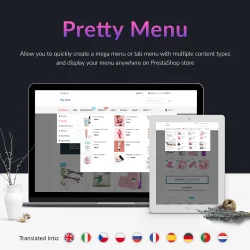
A visual, drag-and-drop, fully customizable & responsive PrestaShop mega menu builder. Allows you to quickly create both vertical menu & horizontal menu with multiple content types and display your menu anywhere on PrestaShop store.
Turn your Instagram feed into a shoppable gallery! Integrate Instagram into PrestaShop in 1 CLICK using the new Instagram API. Showcase your Instagram photos/videos to attract visitors and turn them into customers.
Home Products PRO helps your homepage look organized and increases the visibility of all products, allowing you to display featured product lists and homepage categories on rows or tabs with a carousel slider and grid layout.