PrestaShop 9.2.0 was officially released on September 30, 2026, bringing several new features that can directly affect how merchants manage their stores and how customers shop.
Among the highlights are a native One Page Checkout, Extra Properties for adding custom information, an AI assistant inside the Back Office, new image display controls, and further improvements to the Hummingbird theme.
If you run a PrestaShop store, you do not need to understand every technical change behind the release. In this article, we will focus on what the most important PrestaShop 9.2 features mean in practice and what you should consider before upgrading.
PrestaShop 9.2 introduces improvements across checkout, store management, marketing, images, and the storefront.
Some of the most notable changes for merchants include:
Native One Page Checkout
Extra Properties for adding custom data
Ask AI in the Back Office
PrestaShop Automation with Klaviyo
New thumbnail fitment options
Hummingbird 2.1.2
Various fixes and improvements across the Back Office and storefront
Let’s take a closer look at the changes you are most likely to notice when managing your store.
Checkout is one of the most important parts of any ecommerce store. Every additional step between the cart and order confirmation can make the buying process feel longer than necessary.
PrestaShop 9.2 introduces a native One Page Checkout module that brings the main checkout steps together on a single page.
Customers can enter their information, choose delivery and select a payment method without moving through the traditional multi-page checkout process. The new checkout also provides a guest-first experience, so shoppers do not have to create an account before placing an order.
Delivery and payment options can update without a full page reload, helping the process feel smoother.
Merchants are not forced to use the new layout either. PrestaShop allows you to switch between the new one-page checkout and the traditional four-page checkout from the Back Office.
For many stores, the native checkout may already provide the simpler checkout experience they need.
Other stores may require more control over how customers log in, enter addresses, provide additional information, or interact with payment and shipping options.
For those cases, PrestaHero One Page Checkout & Social Login offers additional checkout capabilities and is compatible with PrestaShop 9.2.
For example, you can offer social login with Google, Facebook or PayPal, customize address fields, add extra information fields, support multiple customer addresses, use Google-powered address autofill, choose between several checkout layouts, and configure the checkout experience more extensively.
The important point is not that every store needs an additional checkout module. Start with the checkout experience your customers need, then extend it when your business requires more flexibility.
Every store eventually has information that does not fit neatly into PrestaShop’s default fields.
You may want to save an additional product specification, customer detail, order value, or another piece of information specific to your business.
PrestaShop 9.2 introduces Extra Properties to make this easier.
Merchants can create and manage additional fields from Advanced Parameters > Extra Properties in the Back Office. Extra properties can be attached to areas such as products, combinations, customers and orders.
They can also work with different languages and multistore environments.
This gives merchants a more standardized way to extend the information stored in PrestaShop without every additional requirement needing its own completely separate solution.
Extra Properties are useful when your goal is to add structured information to your store data.
However, you may have a different need: displaying additional information to customers on the product page itself.
For example, you might want to add a size guide, technical specifications, downloadable documents, videos, additional descriptions, warranty information or other content in specific positions on the page.
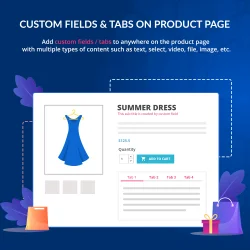
The PrestaHero Custom Fields & Tabs on Product Page module is designed for this use case and is compatible with PrestaShop 9.2.
It lets you add extra product fields and tabs using content types such as text, checkbox, select, image, video, file, date and color. Content can appear in the standard product tabs or in other positions such as below the product title, price or “Add to cart” button.
So while Extra Properties help extend the data available in PrestaShop, a product-page module can be useful when your main goal is to control how extra information is presented to shoppers.
AI also gets a more visible role in PrestaShop 9.2.
Ask AI is a conversational assistant available directly from the Back Office in the PrestaShop Classic edition.
Instead of navigating through different areas of your store to find information, you can ask questions about store data using natural language. Ask AI can also trigger supported actions, with approval requested before changes are made.
You can connect the AI provider of your choice using your own API credentials.
For merchants, the interesting part is less about the technology behind it and more about the direction this represents: some everyday store-management tasks may increasingly be handled by simply asking for what you need.
PrestaShop 9.2 Classic also includes PrestaShop Automation with Klaviyo.
The integration connects store data with Klaviyo, allowing merchants to create automated email and SMS campaigns, segment audiences and personalize communication based on customer and store information.
If Klaviyo is already part of your marketing stack, this provides a more direct starting point for connecting it with a new PrestaShop 9.2 store.
PrestaShop 9.2 also introduces a new thumbnail fitment setting.
When PrestaShop generates thumbnails from your original images, you can choose between three approaches:
Fit: keeps the entire image visible and uses empty space when necessary.
Crop: fills the complete thumbnail area and crops parts that extend beyond it.
Bound: keeps the original image ratio within the maximum dimensions without adding extra whitespace.
It may sound like a small change, but stores with many products, brand logos or images using different aspect ratios can benefit from having more control over how thumbnails appear.
PrestaShop 9.2 includes Hummingbird 2.1.2, the latest update to the default front-office theme introduced with PrestaShop 9.1.
This version brings a collection of checkout, order, accessibility and storefront improvements.
Among the merchant-visible changes, contact information such as phone numbers and email addresses in store details can now be clicked, the customer account sidebar remains visible while scrolling, brand logos display better on product pages, and several checkout, tax and product-rating issues have been corrected.
These individual changes may be relatively small, but together they help polish the default shopping experience in PrestaShop 9.2.
PrestaShop 9.2 contains many other changes that merchants may not immediately see.
More Back Office areas continue to be modernized, while fixes have been introduced across products, orders, carts, URLs, taxes, structured data and other parts of the platform.
You do not need to review every technical change before using PrestaShop 9.2. However, if your store depends on custom development, a custom theme or important third-party modules, compatibility should always be checked before upgrading your live website.
The new features make PrestaShop 9.2 an interesting update, especially if you want the native One Page Checkout, Extra Properties or the latest improvements to the PrestaShop 9 platform.
That does not mean every production store should upgrade immediately without preparation.
PrestaShop 9.2 requires PHP 8.1 at minimum and supports versions up to PHP 8.5.
If your server is still using PHP 8.0 or an older version, you will need to update PHP before moving to PrestaShop 9.2. Likewise, avoid using a PHP version newer than 8.5 until PrestaShop officially supports it.
Remember that PrestaShop itself is only one part of your store. Your theme, payment modules and other third-party modules should also be compatible with the PHP version you plan to use.
PrestaShop 9.2 PHP compatibility: Minimum PHP 8.1 | Maximum supported PHP 8.5
Before changing your store version:
Back up your website and database.
Check your theme compatibility with PrestaShop 9.2.
Check your essential modules, especially payment, shipping, checkout and other modules involved in daily operations.
Test the upgrade outside your live store whenever possible.
Test the important customer journeys afterward, including registration, checkout, payment, order creation and customer accounts.
If everything your store depends on is ready for PrestaShop 9.2, you can then decide how you want to move to the new version.
There are two common approaches, depending on whether you are building a new store or updating an existing one.
If you are creating a new store or planning a complete rebuild, starting with a fresh PrestaShop 9.2 installation may be the simplest approach.
You can download the PrestaShop 9.2.0 installation package and set up the store from a clean environment.
This option is particularly suitable when you do not need to preserve an existing PrestaShop installation and want to begin directly with the newest version.
If you already run a PrestaShop store, rebuilding everything from scratch may not be practical.
In that case, you can upgrade your existing installation.
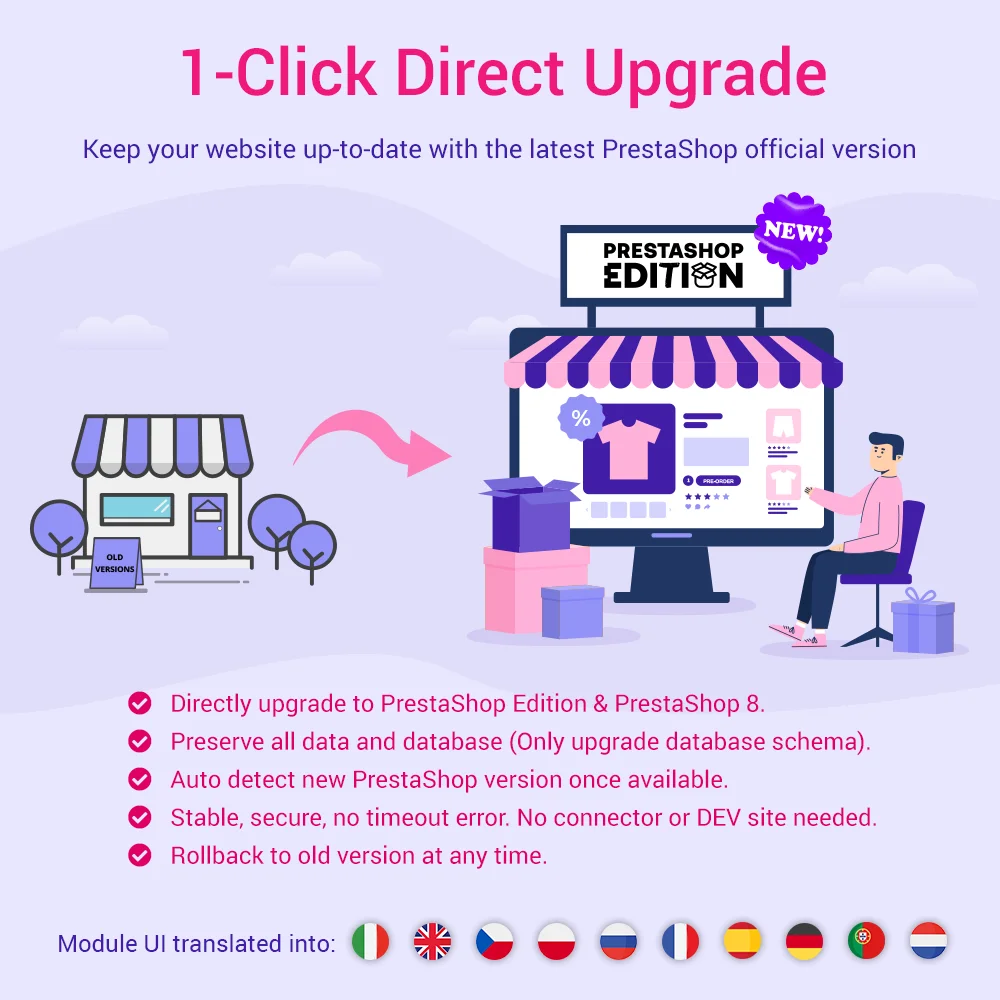
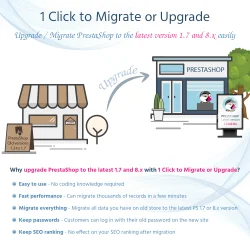
PrestaHero 1-Click Direct Upgrade, compatible with PrestaShop 9.2, is designed to simplify the process of moving older PrestaShop stores to newer versions.
It supports upgrades from PrestaShop 1.5, 1.6, 1.7, 8.x and earlier 9.x releases, offers backup and rollback options, and includes an upgrade service for merchants who would rather have the process handled with expert assistance.
PrestaShop 9.2 brings several useful capabilities closer to merchants without requiring additional customization from the start.
The native One Page Checkout can simplify the buying process, Extra Properties provide more flexibility for store data, Ask AI introduces a new way to interact with the Back Office, and improvements to images and Hummingbird continue to refine the storefront experience.
For stores with more specific requirements, these native features can also serve as a foundation that you extend with modules when needed - whether that means a more customizable checkout or richer product-page content.
If you are ready to use PrestaShop 9.2, choose the path that matches your store: start with a fresh installation for a new project, or upgrade your existing store after checking compatibility, creating a backup and testing carefully.