PrestaShop 9.1.x marks an important step forward for modern PrestaShop stores. With the latest version currently being PrestaShop 9.1.3, this branch continues to improve the platform’s stability, security and long-term technical foundation. It also introduces important changes that can affect how modules behave, especially in the front office, theme integration, hooks, templates and responsive layouts.
For merchants, upgrading to a newer PrestaShop version is not only about accessing the latest improvements. It is also about ensuring the store remains stable after the upgrade. Modules need to work correctly, display properly and stay compatible with the theme, checkout flow, product pages, back office configuration and mobile layout.
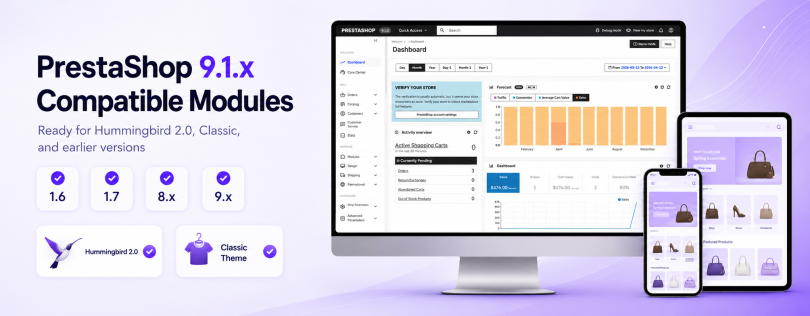
That is why PrestaHero has upgraded and tested its modules for PrestaShop 9.1.x and the new Hummingbird 2.0 default theme, while continuing to maintain compatibility with earlier PrestaShop versions whenever supported by each module.
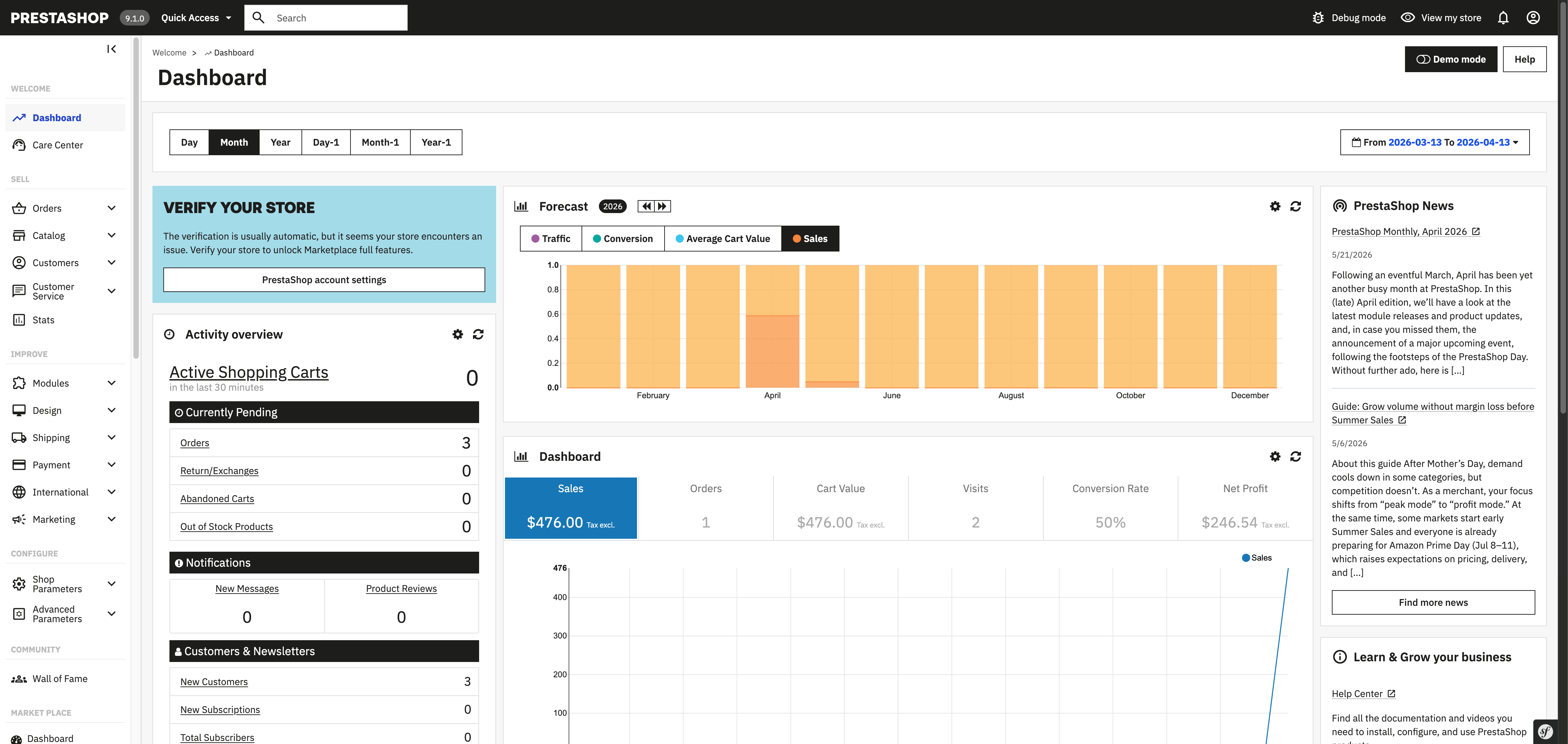
PrestaShop 9.1.x brings several important changes compared with previous generations of PrestaShop, especially for merchants and developers moving from PrestaShop 8 or earlier versions.

One of the most visible changes is the introduction of Hummingbird 2.0 as the new default front-office theme. In PrestaShop 9.1, Hummingbird 2.0 replaces Classic as the default theme for new installations. It provides a more modern storefront foundation with a cleaner structure, improved performance direction, and better accessibility support.
This change is important because many modules interact directly with the theme. Product blocks, banners, reviews, menus, popups, sliders, filters, checkout elements, cart sections and many other front-office components often depend on hooks, templates, CSS classes, JavaScript events and layout behavior.
When the default theme changes, module compatibility needs to be reviewed carefully. PrestaShop 9.1 also continues the technical modernization of the platform. It uses Symfony 6.4 LTS and supports PHP 8.5, giving PrestaShop a more modern and maintainable foundation. For module developers, this means code compatibility, service integration, dependency behavior and framework-related changes need to be checked more carefully than in a simple minor update.
In addition, PrestaShop 9.1 introduces experimental features such as multi-carrier shipping and a redesigned discount system. These changes are especially relevant for modules related to cart rules, shipping, checkout, order processing, pricing, promotions, or product management.
In short, PrestaShop 9.1 is not only a visual update. It is a meaningful platform update that affects both the technical foundation and the storefront experience.
When upgrading a PrestaShop store, module compatibility means much more than simply being able to install or enable a module.
A module may install successfully but still create problems if it does not fully support the new environment. For example, a front-office block may appear in the wrong position, a button may not match the new theme design, a popup may not display correctly on mobile, or an AJAX action may fail because the page structure or JavaScript behavior has changed.
Compatibility also matters in the back office. A module should save configuration properly, support multishop context when available, handle translations correctly, and avoid errors caused by deprecated methods, updated dependencies, or version-specific changes in PrestaShop core.
For modules that interact with hooks, compatibility is even more important. Hooks are the connection points between PrestaShop, themes, and modules. If a theme changes its structure or uses different hook positions, a module may need adjustments to render its content in the right place and with the right layout.
Responsive behavior is another key point. A module that looks good on desktop may still need layout adjustments for tablet and mobile. This is especially important with Hummingbird 2.0, which provides a more modern storefront experience and requires module output to adapt cleanly across screen sizes.
PrestaHero has reviewed, upgraded and tested its modules to better support PrestaShop 9.1.x, including the latest PrestaShop 9.1.3 release. The goal of this upgrade process is not only to make modules installable on the latest PrestaShop version, but also to ensure they continue to work reliably in real store environments.
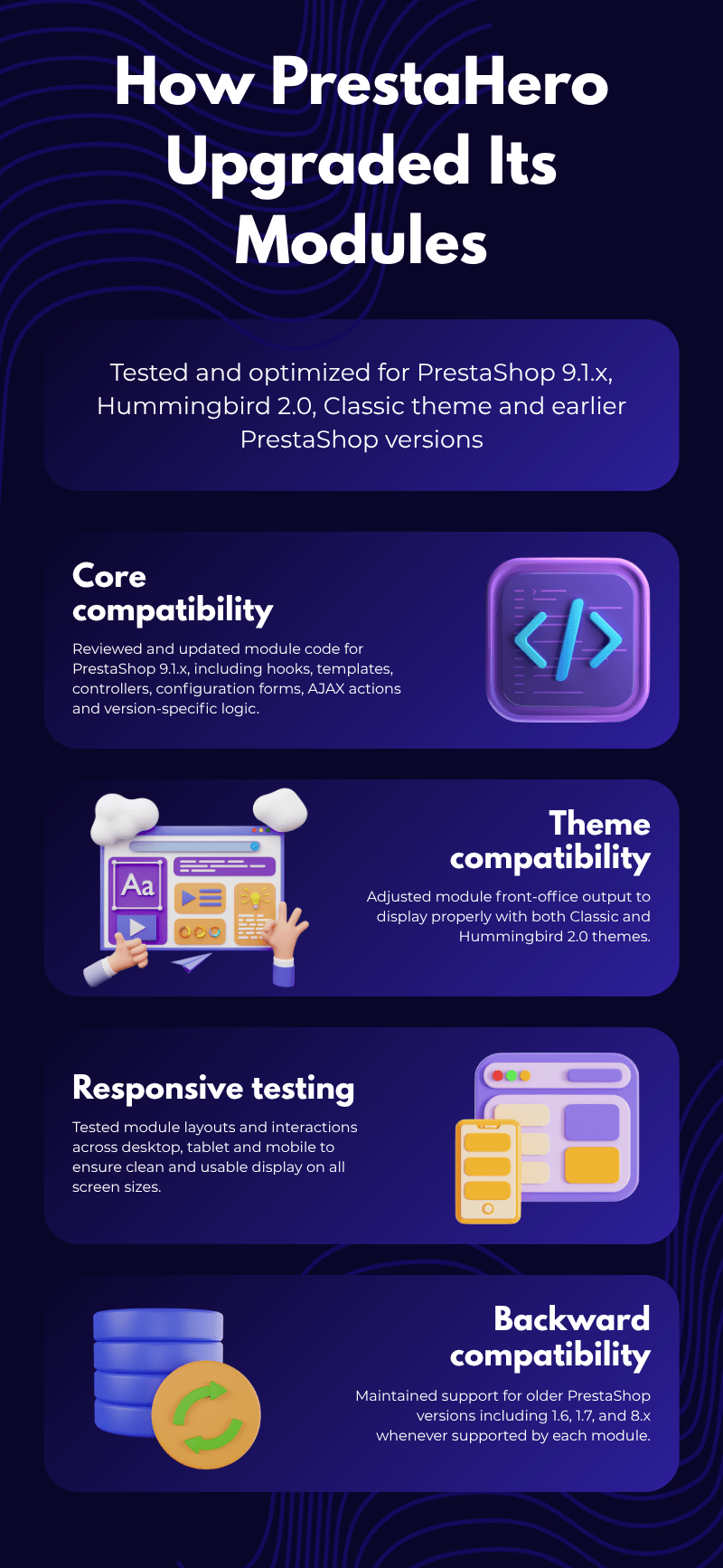
The upgrade process covers several compatibility layers.
First, PrestaHero checked core compatibility. This includes reviewing module code against the latest PrestaShop 9.1.x environment, checking class usage, hooks, controllers, templates, configuration forms, database logic, AJAX actions and version-specific behavior. Where needed, modules were adjusted to work better with the newer technical foundation of PrestaShop 9.1.x.
Second, PrestaHero worked on theme compatibility. Since Hummingbird 2.0 is now the default theme in PrestaShop 9.1, modules with front-office output needed to be tested with the new theme structure. This includes checking how module blocks, buttons, forms, product sections, popups, banners, menus, reviews and other UI elements appear inside the new storefront layout.
Third, PrestaHero continued to maintain backward compatibility. Many merchants are still running stores on PrestaShop 1.6, 1.7, or 8.x. A module update for PrestaShop 9.1.x should not break existing stores using earlier versions. For this reason, PrestaHero modules are adjusted carefully with version-aware logic, fallback handling, conditional templates and compatibility checks where necessary.
Fourth, PrestaHero tested responsive behavior across desktop, tablet and mobile. This helps ensure that module content remains readable, aligned and easy to use across different devices. Buttons, forms, modals, sliders, menus, product cards and checkout-related elements were reviewed with different screen sizes in mind.

This multi-layer approach helps PrestaHero modules stay ready for modern PrestaShop stores while continuing to support merchants who have not upgraded yet.
One of the most important parts of this update is theme compatibility.
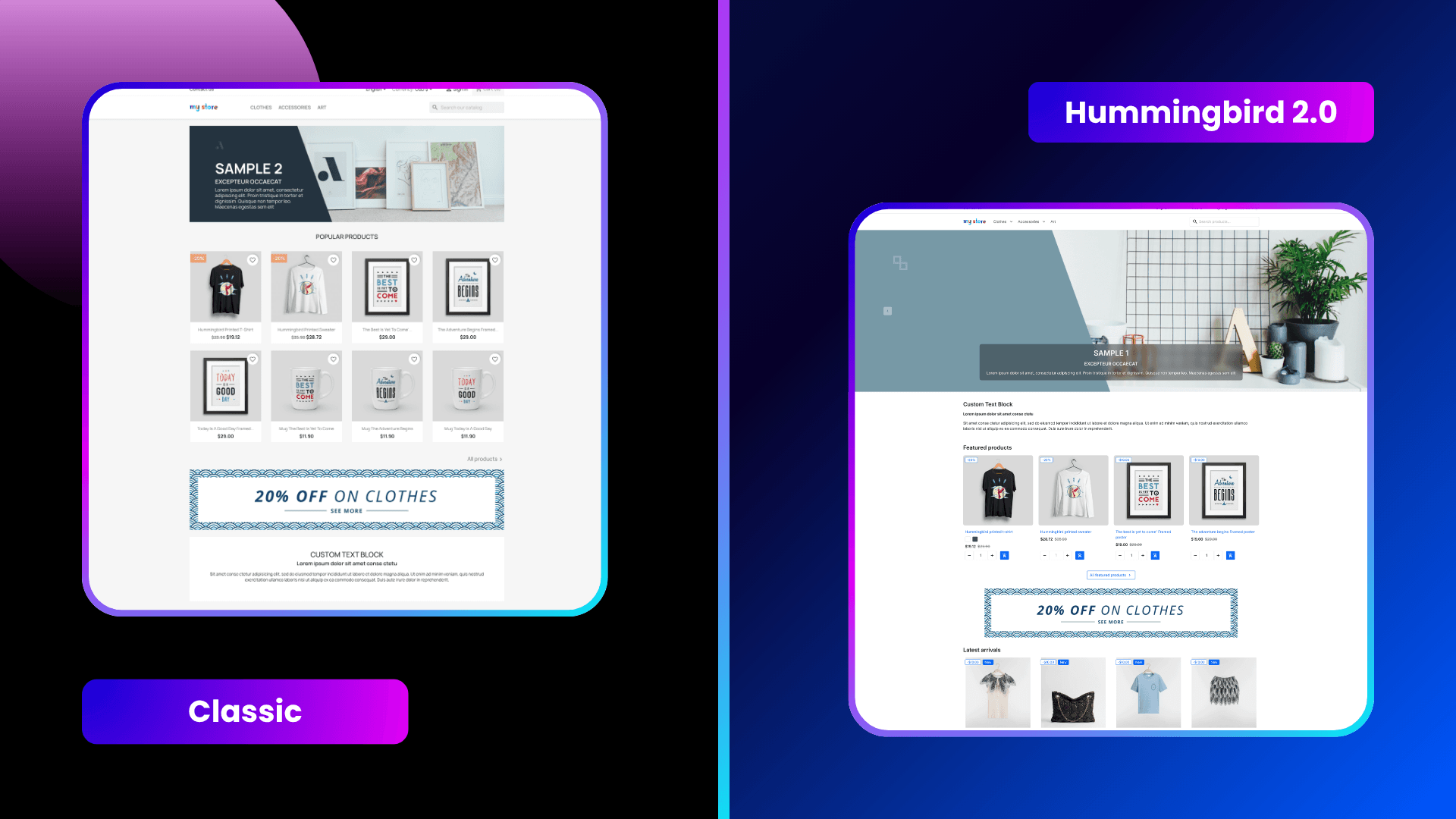
Before PrestaShop 9.1, many stores used Classic or themes based on Classic as their front-office foundation. From PrestaShop 9.1 onward, Hummingbird 2.0 becomes the new default theme for new installations. This means module developers now need to consider both the traditional Classic-based structure and the new Hummingbird-based storefront.

PrestaHero modules have been adjusted to display properly on both environments.
For stores using Classic, modules continue to support the familiar hook positions, layout behavior and front-office structure used by many existing PrestaShop stores. This is important for merchants who are not ready to change their theme but still want to keep their modules updated.
For stores using Hummingbird 2.0, modules have been reviewed to fit better with the new default theme. This includes spacing, alignment, responsive behavior, button styles, form display, product block structure and general storefront presentation.
For custom themes, the final result may still depend on how the theme overrides templates or manages hooks. However, by supporting both Classic and Hummingbird 2.0, PrestaHero modules provide a stronger compatibility foundation for a wide range of PrestaShop stores.
Before upgrading your store to PrestaShop 9.1.x, we recommend following a careful upgrade process. This helps reduce compatibility risks and prevents unexpected issues on your live website. Start by checking your current PrestaShop version and reviewing whether your hosting environment supports the requirements of the target version. Then, create a full backup of your website files and database before making any changes.
Next, update your installed modules to their latest available versions. This is especially important for modules that affect the front office, checkout, cart, shipping, payment, SEO, product management, reviews, marketplace features, or customer experience.
We also recommend testing the upgrade on a staging website before applying it to your live store. After upgrading, check key pages such as the homepage, category pages, product pages, cart, checkout, customer account and back office module configuration pages. You should also test the store on desktop, tablet and mobile.
If you want a more controlled upgrade process, PrestaHero also provides a dedicated PrestaShop upgrade module to help merchants upgrade their stores from older PrestaShop versions to newer versions more safely and conveniently.
Upgrade your store with PrestaHero’s Direct Upgrade module
PrestaHero has upgraded its modules to better support modern PrestaShop stores running PrestaShop 9.1.x and Hummingbird 2.0, while continuing to maintain compatibility with earlier PrestaShop versions whenever supported by each module.
Whether you want to improve SEO, speed, checkout, navigation, product management, migration, reviews, marketing, marketplace features, or overall customer experience, you can explore the latest PrestaHero modules and choose the right tools for your store.
Explore all PrestaHero modules
PrestaShop 9.1.x is an important step toward a more modern and future-ready ecommerce platform. With Hummingbird 2.0 as the new default theme and a stronger technical foundation behind the platform, module compatibility becomes more important than ever.
By updating and testing its modules for PrestaShop 9.1.x, Hummingbird 2.0, Classic and earlier PrestaShop versions, PrestaHero helps merchants prepare their stores for the future while keeping existing stores stable and reliable.