View all images
 +4 More
 +4 More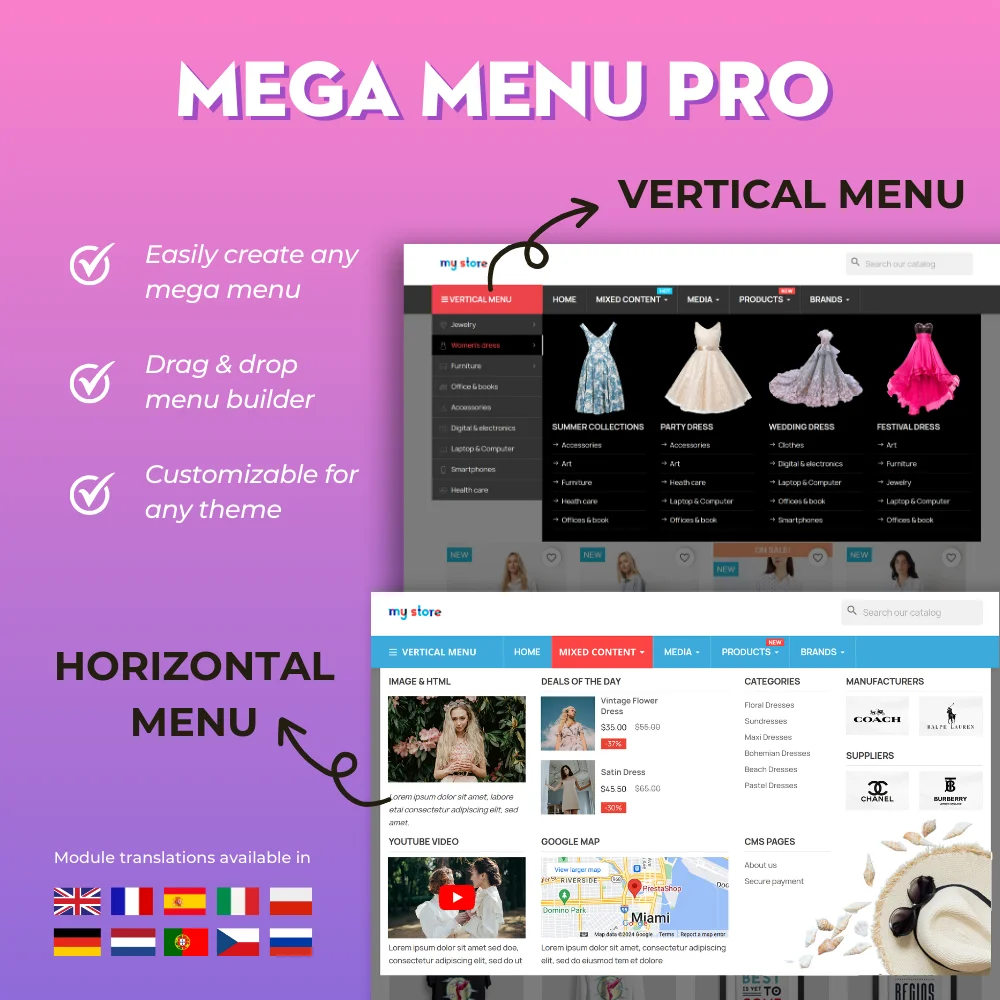

The most powerful Advanced top PrestaShop mega menu module 2026, awesome design, super easy-to-use, display perfectly on mobile devices, visual drag/drop backend, support both vertical & horizontal responsive menu. The best navigation module ever!


Hit Google top result with best SEO practices in 2026! SEO Analytics, Pretty URL, Sitemap, Auto Image ALT, meta title, meta description, Google Snippet, RSS & social network optimization. Also integrated with ChatGPT for generating SEO content.
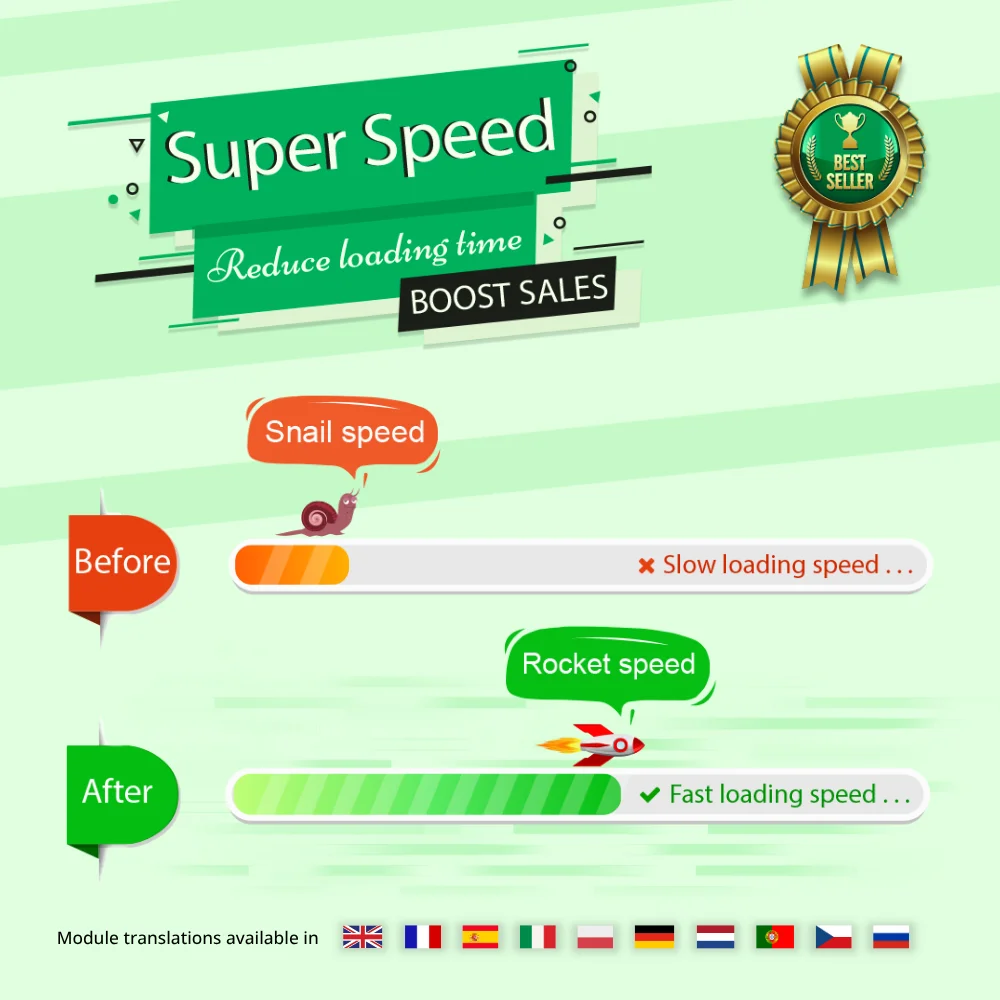

Speed up and optimize your store to enhance user experience & boost SEO. Maximize page speed, Google PageSpeed & GTmetrix scores with page cache, database & image optimization (Webp/TinyPNG), HTML/CSS/JavaScript minification, GZIP compression, etc.

The most trusted professional PrestaShop blog module. Can be integrated with ChatGPT for generating content! Up-to-date with SEO practices, a WordPress alternative, All-in-one blog module for your store!


One Page Checkout & Social Login simplifies PrestaShop default checkout process; helps customers checkout faster, easier, and more secure. Support Google Pay, PayPal, Stripe, Amazon Pay, PrestaShop Checkout, COD, bank wire, etc.
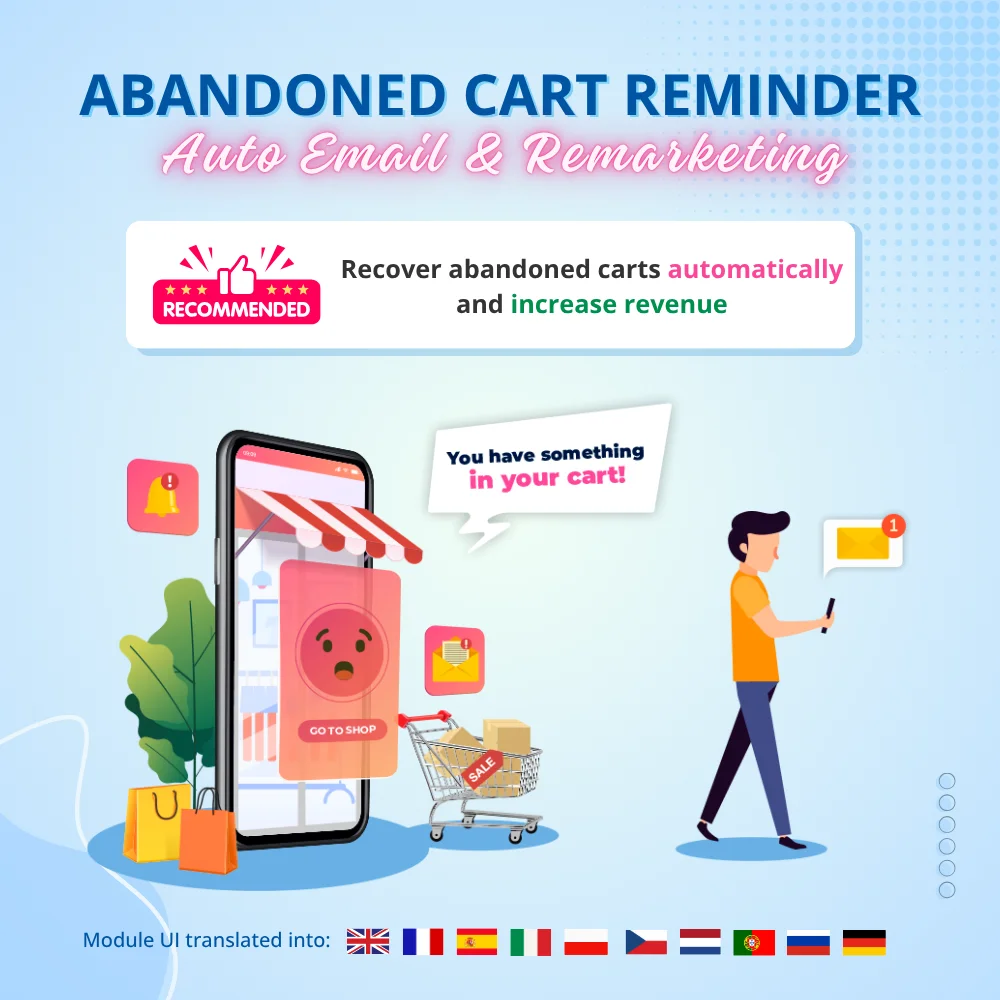

Boost sales and revenue by recovering abandoned carts with this PrestaShop abandoned cart reminder. Send reminders via email, popup, highlight bar and web push, with discounts to convert. Also send auto emails after subscribe, sign-up or purchase.


Build loyalty, attract new customers and grow sales with 3 marketing programs in 1 module—loyalty, referral and affiliate. Reward customers with points or cash when they purchase products, refer friends or promote products and generate sales.


The best visual drag & drop contact form with CAPTCHA. Create any kind of form: contact form, order form, etc. This is a feature-rich and secure PrestaShop contact form module.
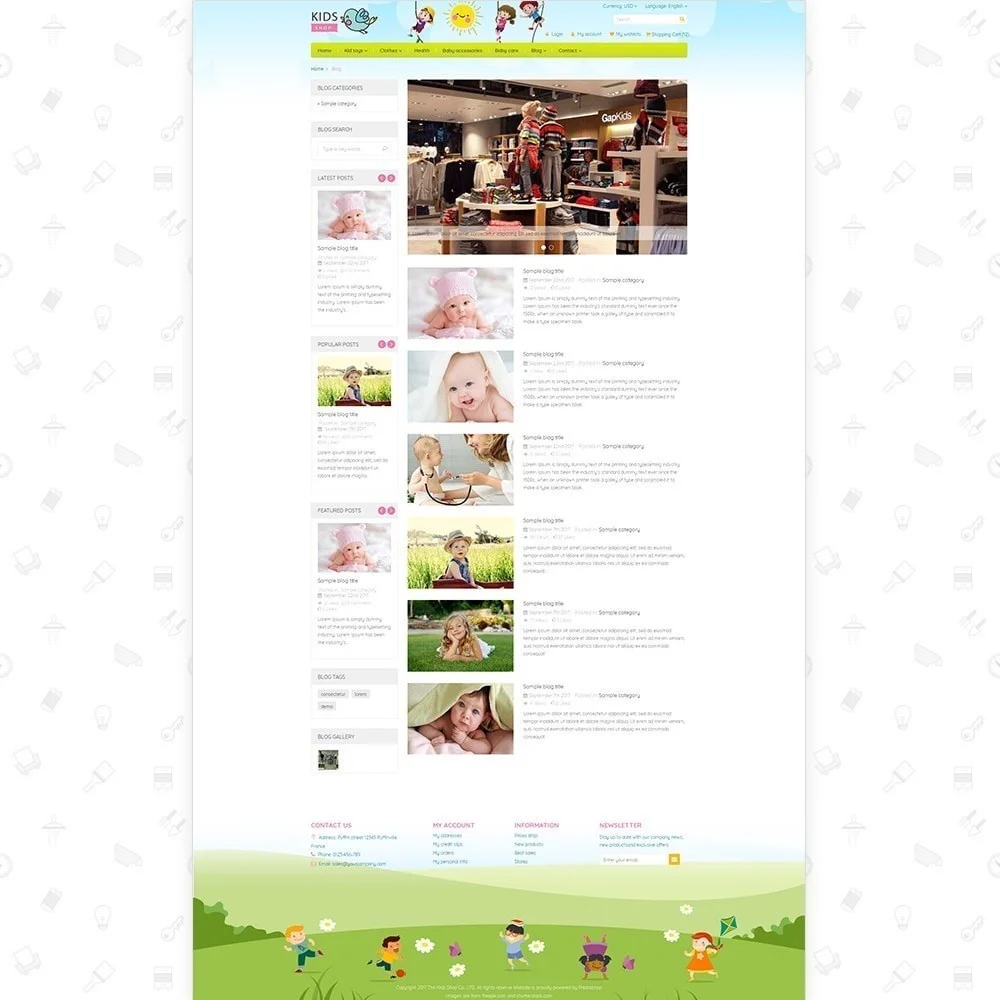
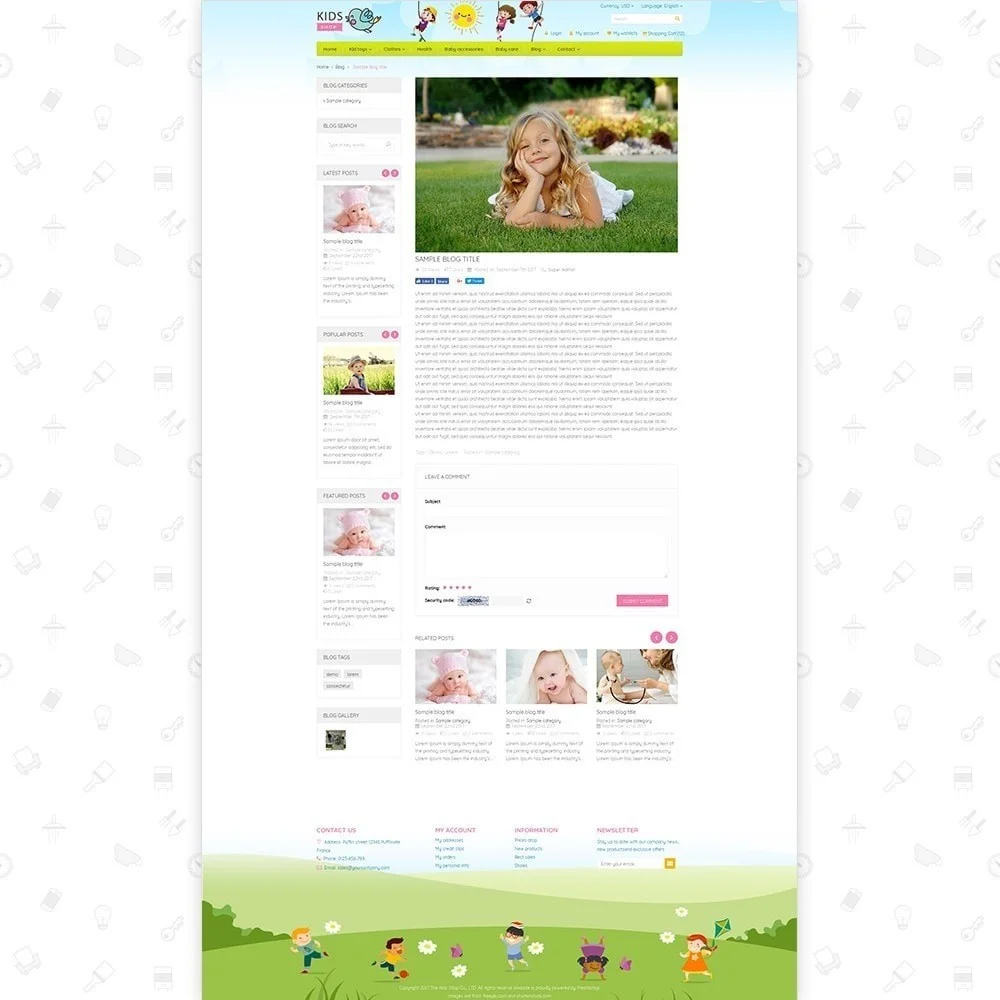
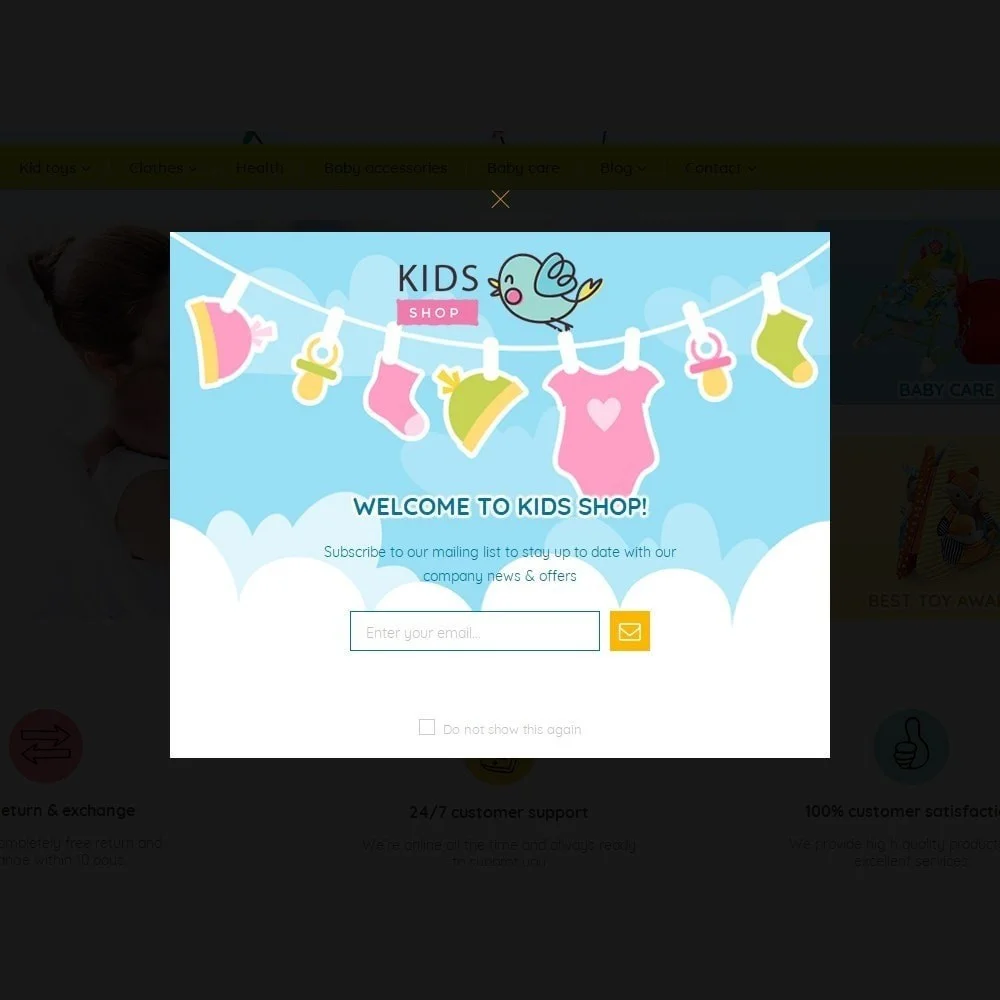
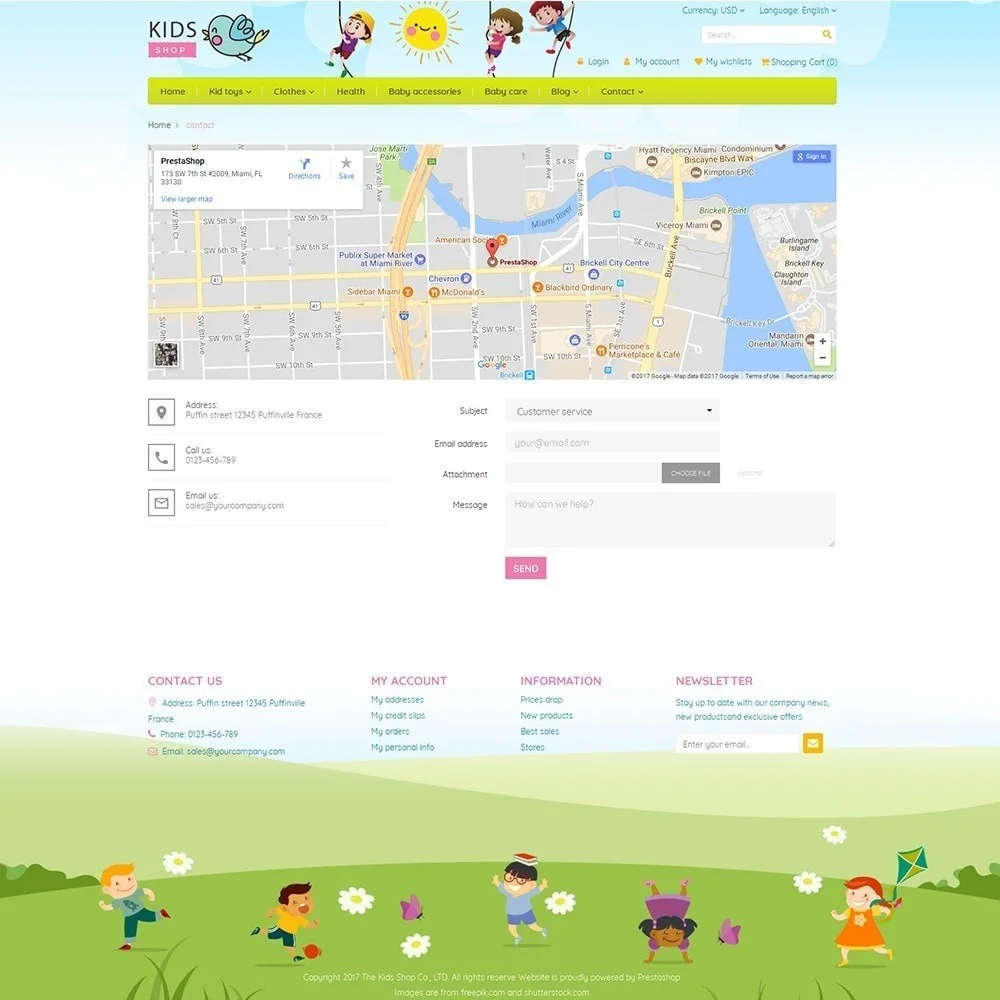
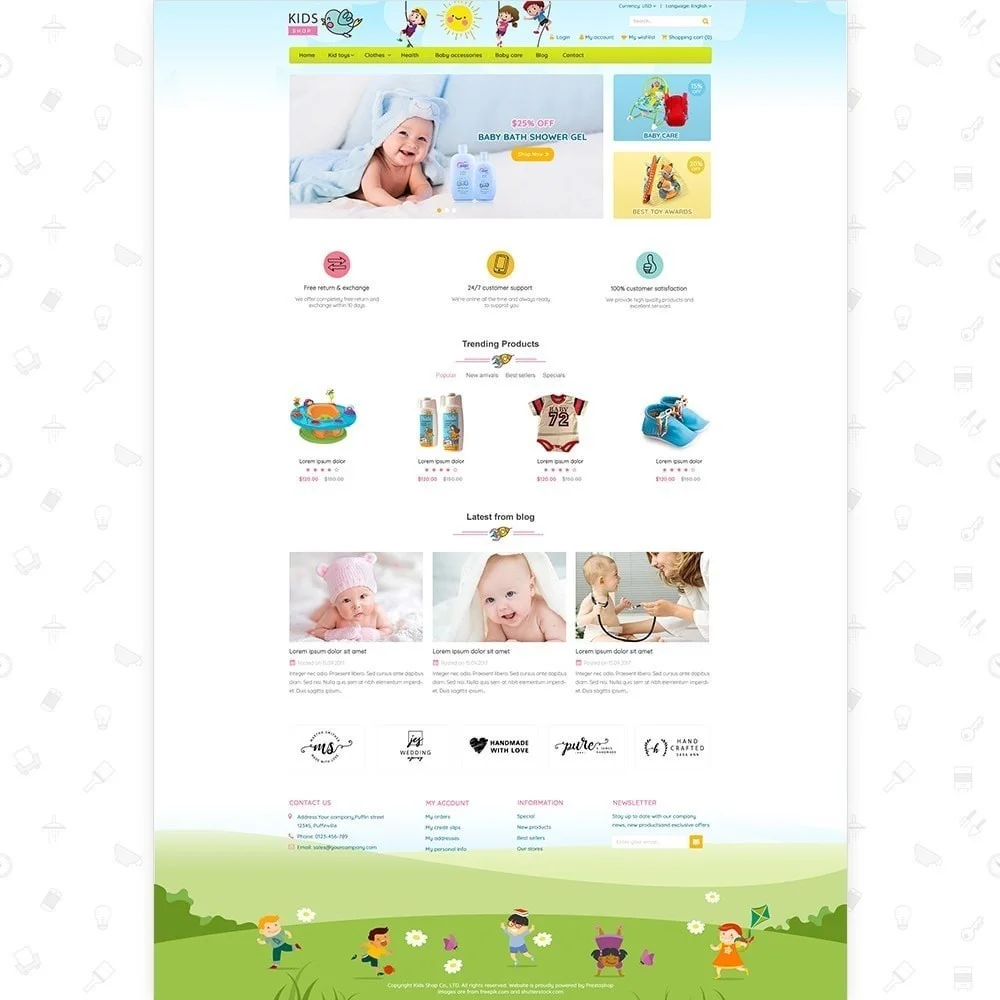
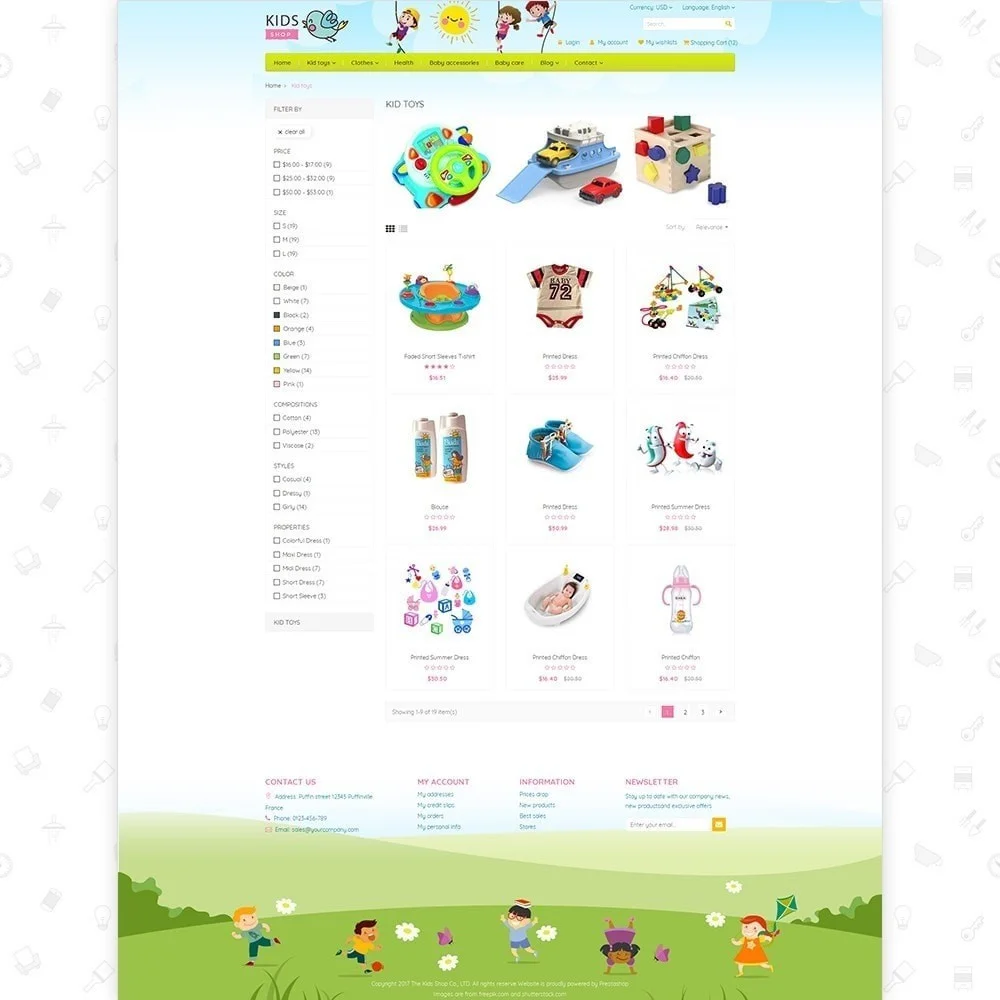
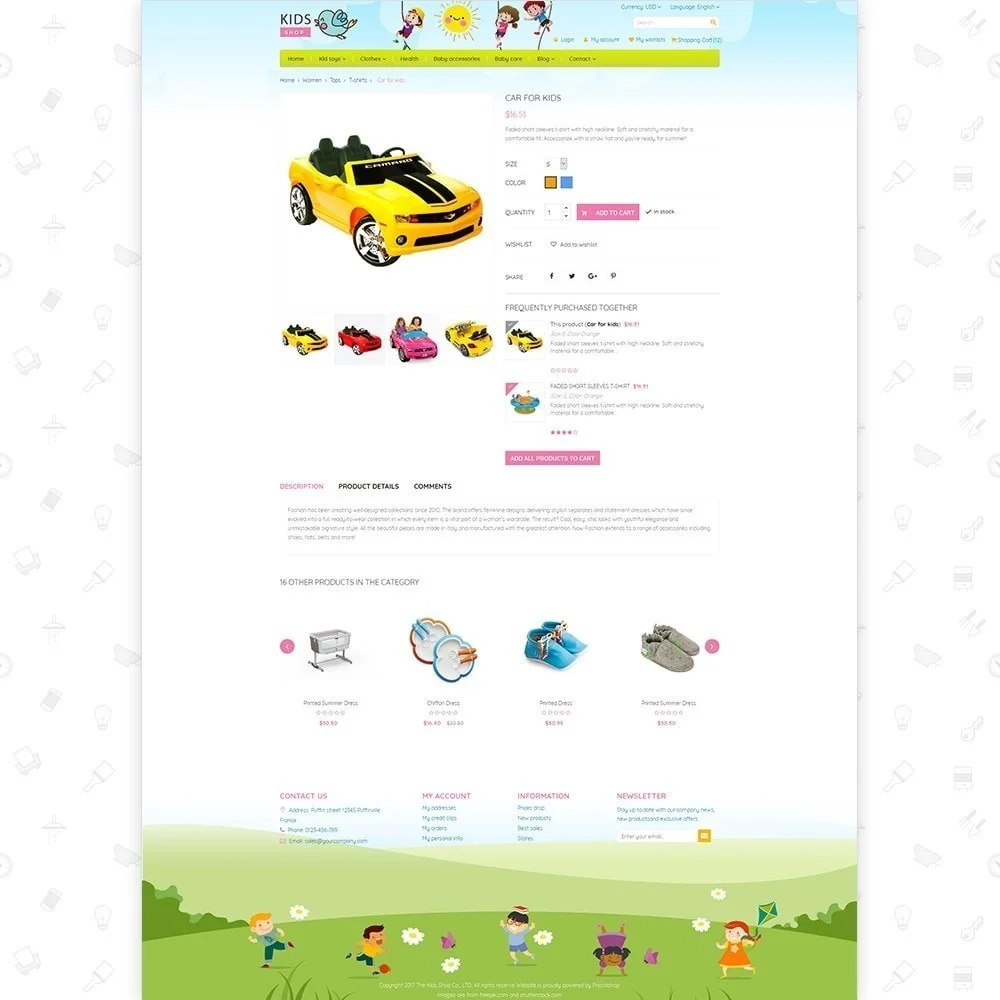
Kids Shop is a premium design PrestaShop theme that is highly recommended for kids or baby store websites. The theme comes with a clean and lovely design using soft colors, which makes it suitable for setting up any child-related store website. This is a beautiful baby store PrestaShop theme to showcase children clothes, dresses, coats and jackets… as well as provide detailed information about its styles and prices. Especially, to make it convenient for you to run online business, we have integrated bundles of essential modules, so your customers will get it easy to go shopping, add to cart and make purchase. Have a look its feature list and make a purchase right now!
And many more...
A professional theme helps create a strong first impression and attract customer attention. However, a successful online store also needs the right tools to improve performance, SEO, customer experience, and conversions. The following essential PrestaShop modules work well with this theme to help support your business growth.
Super Speed: Improve website loading speed for a faster browsing experience and better SEO performance. Faster pages can help customers stay longer, explore more products, and improve conversion potential
SEO Audit: Analyze your store’s SEO setup and identify issues that may affect search visibility. This helps you discover optimization opportunities and improve your chances of ranking higher on Google.
One Page Checkout: Simplify the checkout experience by displaying all purchase steps on a single page. A smoother checkout process helps reduce cart abandonment and encourages faster order completion.
Abandoned Cart Reminder: Reconnect with visitors who leave your website without completing their purchase through automated reminders. This helps recover potentially lost sales and create more conversion opportunities.
Product Reviews: Build product trust with authentic customer feedback, ratings, and review content. Strong social proof can influence purchasing decisions and improve confidence for future customers.
The right combination of a well-designed theme and essential modules can help you build a store that looks professional, performs efficiently, and supports business growth. Start with this free theme, then explore the recommended modules above to further strengthen your store.
Version 1.2.0
Version 1.1.9
Version 1.1.8
Version 1.1.7
Version 1.1.6
Version 1.1.5
Version 1.1.4
Version 1.1.3
Version 1.1.1
Version 1.1.0
Version 1.0.9
Version 1.0.8
Version 1.0.7
Version 1.0.6
Version 1.0.5
Version 1.0.4
Step 1: Log in to your back office, then navigate to Design > Theme & Logo
Step 2: Click on "Add new theme" button, then select your theme installation file (.zip file) and upload it.
Step 3: Choose the theme you uploaded and click “Use this theme”.
Step 4: Upload logo: Navigate to “Theme & Logo / Theme”, select and upload your website logo.
 How to install PrestaHero’s themes?
  How to transfer PretaHero's module license?
  How to download free PrestaHero's modules and themes?
  All PrestaShop Themes on PrestaHero Are Now Compatible with PrestaShop 9.1.x
 The most trusted professional PrestaShop blog module. Can be integrated with ChatGPT for generating content! Up-to-date with SEO practices, a WordPress alternative, All-in-one blog module for your store!
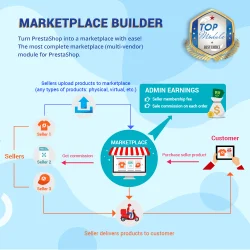

Transform PrestaShop into a multi vendor marketplace with easy setup steps. This module enables sellers to list their products on your site and pay you a percentage fee per sale or a monthly membership fee
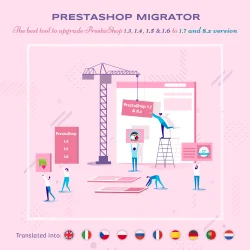

Easily migrate your data (data transfer) from PrestaShop 8, 1.7, 1.6, 1.5 to PrestaShop 9 with our ultimate PrestaShop migration module - the smart way to upgrade your store. Seamlessly migrate your data, enhance features & stay updated.
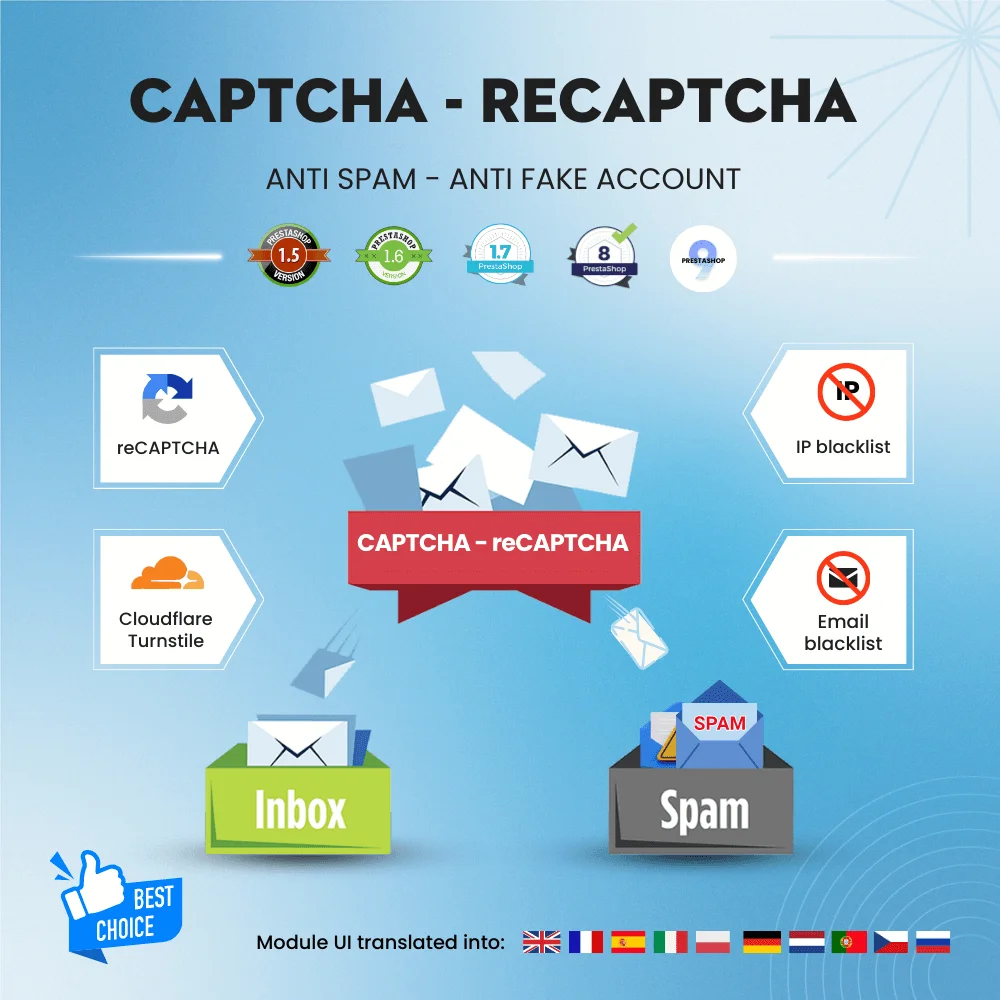

Get rid of spam emails and fake customer accounts with Google CAPTCHA - reCAPTCHA, Cloudflare Turnstile, IP blacklist, and email blacklist. The best PrestaShop captcha module for contact form, login and registration form, newsletter subscription, and all other forms.
Build loyalty, attract new customers and grow sales with 3 marketing programs in 1 module—loyalty, referral and affiliate. Reward customers with points or cash when they purchase products, refer friends or promote products and generate sales.
Boost sales and revenue by recovering abandoned carts with this PrestaShop abandoned cart reminder. Send reminders via email, popup, highlight bar and web push, with discounts to convert. Also send auto emails after subscribe, sign-up or purchase.
The best visual drag & drop contact form with CAPTCHA. Create any kind of form: contact form, order form, etc. This is a feature-rich and secure PrestaShop contact form module.
The most powerful Advanced top PrestaShop mega menu module 2026, awesome design, super easy-to-use, display perfectly on mobile devices, visual drag/drop backend, support both vertical & horizontal responsive menu. The best navigation module ever!