
View all images
 +2 More
 +2 More
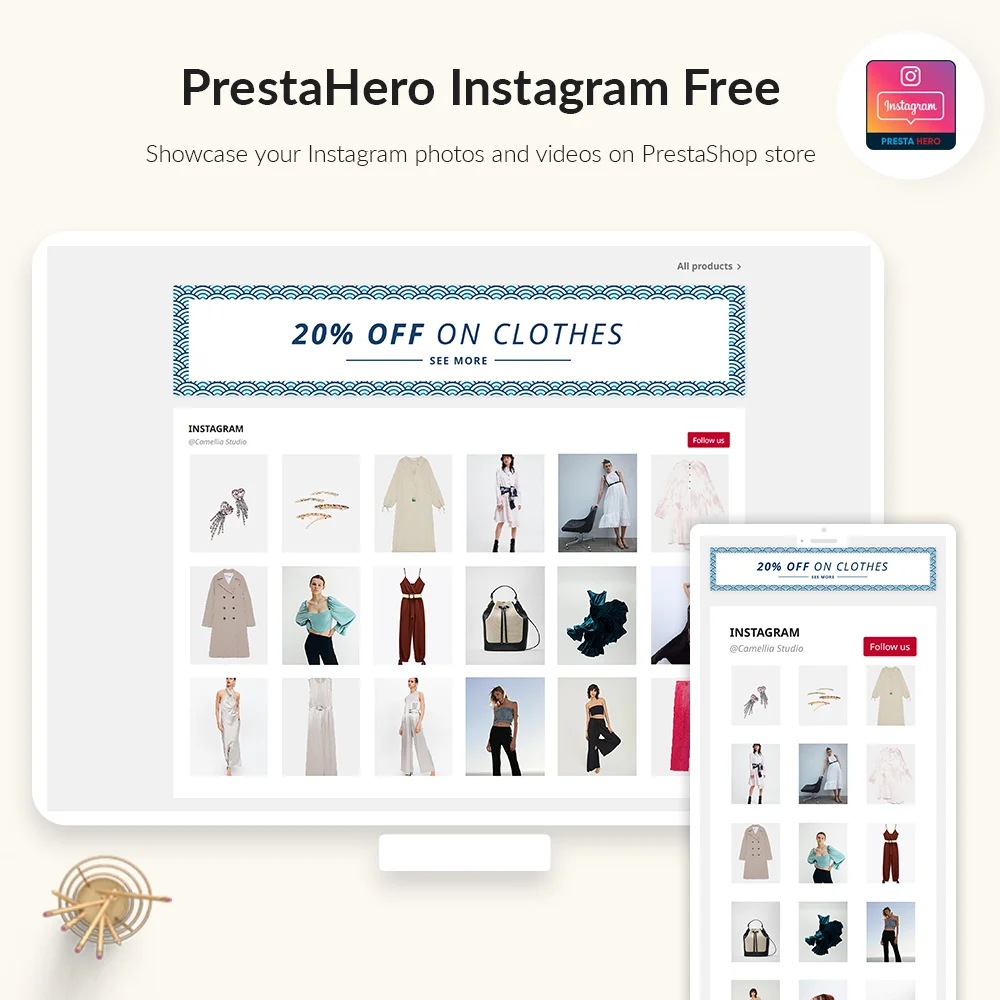
Free PrestaShop Instagram module to display your Instagram photos and videos on PrestaShop home page in minutes with an easy setup. PrestaShop Instagram integration has never been easy like this!
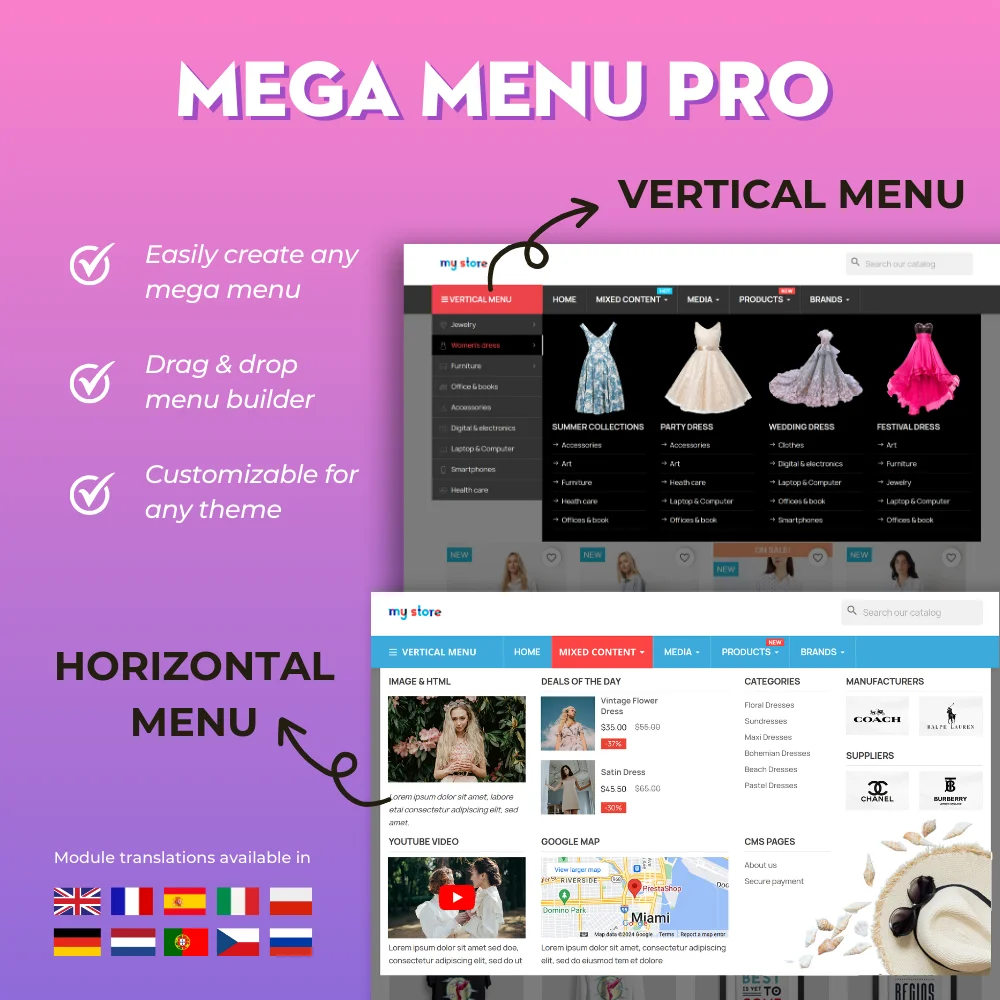

The most powerful Advanced top PrestaShop mega menu module 2026, awesome design, super easy-to-use, display perfectly on mobile devices, visual drag/drop backend, support both vertical & horizontal responsive menu. The best navigation module ever!
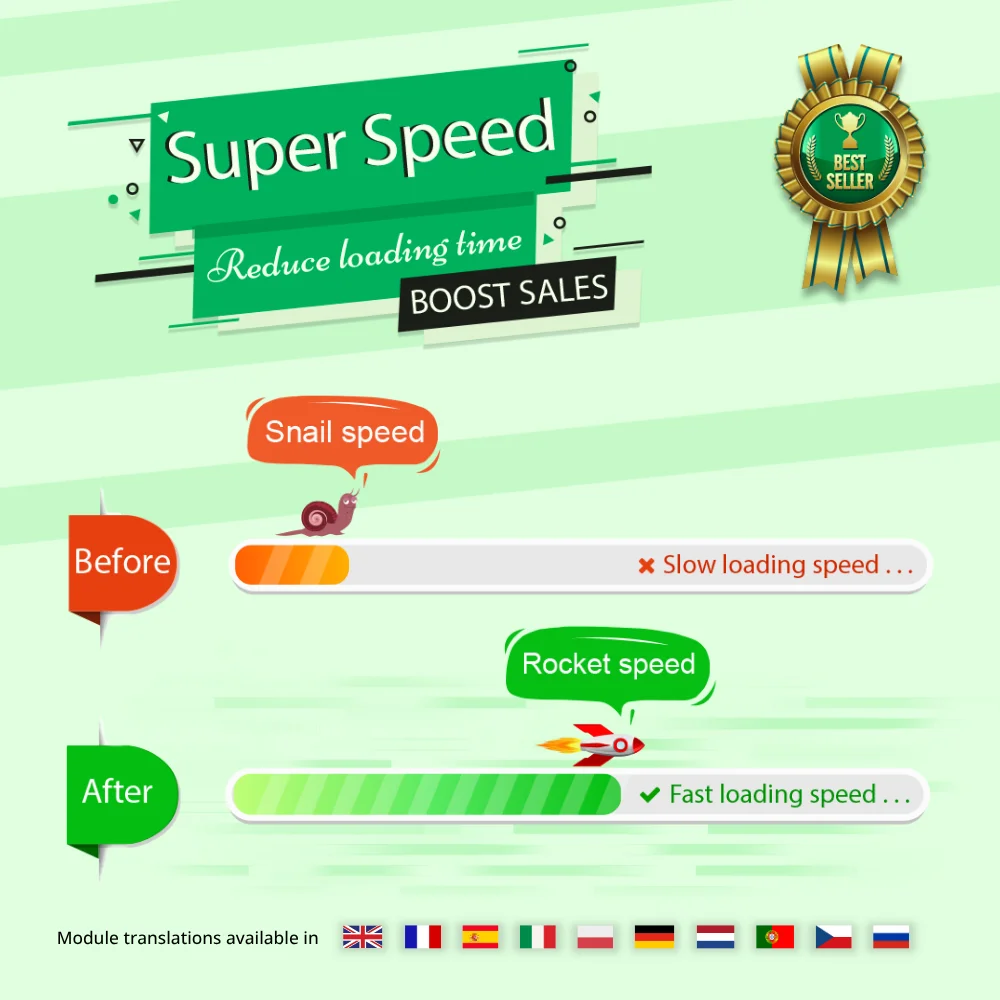

Speed up and optimize your store to enhance user experience & boost SEO. Maximize page speed, Google PageSpeed & GTmetrix scores with page cache, database & image optimization (Webp/TinyPNG), HTML/CSS/JavaScript minification, GZIP compression, etc.


Hit Google top result with best SEO practices in 2026! SEO Analytics, Pretty URL, Sitemap, Auto Image ALT, meta title, meta description, Google Snippet, RSS & social network optimization. Also integrated with ChatGPT for generating SEO content.

The most trusted professional PrestaShop blog module. Can be integrated with ChatGPT for generating content! Up-to-date with SEO practices, a WordPress alternative, All-in-one blog module for your store!


One Page Checkout & Social Login simplifies PrestaShop default checkout process; helps customers checkout faster, easier, and more secure. Support Google Pay, PayPal, Stripe, Amazon Pay, PrestaShop Checkout, COD, bank wire, etc.


Build loyalty, attract new customers and grow sales with 3 marketing programs in 1 module—loyalty, referral and affiliate. Reward customers with points or cash when they purchase products, refer friends or promote products and generate sales.
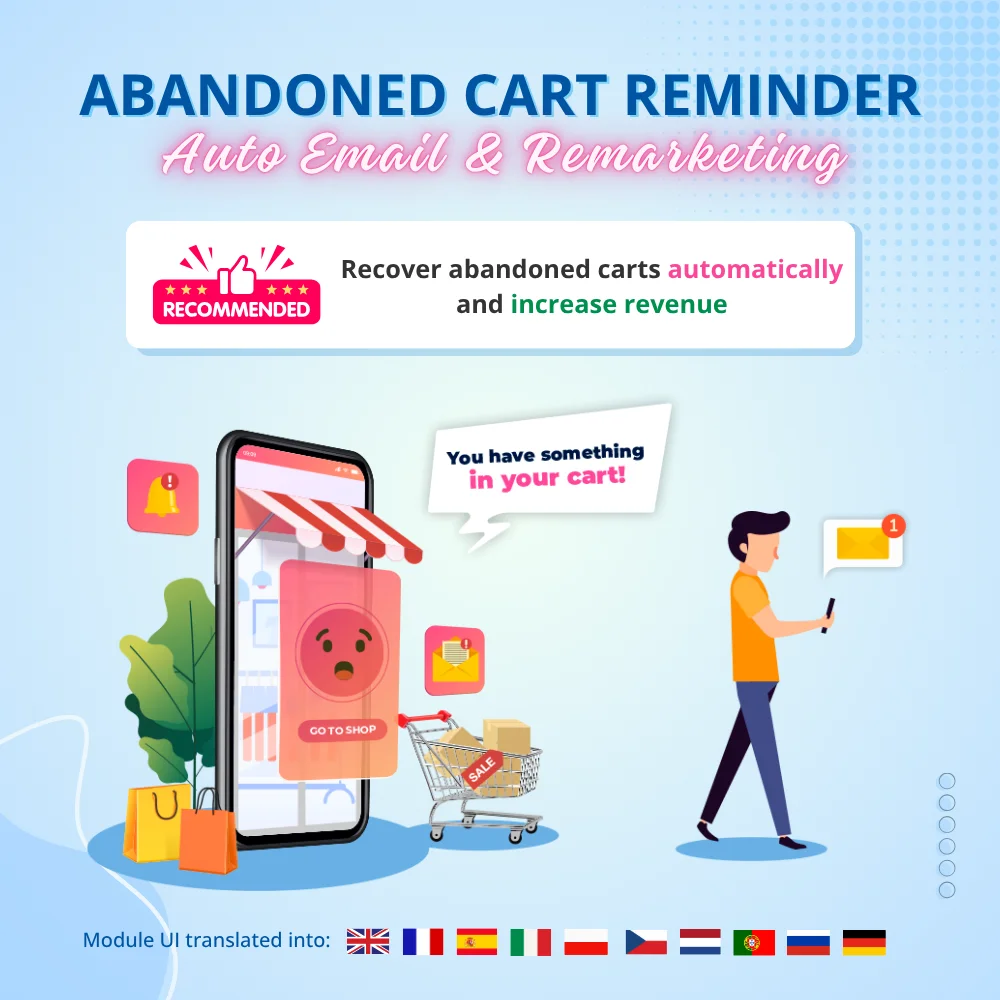

Boost sales and revenue by recovering abandoned carts with this PrestaShop abandoned cart reminder. Send reminders via email, popup, highlight bar and web push, with discounts to convert. Also send auto emails after subscribe, sign-up or purchase.


The best visual drag & drop contact form with CAPTCHA. Create any kind of form: contact form, order form, etc. This is a feature-rich and secure PrestaShop contact form module.
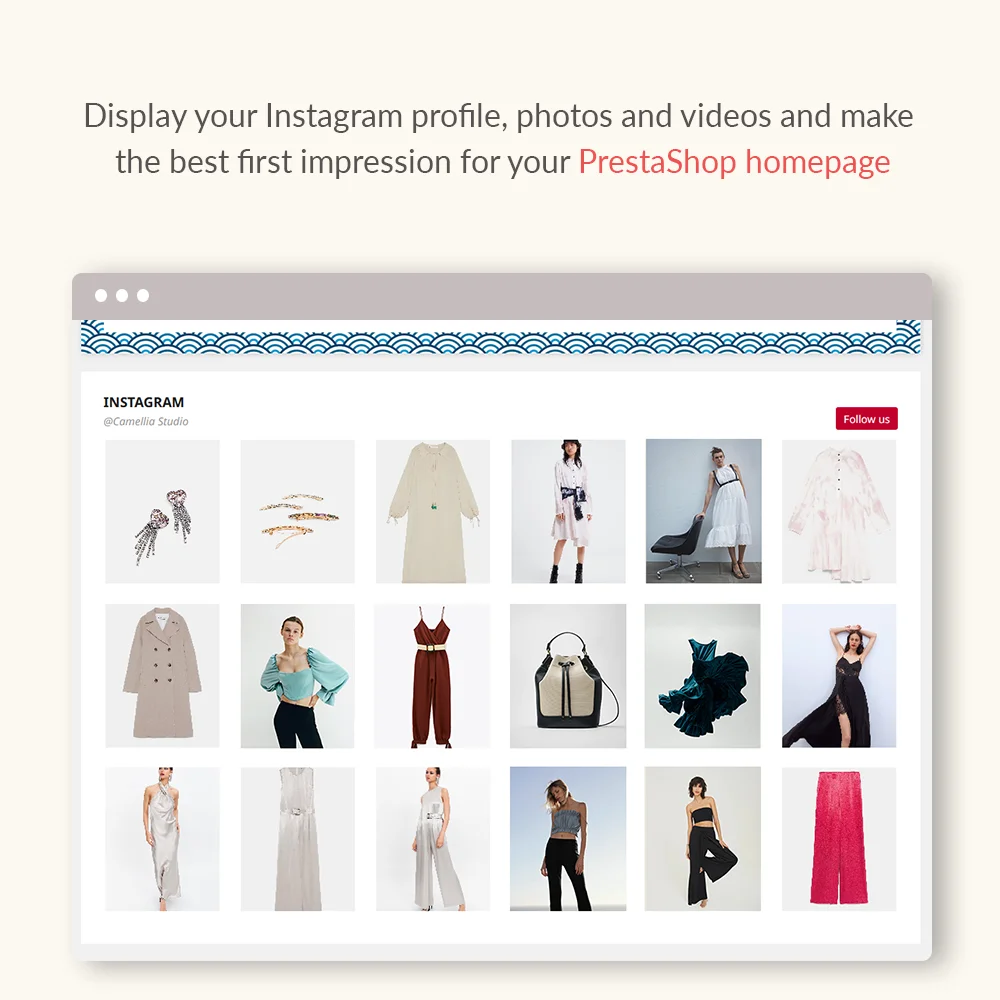
Showcase your Instagram feed photos/videos on the PrestaShop home page with our Free PrestaShop Instagram module. Let’s your stylist stand out and grab customers' attention.
With an Instagram feed, you will be able to keep your followers engaged and establish a connection with new visitors exploring your brand.
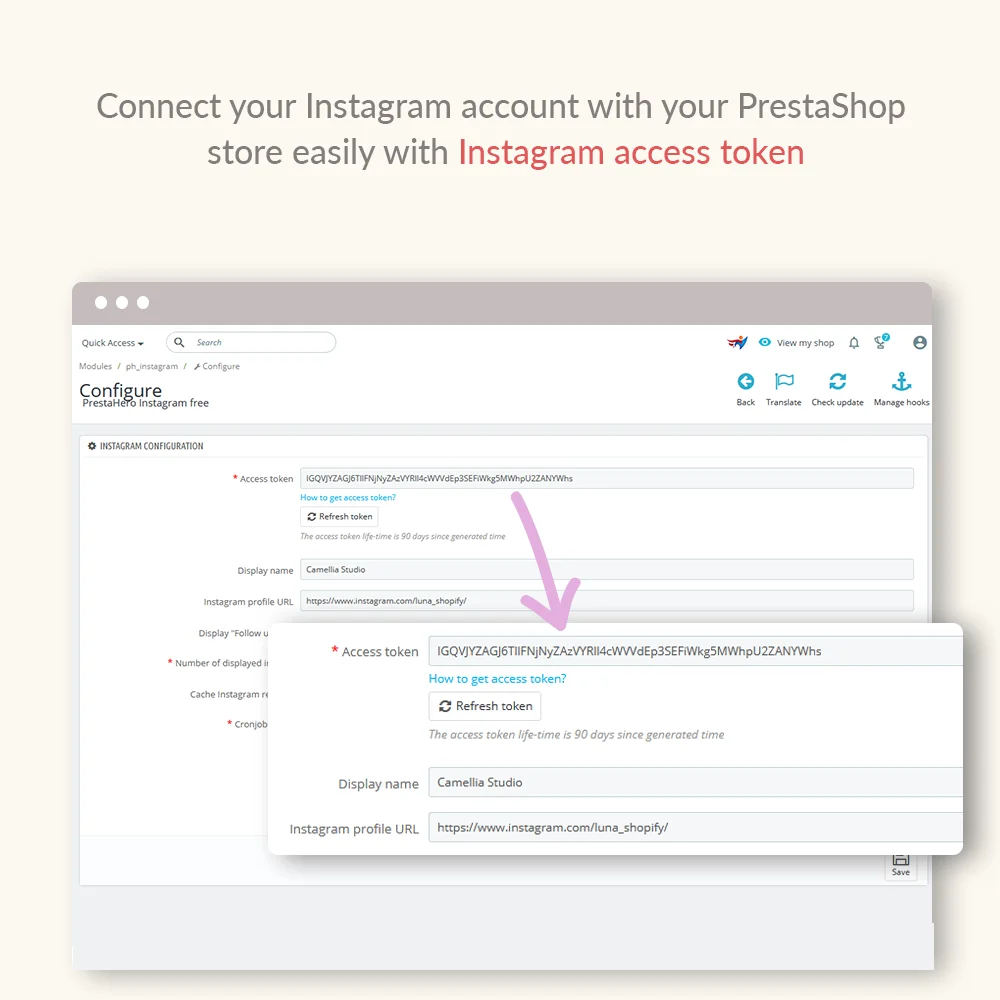
Our module syncs with your Instagram account in real-time to ensure the photos displayed in your store are up-to-date.
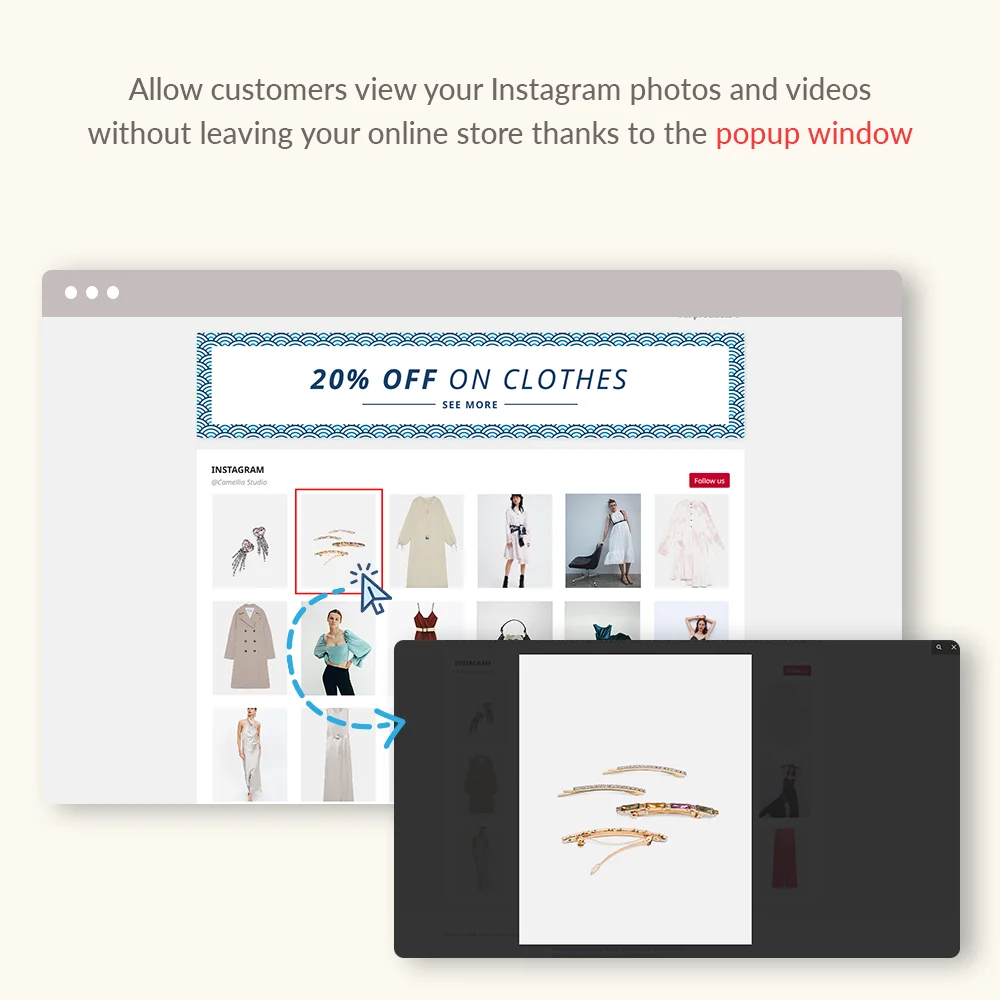
Apart from photos, Instagram Feed module also enables you to display as well as let customers play the videos in the Instagram block.
Displaying an Instagram feed is a great way to highlight your brand’s social presence and keep your store visually engaging. It helps build trust, inspire visitors, and showcase real-life content directly on your website.
The Instagram Feed module focuses on displaying photos and videos in a clean and lightweight way. If you want to take your Instagram content further—such as turning your feed into a shoppable experience, tagging products on photos, or displaying Instagram posts as interactive sliders—you may want to explore our INS Shopping Slider (Premium module), designed to connect social content directly with your sales strategy.
Instagram Feed (Free) vs INS Shopping Slider (Premium)
| Feature group | Instagram Feed (Free) | INS Shopping Slider (Premium) |
|---|---|---|
| Instagram integration | Basic feed sync | Advanced integration & tagging |
| Media display | Photos & videos | Galleries, sliders & carousels |
| Shopping features | — | Shoppable posts & product tags |
| Design & customization | Simple | Highly customizable layouts |
| Placement & flexibility | Homepage | Anywhere (home, product pages, hooks) |
| Performance & caching | Optimized | Advanced caching & lazy load |
| Data management | — | Import & export supported |
View INS Shopping Slider module
Step 1: Download and install PrestaHero Connect: https://prestahero.com/en/145-prestahero-connect.html
Step 2: Reload your back office, then navigate to "PrestaHero > PrestaHero modules" and click on "Connect to PrestaHero" to connect your website with PrestaHero securely with your PrestaHero credentials.
Step 3: Find the module you purchased (or free) modules and click "Install" or "Upgrade" to install the modules or upgrade your modules any time a new version is released.
*Note:
Version 1.1.6
Version 1.1.5
Version 1.1.4
Version 1.1.3
Version 1.1.1
Update:
Version 1.1.0
Version 1.0.9
Version 1.0.8
Version 1.0.6
Version 1.0.5
Version 1.0.4
Version 1.0.3
Version 1.0.2
 How to upgrade PrestaShop modules using PrestaHero Connect
 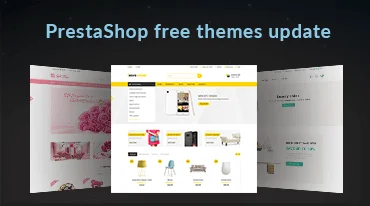 Big Update - All PrestaHero's themes!
  PrestaHero Modules Are Ready for PrestaShop 9.1.x and Hummingbird 2.0
 The most powerful Advanced top PrestaShop mega menu module 2026, awesome design, super easy-to-use, display perfectly on mobile devices, visual drag/drop backend, support both vertical & horizontal responsive menu. The best navigation module ever!
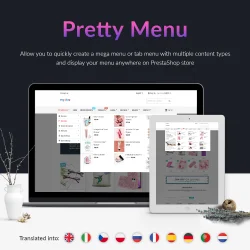

A visual, drag-and-drop, fully customizable & responsive PrestaShop mega menu builder. Allows you to quickly create both vertical menu & horizontal menu with multiple content types and display your menu anywhere on PrestaShop store.


Lookbook is a dynamic PrestaShop product collection showcase module that allows you to create unlimited lookbooks showcasing products in a captivating gallery and lets customers shop directly from tagged images.
The most trusted professional PrestaShop blog module. Can be integrated with ChatGPT for generating content! Up-to-date with SEO practices, a WordPress alternative, All-in-one blog module for your store!
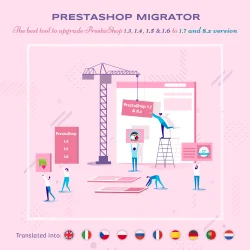

Easily migrate your data (data transfer) from PrestaShop 8, 1.7, 1.6, 1.5 to PrestaShop 9 with our ultimate PrestaShop migration module - the smart way to upgrade your store. Seamlessly migrate your data, enhance features & stay updated.
Build loyalty, attract new customers and grow sales with 3 marketing programs in 1 module—loyalty, referral and affiliate. Reward customers with points or cash when they purchase products, refer friends or promote products and generate sales.
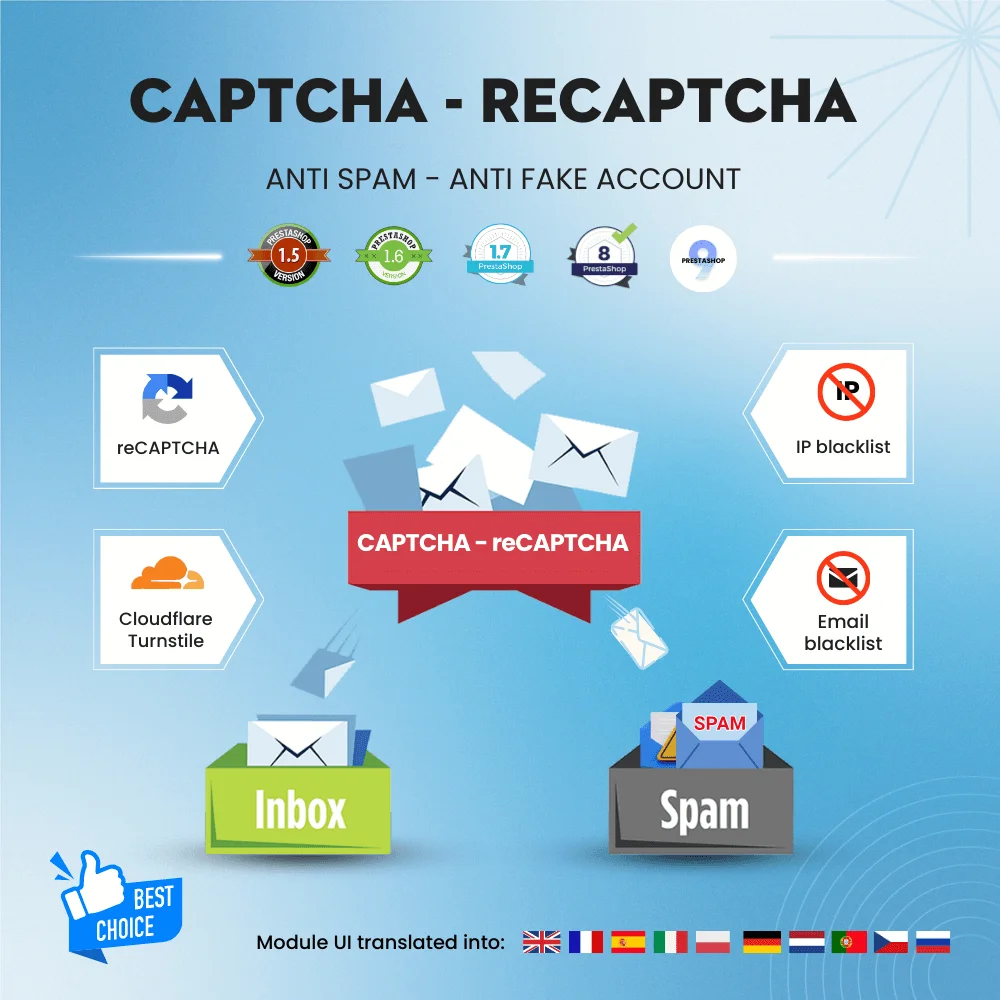

Get rid of spam emails and fake customer accounts with Google CAPTCHA - reCAPTCHA, Cloudflare Turnstile, IP blacklist, and email blacklist. The best PrestaShop captcha module for contact form, login and registration form, newsletter subscription, and all other forms.
Boost sales and revenue by recovering abandoned carts with this PrestaShop abandoned cart reminder. Send reminders via email, popup, highlight bar and web push, with discounts to convert. Also send auto emails after subscribe, sign-up or purchase.